Meet the Teacher Template: Your Guide to Making a Memorable Introduction
Let's explore a Meet the Teacher template and how it benefits educators. Learn to animate your template with Krikey AI and to make it engaging and memorable.
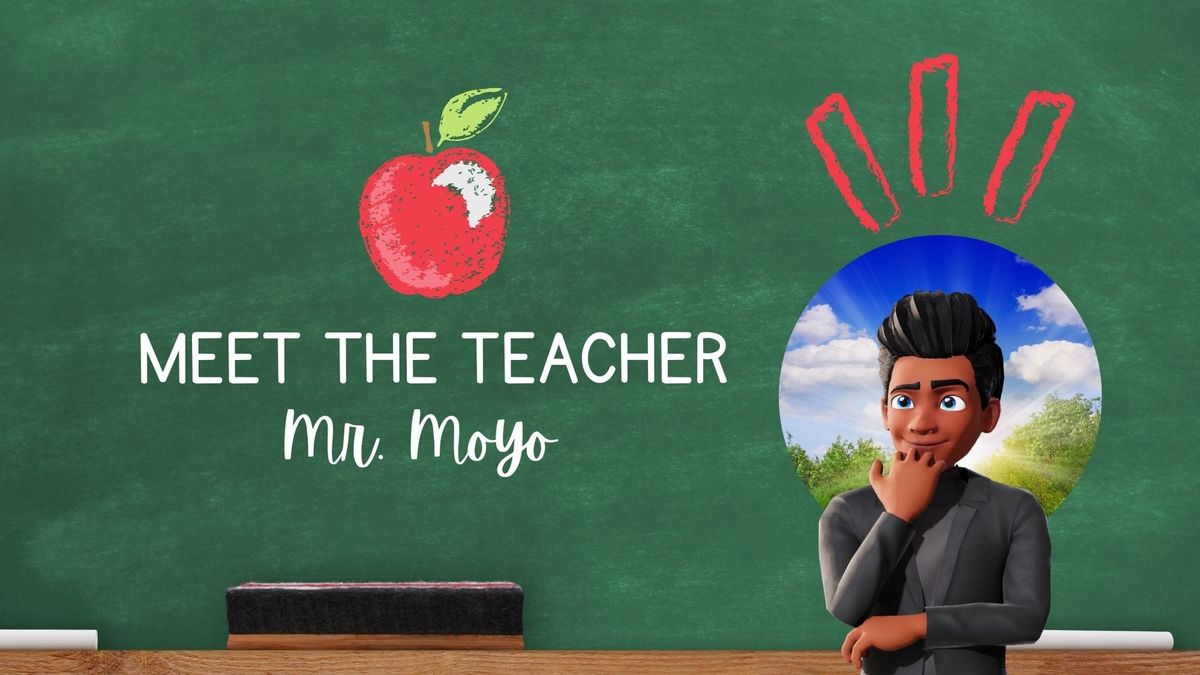
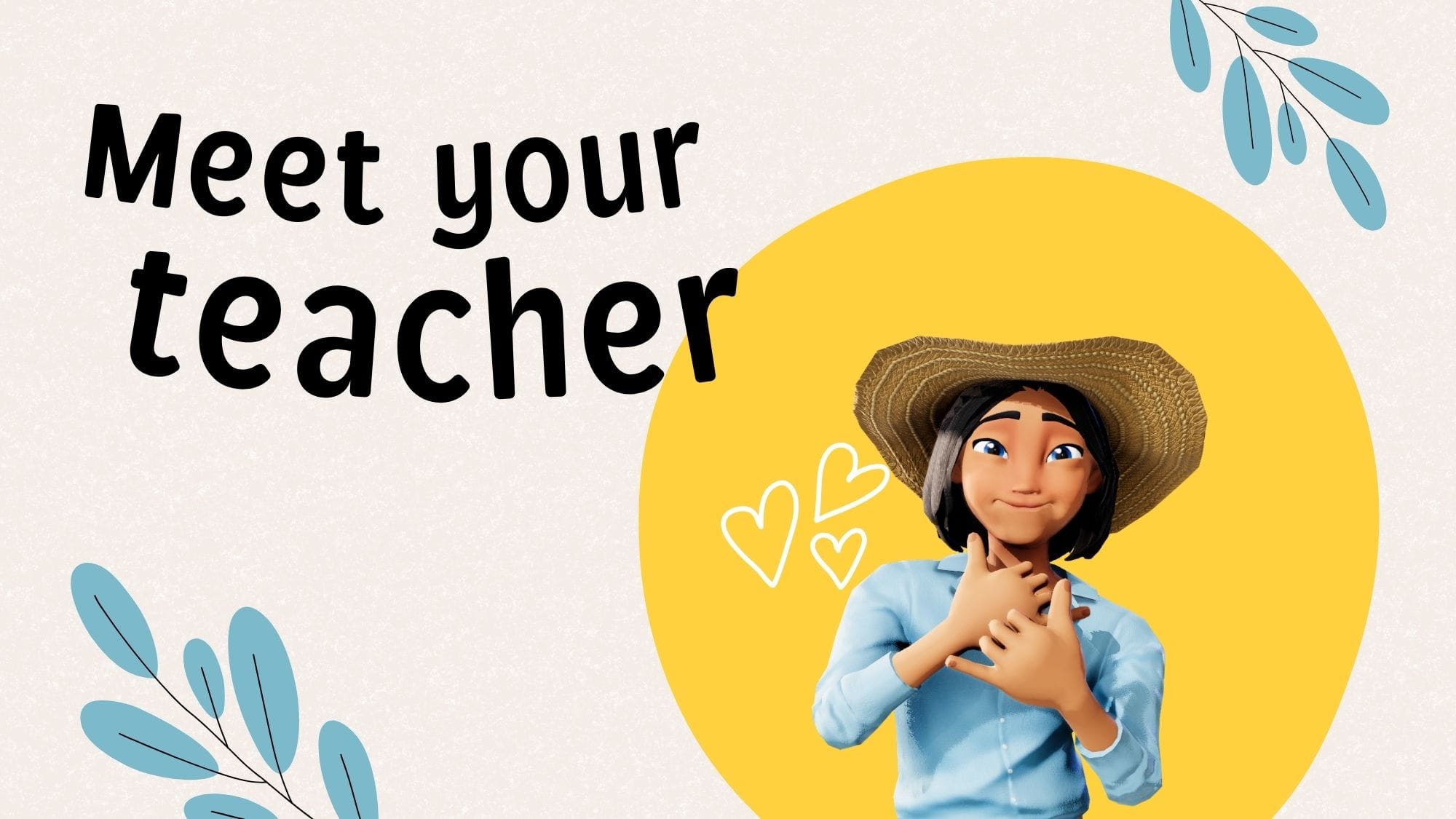
Key Takeaways about Meet the Teacher Template
Starting a new school year can be a whirlwind, but using an animated "Meet the Teacher" video can help you stand out. Here are the three key takeaways from the article:
- Enhance Engagement with Animation: Moving beyond traditional paper or slides, Krikey AI allows teachers to create 3D animated videos that humanize the educator, reduce student anxiety, and build immediate trust with families.
- Simplify Multilingual Communication: The tool features a one-click translation and lip-syncing capability for over 20 languages, making it easy to share classroom expectations and contact info with diverse, non-English-speaking households.
- Easy Personalization: Teachers can design custom 3D avatars, record their own voices, or use AI-generated voices to reflect their unique personality and teaching style—all without requiring any prior technical animation experience.
What is a Meet the Teacher template?
A Meet the Teacher template is a structured tool educators use to introduce themselves to students and parents at the start of a school year. While it has traditionally been a physical handout or a slide deck, modern versions - like the ones discussed in the article - use animated video to create a more engaging first impression. Typically, a Meet the Teacher acts as a 'digital handshake' with elements such as: personal bio, professional background, classroom logistics, and instructions for how the parent-teacher relationship can work best.
How to Animate your Meet the Teacher Template
Going back to school and starting a new school year can be both exciting and nerve-wracking for students, parents, and teachers alike. The first day of school is stressful with trying to balance a strict teaching agenda with an approachable and friendly personality. Back to school night can be a whirlwind of quick presentations, hand shaking and trying to remember student and parent names. It can be overwhelming as a new teacher to ensure you are introducing yourself in a fun and engaging way to every class - students and parents alike.
One of the best ways for teachers to set a welcoming tone and foster connections with families is by using a Meet the Teacher template. This template not only introduces teachers but also creates a bridge for open communication, collaboration, and mutual understanding that can shape a positive school year. These templates are made with the Krikey AI Cartoon Generator tools.
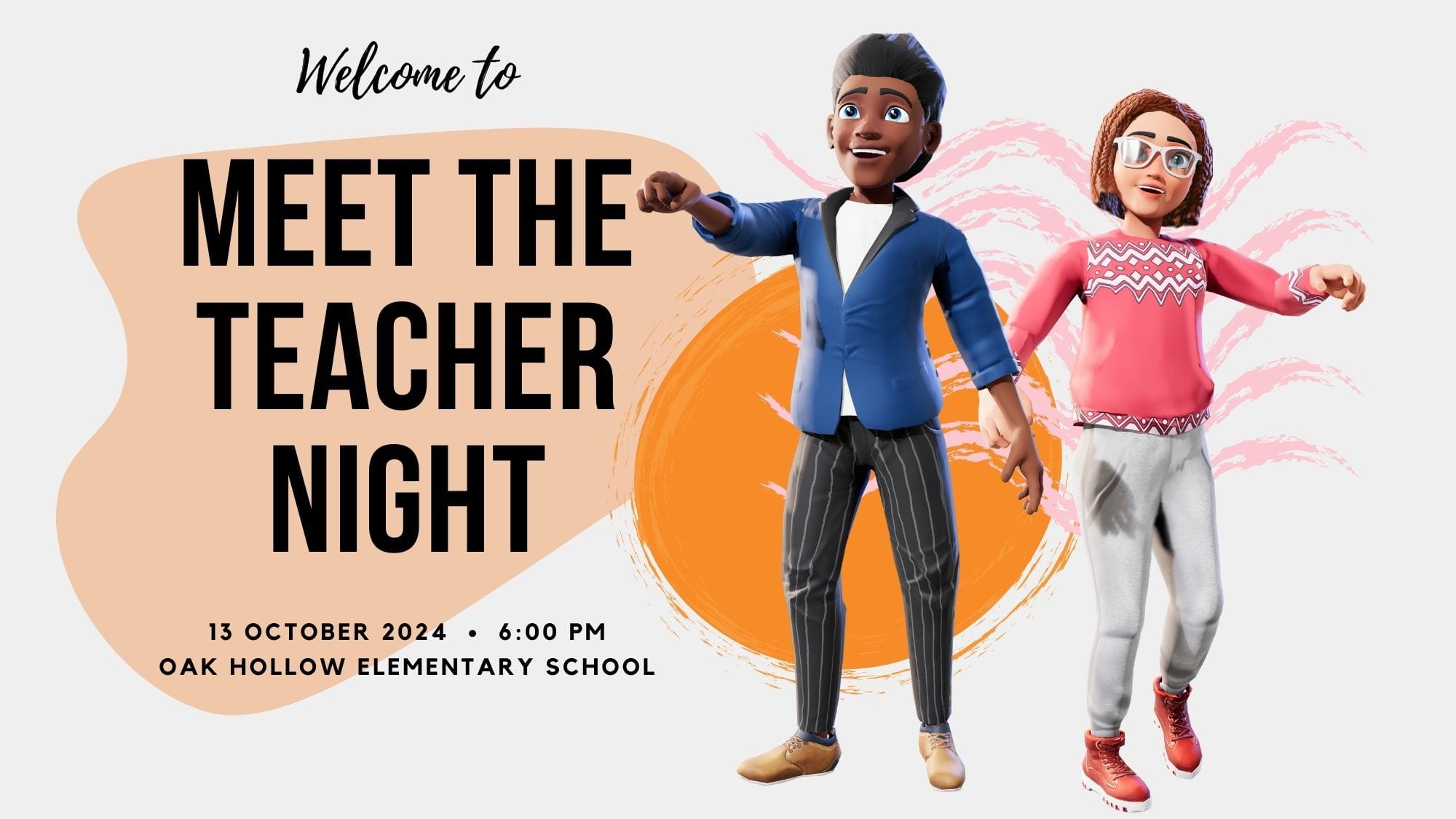
In this post, we’ll explore what a Meet the Teacher template is, how it benefits educators, how to animate your Meet the Teacher template using Krikey AI tools, key features to include, and creative ways to make it engaging and memorable. You can start by reading this article and also taking the Krikey AI free animation courses online. Whether you're preparing for “Meet the Teacher Night”, trying to animate a school mascot, or creating a digital welcome, this guide will provide insights and examples to help you make a positive first impression.
What is a Meet the Teacher Template?
A Meet the Teacher template is a structured method that teachers use to introduce themselves to students and parents at the beginning of the school year. Traditionally this could be a document or a slides but in this article we will share how to make a meet the teacher template using animated video (no prior technical experience required).
A Meet the Teacher template is typically designed to share personal and professional information, highlight teaching philosophies, and set expectations for classroom routines. By offering a snapshot of who they are, teachers can help students and parents feel comfortable and confident from day one. A great animated Meet the Teacher template has a warm, inviting tone that encourages positive relationships.
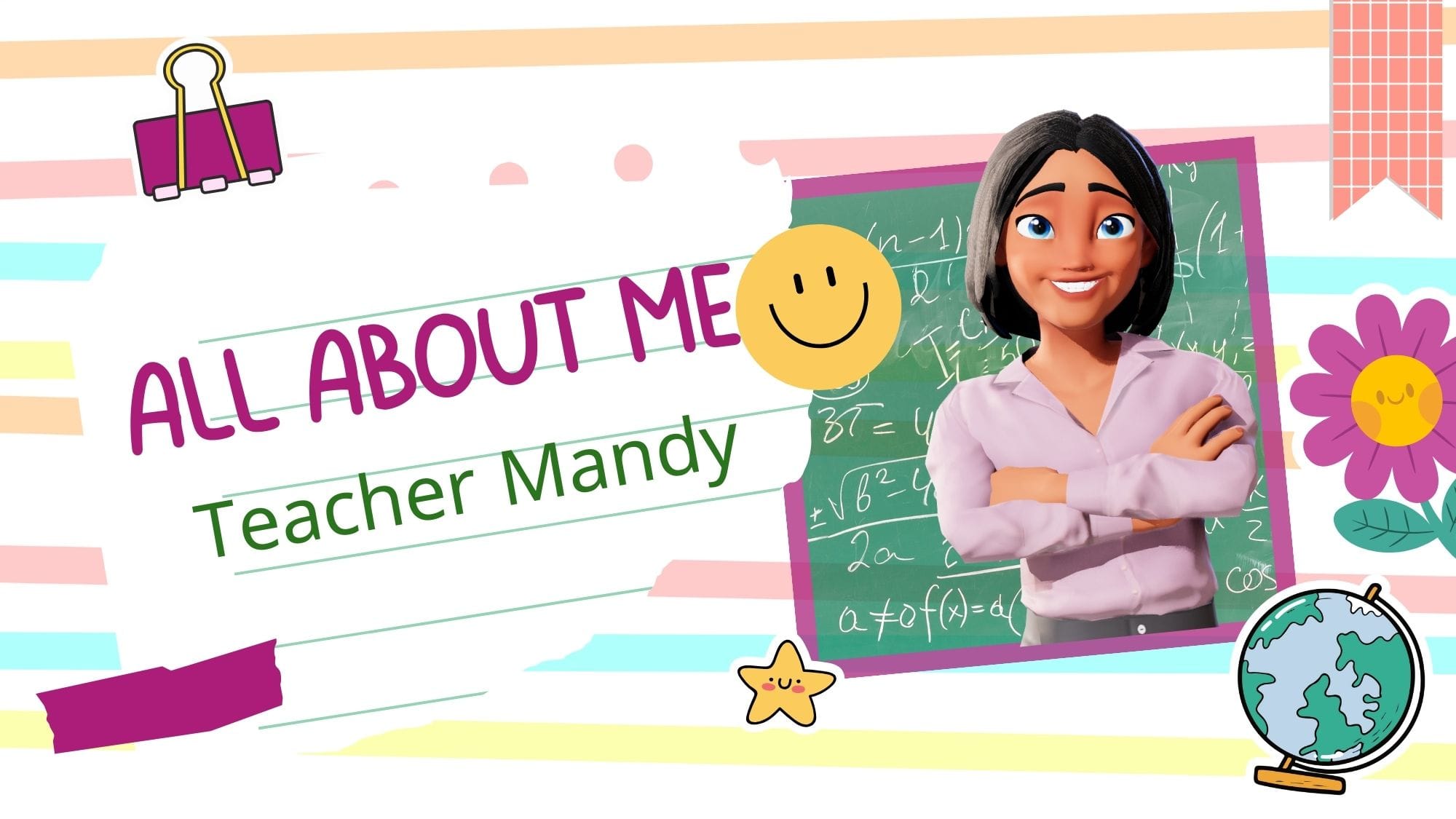
Benefits of Using a Meet the Teacher Template
Using a Meet the Teacher template offers numerous advantages that extend beyond the initial introduction. Build your Meet the Teacher Template with Krikey AI Animation tools to achieve the following benefits:
Build Connection and Trust with your Animated Meet the Teacher Template
Starting with a friendly and welcoming introduction allows teachers to build rapport with both students and parents. When families know more about the person leading the classroom, they’re more likely to engage and feel a sense of trust. This connection is vital for fostering a collaborative classroom environment.
Clarify Expectations with a Meet the Teacher Template in Spanish
Including academic and behavioral expectations within the template sets a clear standard right from the start. By understanding these guidelines early on, students are better prepared to meet them, and parents can support their children’s journey. With Krikey AI tools you can single click to translate your animated video to any language including Spanish, Chinese, French and more.
Encourage Parental Involvement with Meet the Teacher ideas
The Meet the Teacher template provides a natural opportunity for teachers to outline ways for parents to get involved, whether through volunteering, attending class events, or joining the parent-teacher association. Parental involvement has been shown to enhance student engagement and success. Share your Meet the Teacher ideas in your animated video to set a clear guideline for how you want parents to be involved in your classroom.
Personalize the Learning Experience with Meet the Teacher examples
For many students, especially younger ones, meeting their teacher before school begins can help reduce anxiety and foster excitement. This introductory format allows students to feel more at ease in the classroom environment, leading to a smoother transition into learning.
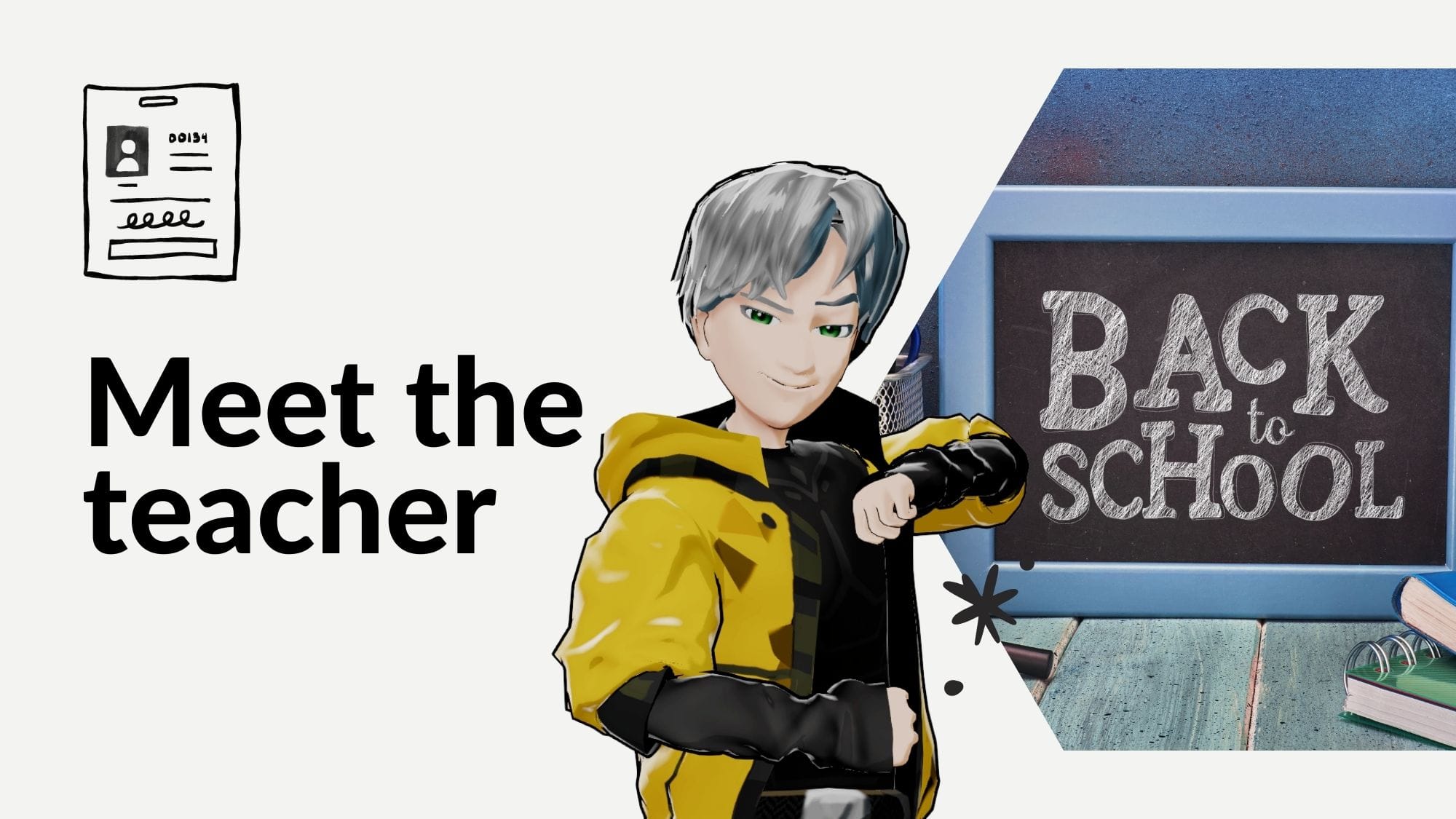
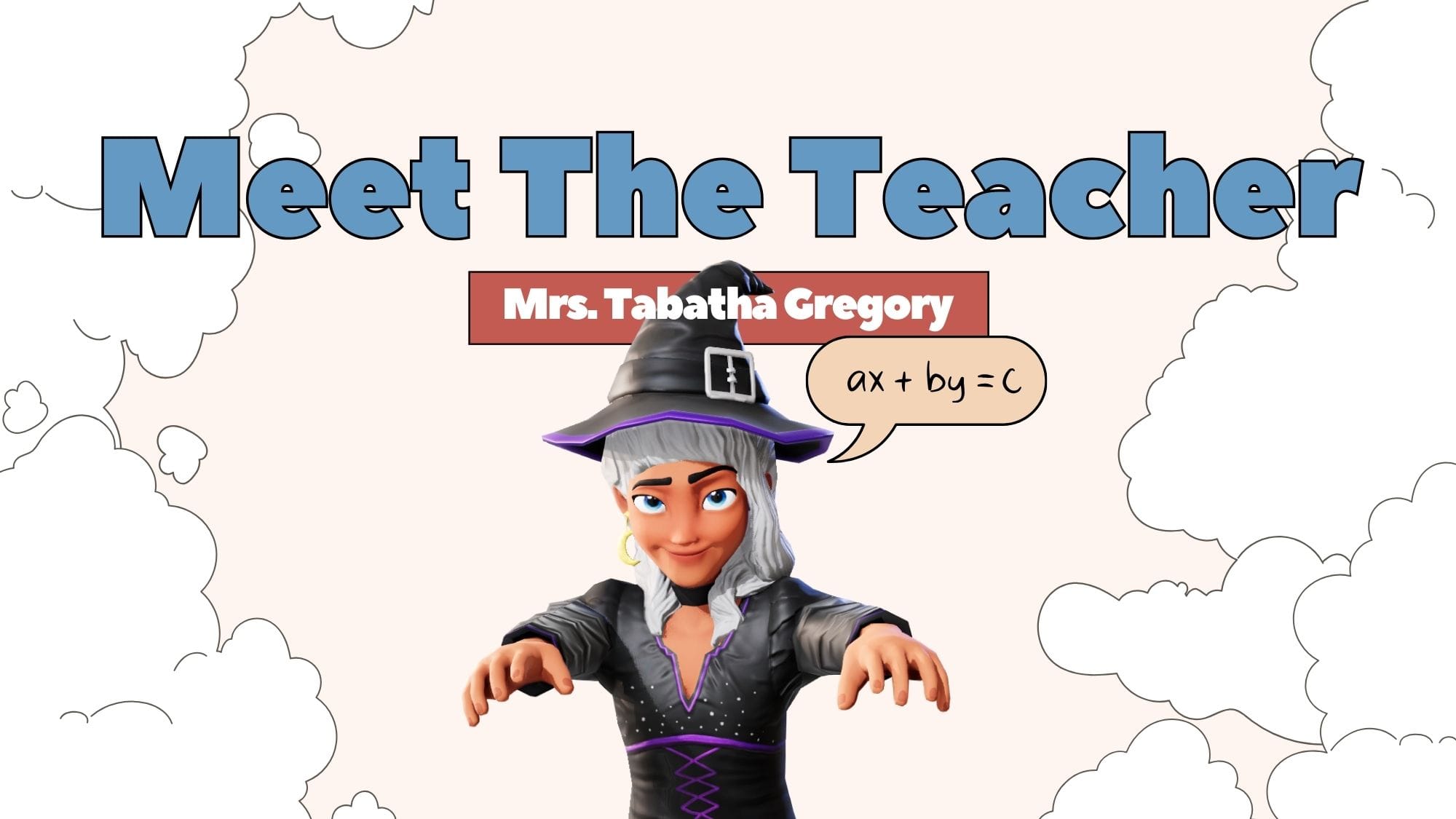
Having an animated character as part of the Meet the Teacher template can help with younger students. With a single click you can change the animated character from an Anime boy to a Halloween Witch to an Easter bunny.
Establish Clear Communication Channels with Meet the Teacher Templates
Teachers can use this template to inform parents about preferred communication methods, such as email or phone, and mention any platforms (like Google Classroom) they’ll be using to share updates and assignments. A clear communication plan in the Meet the Teacher template helps streamline parent-teacher interactions throughout the year. Translate this into 20+ languages with just a few clicks in seconds.
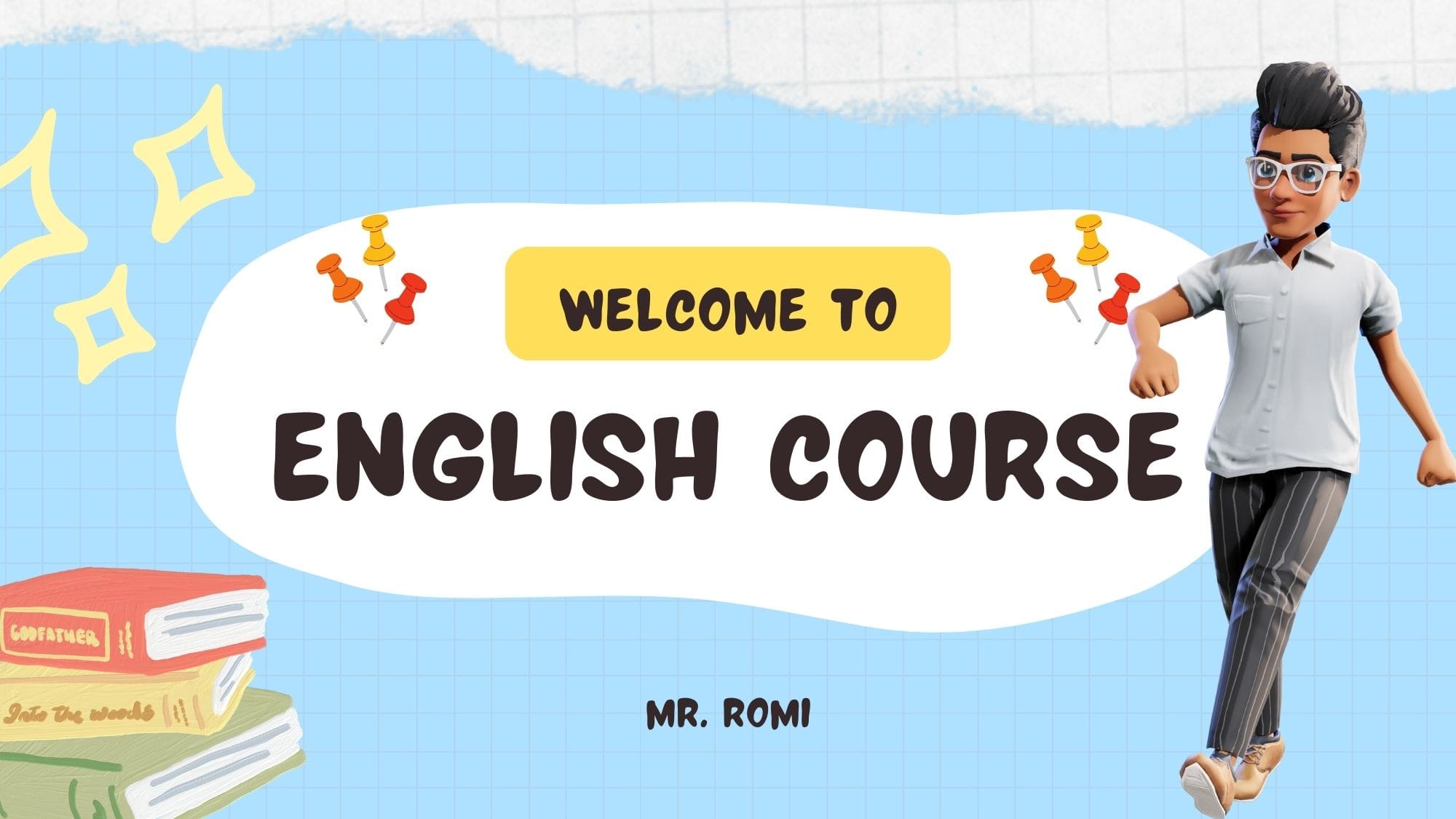
Key Features to Include in a Meet the Teacher Template
A well-rounded Meet the Teacher template should cover a range of topics to give parents and students a holistic view of the teacher’s approach and personality.
Personal Introduction in Meet the Teacher Template
A personal touch goes a long way in helping families connect with you. Start with a brief bio that includes details such as:
- Your background: Share where you’re from and any notable experiences.
- Hobbies and Interests: Mentioning your interests, whether it’s gardening, hiking, or reading, can humanize you and make you more approachable to students and parents alike.
- Why You Became a Teacher: This can be an inspiring section, giving families insight into your passion for education.
- Use Krikey AI Presentation screens to include photos or videos as part of your animated Meet the Teacher experience
Professional Background in Meet the Teacher Template
Highlight your teaching experience and educational background briefly. This is especially helpful for parents to understand the depth of your experience and your commitment to the profession. For example, mention:
- Years of teaching experience
- Areas of specialization or certifications
- Any unique skills or educational achievements that add value to your classroom
- In addition or as an alternative to a printed resume or slides you can showcase your talent with a talking, animated character - use the record your voice function to prepare this in advance!
Teaching Philosophy and Goals in Meet the Teacher Template
This section offers a high-level view of your teaching style and what students can expect. Focus on:
- Educational Beliefs: For instance, if you believe in hands-on, experiential learning, this can set expectations for a more interactive classroom.
- Classroom Goals: Summarize what you aim to achieve with students by the end of the year, such as fostering independence, building critical thinking skills, or enhancing collaboration.
- Creative and Adaptive learning: Your talking, animated character can meet students and parents where they are at – both in terms of language and understanding. Try creating your first Meet the Teacher template free at www.krikey.ai and experiment with using animation in the classroom.
Classroom Dynamics and Environment for Meet the Teacher Template
Describe how your classroom is organized and the type of environment you aim to create. A few points to cover:
- Layout and Areas: Explain any dedicated spaces like reading corners, group workstations, or technology stations.
- Use of Technology: If you use specific learning tools or devices, mention them here to set expectations.
- Put a photo or video of your classroom behind your talking, animated character in a presentation screen or as the full background environment for your animated Meet the Teacher video.
Communication Methods in Meet the Teacher Template
Clear communication with parents is crucial. Use this section to clarify:
- Preferred Contact Method: Specify if you prefer email, phone, or another form of contact.
- Frequency of Communication: Let parents know if they can expect weekly updates, monthly newsletters, or communication around specific events or assignments.
- Use your animated character as a way to encourage parents to feel comfortable contacting you if they have any questions or concerns about their child in the classroom.
Ways Parents Can Support after seeing Meet the Teacher Template
Invite parents to support their child’s learning journey. Suggestions might include:
- Homework Help: Provide ideas for how parents can help with homework.
- Volunteering Opportunities: Outline options for parents to get involved, such as classroom volunteer work or chaperoning field trips.
- At-Home Reinforcement: Suggest ways for parents to reinforce what’s being taught in class at home.
Fun Facts and Personal Touches to the Meet the Teacher Template
End with something lighthearted to help parents and students remember you. This could include:
- A favorite quote or motivational phrase
- Fun facts like a favorite food or childhood story
- A photo of yourself with family or a pet, adding a more personal touch
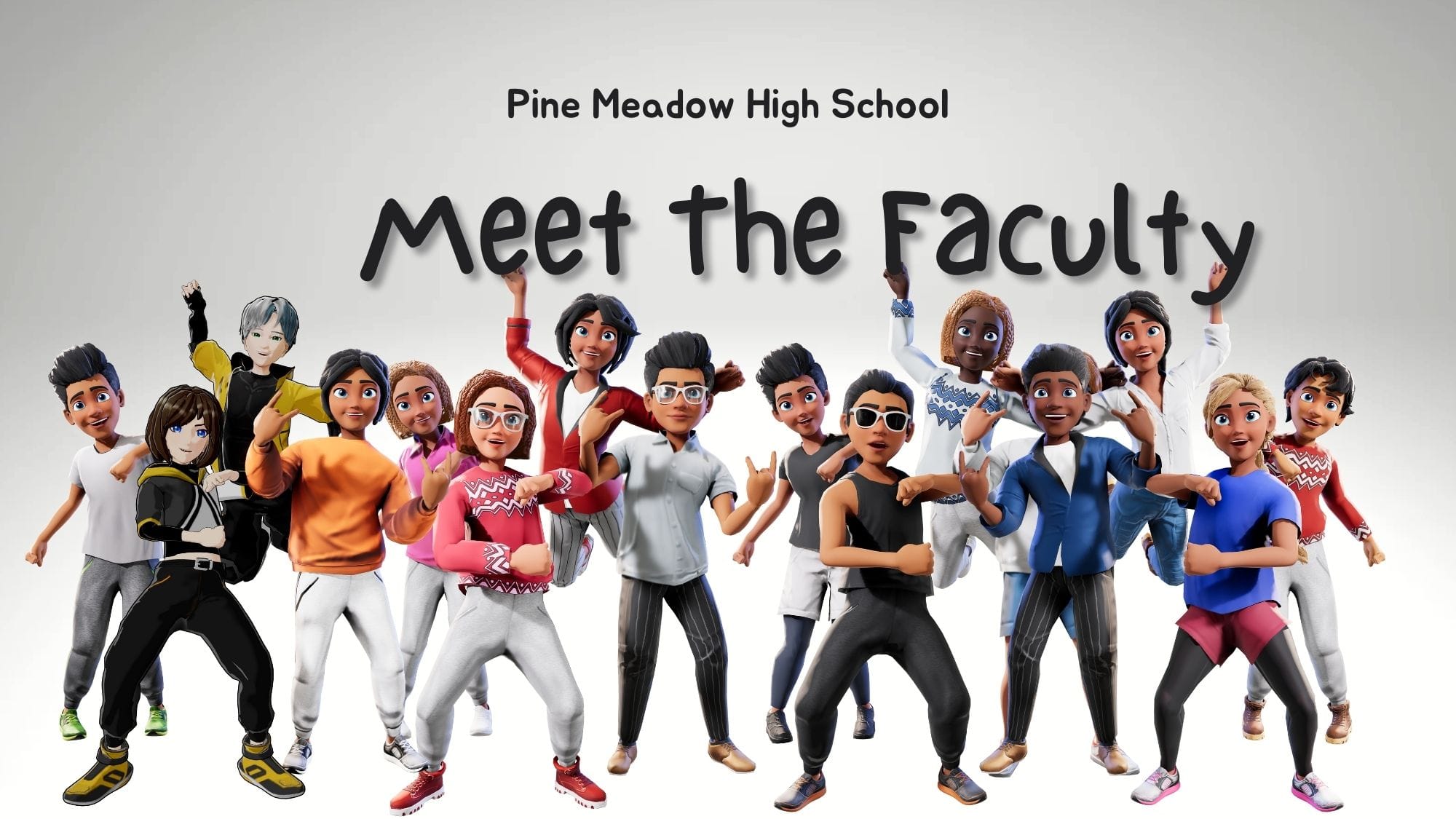
- Transition from the animated video to your real self in the classroom and begin the first day of class or back to school session!
Creative Ideas for a Unique Meet the Teacher Template
To stand out and make a memorable first impression, consider these creative additions to your Krikey AI animated Meet the Teacher template:
Add Photos and Videos from the classroom to your Meet the Teacher Template
Photos can help students visualize the classroom and recognize you, while videos make important information like class rules or the weekly schedule easy to understand. Photos and videos can also help bring students and parents into the classroom before the first day of school and ensure they feel more comfortable.
Customize the 3D animated character in your Meet the Teacher Template
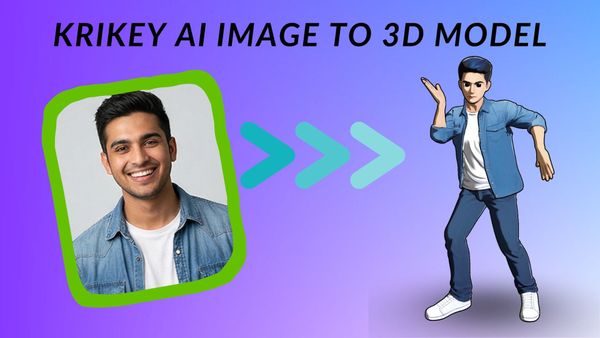
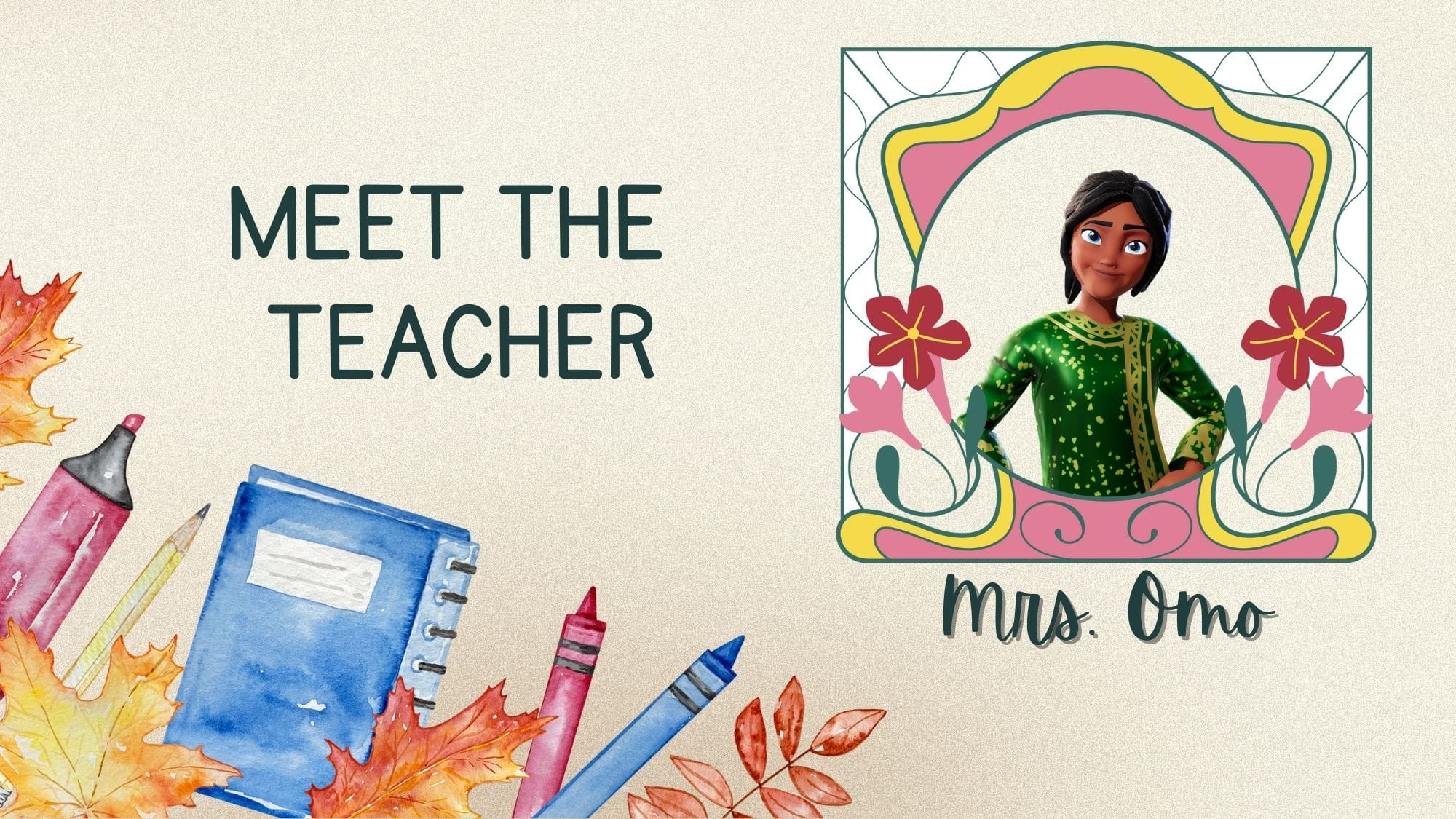
Create and design your own 3D animated character that represents you in the Meet the Teacher Template. With the AI Cartoon Generator, you can choose your hair, glasses, outfit and more to create an animated teacher that students can relate to. You can also use an Anime style character if your students love Japanese Anime characters!
Record your own voice or use Voice AI in the Meet the Teacher Template
Use the Krikey AI record your voice tool to add lip synced dialogue to your custom character. You can actually use your voice with any custom 3D character in an animated video! Alternatively there are also voice AI options you can select from in 20+ languages, all of which will lip sync automatically with your 3D character. No previous technical experience or animation skills are required to use Krikey AI.
Meet the Teacher Template Examples
Different teaching levels may call for unique template designs. Here are a few examples based on specific grade levels and needs:
Preschool and Elementary School Templates
These templates often use bright colors and include simpler language and visuals, which appeal to young children. Consider adding sections like “My Favorite Book” or “Fun Things We’ll Do This Year.” In the Krikey AI Animation tool you can use the AI Image generator to create a custom colorful background for your Meet the Teacher Template video.
Middle and High School Templates
Older students and their parents may appreciate more straightforward information, such as course objectives and grading policies. Consider including expectations for independent work or study tips.
Multilingual Templates
For classrooms with non-English-speaking families, using multilingual templates or a “Meet the Teacher” animated video in Spanish can be valuable for effective communication and inclusivity. With Krikey AI Animation you only need to make your video once and then easily export it in different languages.
Final Thoughts on the Meet the Teacher Template
A Meet the Teacher template is an essential tool for educators. By providing a warm, comprehensive introduction, teachers can help students and parents feel welcome and informed from the start. It encourages a collaborative approach to learning, sets clear expectations, and establishes a foundation of trust and respect. By keeping your Krikey AI Animation Meet the Teacher template engaging and personal, you can make a positive impact that resonates throughout the school year.
Use the tips and examples shared here to create a Meet the Teacher template with Krikey AI that reflects your unique teaching style and builds a supportive learning environment for your students and their families.
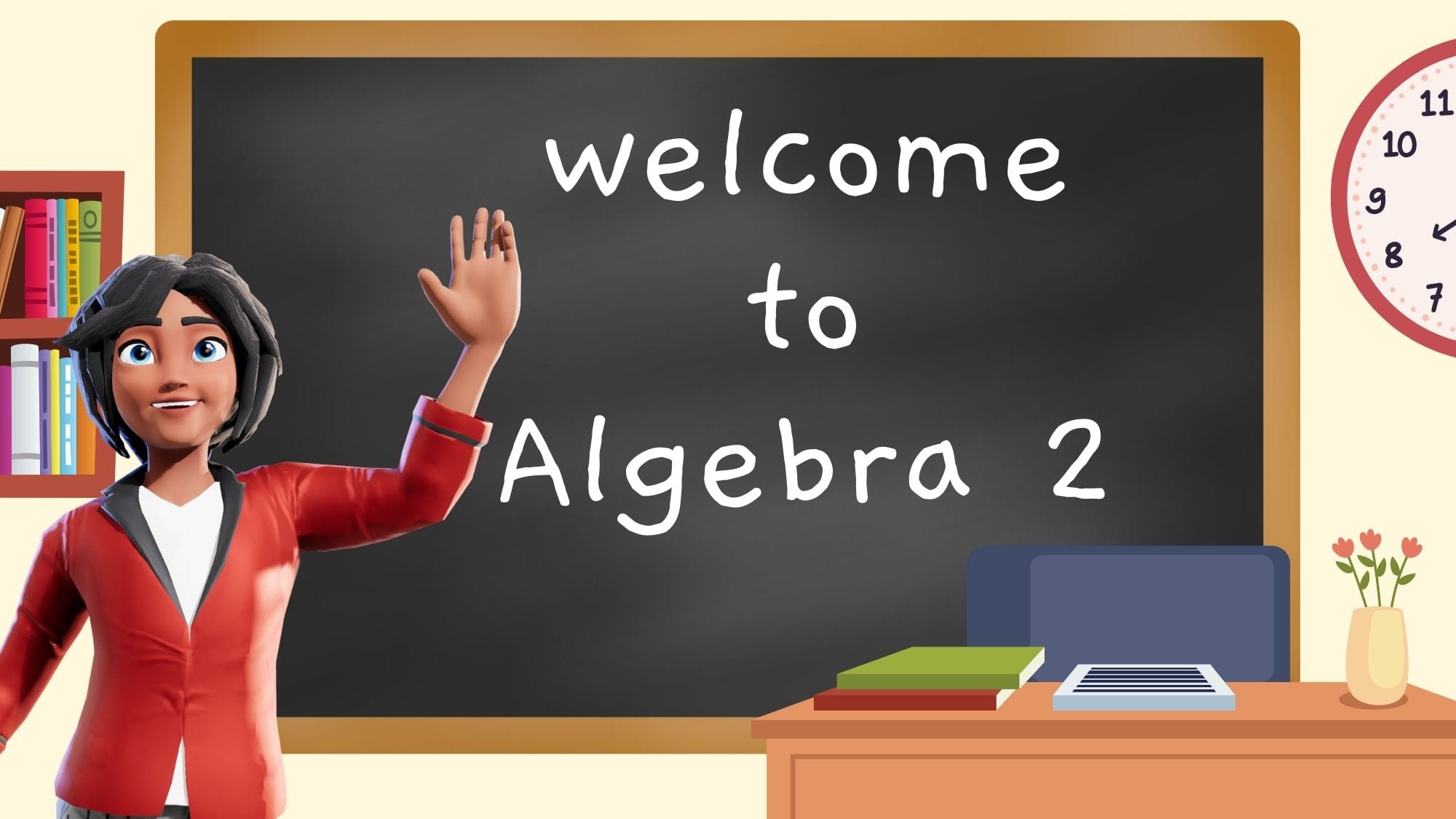
How to make a Meet the Teacher Template with Krikey AI Animation
Making a "Meet the Teacher" template with Krikey AI is designed to be a "no-code" process, meaning you don't need prior animation experience. Here is the easy step-by-step guide to getting started:
1. Create and Customize Your Avatar
Instead of a static photo, you start by designing a 3D animated character that represents you. Choose your personal style and aesthetic (are you more anime or professional, more Strawberry than Duck?)
2. Add Your Voice (Voice AI or Recording)
Once your character is ready, you need to give it something to say. Go to "Edit Script" to add dialogue and pick your 'voice.' You can also record your own voice and add it to your video.
3. Design the Environment
You can place your character in a setting that feels like your classroom. Go to "Backgrounds," where you'll find 3D 'classroom' sets or you can use the AI Image Generator to create a 2D background. You can also use "Present" mode to upload a photo of your classroom, slides or even pets to display as a background or a 'whiteboard' screen.
4. Export and Share
After finalizing the animation, you can export the video to share across different platforms: via email, posted to Google Classroom, or in-person on the first day of school.
Frequently Asked Questions (FAQs) on Meet the Teacher Templates
These are frequently asked questions on Meet the Teacher templates.
What is the best software to find a Meet the teacher template free editable?
The "best" software depends on your preferred format. For a modern, high-engagement approach, Krikey AI is the leading tool for creating animated 3D video introductions that can be personalized with your own voice.
What are some examples of a Meet the teacher blank template?
Most blank templates provide a structured grid with the following placeholders:
- About Me: A space for a photo and a brief personal bio.
- Education/Experience: Sections for your degree and years of teaching.
- My Favorites: Lists for things like your favorite book, snack, or hobby to humanize you to students.
- Contact Info: Designated boxes for your school email, phone extension, or classroom app handles.
What can I do with a free Preschool Meet the teacher template?
For preschool, focus on visuals and comfort. You can use a free template to:
- Introduce the classroom pet or a favorite classroom toy. Krikey offers cartoon animals and food characters for exactly this.
- Include a "Visual Schedule" or photos of specific centers (like the block area or reading nook) to reduce student anxiety.
- Use Krikey AI to animate a friendly character (like a school mascot or cartoon teacher) to deliver the message, which is often more engaging for pre-literate children.
Where do I find the best Meet the teacher free template download?
You can find high-quality free downloads at Krikey.ai: Provides free access to 3D animation templates specifically designed for "Meet the Teacher" introductions.
How do I create an Editable template meet the teacher?
- Select a Platform: Open Krikey.AI.
- Create: Choose a Character and type in a text prompt.
- Add Media: Upload your photo or record your voice (if using an animated template).
- Download/Export: Download as an MP4 or share a digital link for families to view online.
How do I make a Meet the teacher template boho style?
To achieve the "Boho" look (defined by earthy tones, rainbow motifs, and botanical accents): use Krikey's AI Image Generator and type a prompt like "boho classroom background with rainbows and plants" to instantly create a custom backdrop for your animation.