Transparent GIF Maker: How to Make a GIF Transparent in Seconds
Create a custom transparent GIF in seconds with Krikey AI. Use our transparent GIF maker to design dancing GIF transparent files, explosions, and more with 3D characters. Make GIF transparent backgrounds easily for Slack, websites, and social media. Try it for free today!
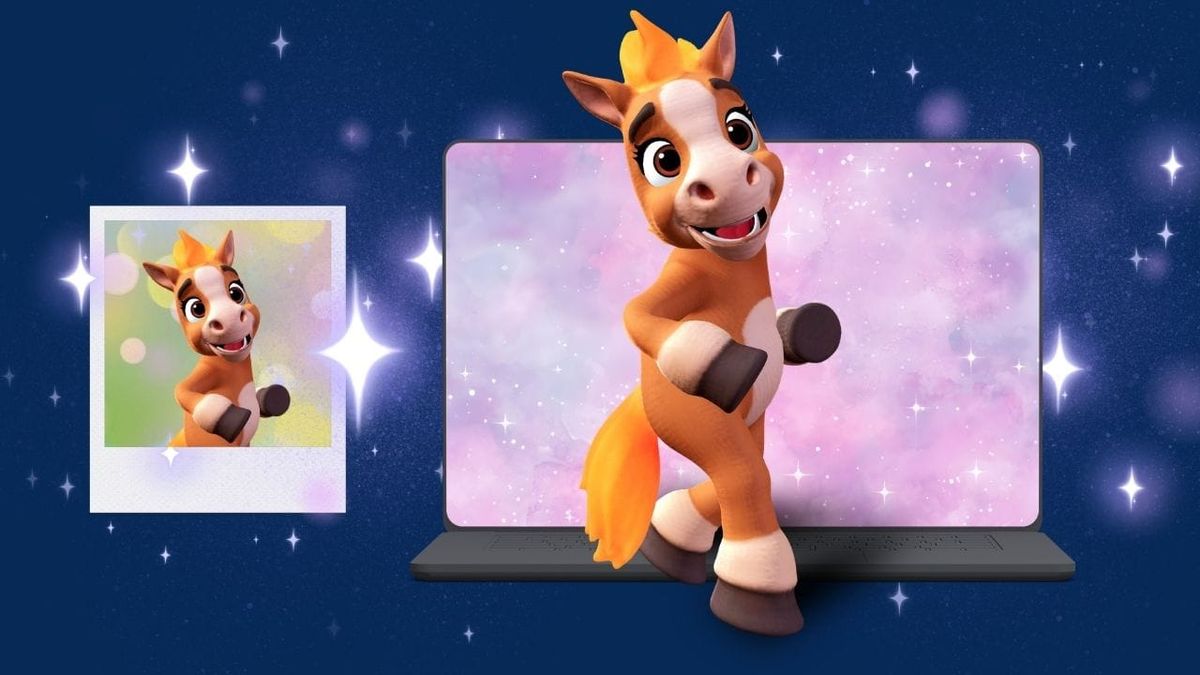
There are so many ways to use a transparent GIF and so many reasons to make a custom one! Whether it is for your kid's Halloween party at school or for welcoming a new team member at work - you never know when you might need a dancing skeleton GIF or a confetti explosion GIF. Now you can not only create transparent GIF files you can also make them with custom animated characters in seconds - even with no animation experience! If you are learning how to make an animated GIF, Krikey is the simplest tool to start with.
Key Takeaways About Transparent GIFs:
- Krikey AI provides a powerful transparent GIF maker that removes backgrounds instantly, making it easy to overlay 3D animations onto any project. Whether you need a high-impact explosion GIF transparent or a subtle smoke GIF transparent, our tool handles the technical work in one click.
- From a celebratory confetti GIF transparent to a high-energy dancing GIF transparent, you can customize 3D avatars and effects to create unique assets. Our library also includes specialized options like a sparkle GIF transparent or a fireworks GIF transparent to help your content stand out on social media.
- Krikey AI supports high-quality exports, ensuring your GIF transparent background looks crisp and professional in presentations, websites, or Slack. With Krikey AI, creating a fire transparent GIF or a smoke GIF transparent is fast, effective, and optimized for any digital platform.
What is Transparent GIF?
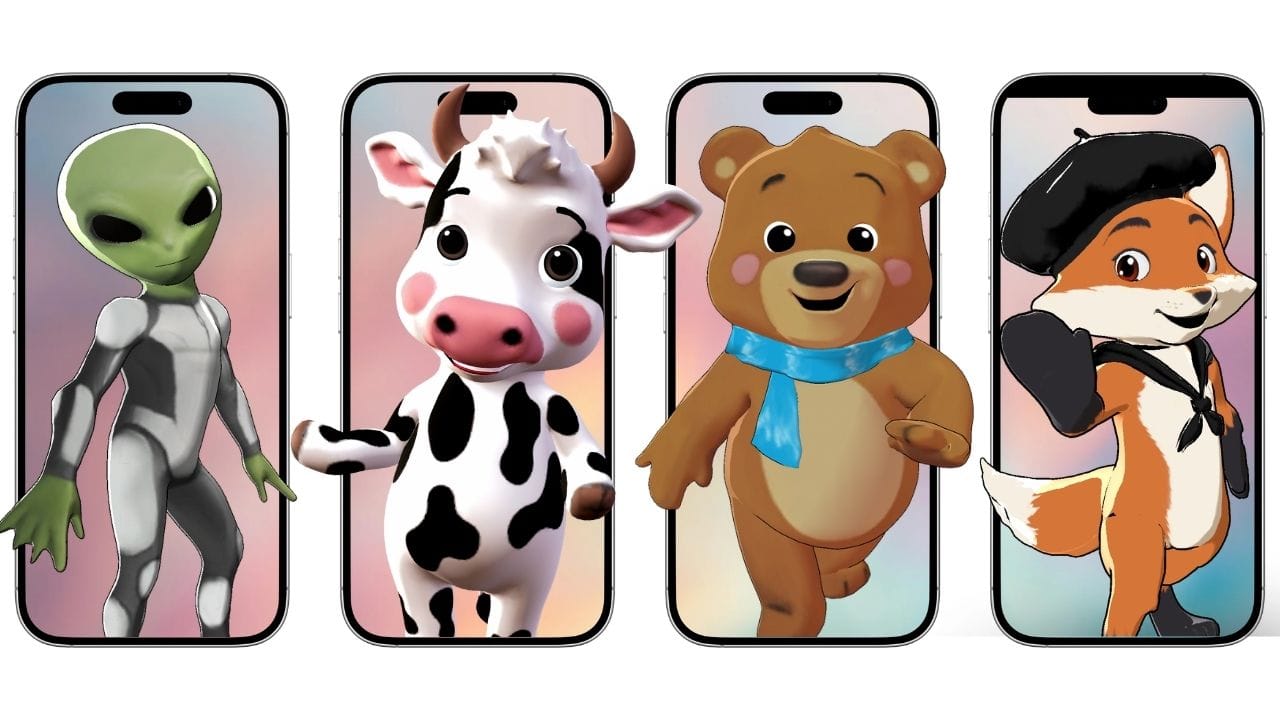
A Transparent GIF is an animated image file that contains no background color, allowing it to be placed seamlessly over other images, videos, or website layouts. By using a transparent GIF, you can create more immersive and professional-looking digital content without clunky rectangular borders. Krikey AI is the ideal solution for this, offering one-click background removal for all your custom 3D animations.
Create a GIF Transparent Background with AI
To create a professional transparent GIF, start by selecting a 3D avatar from the Krikey AI Character Store or designing a custom mascot with our AI Character Creator. Once your rigged character is ready, simply enter a text prompt to generate a fully customizable animation template, such as a dancing GIF transparent sequence, in seconds. You can then polish your creation in the editor using our transparent GIF maker tools to add a smoke GIF transparent cloud, fireworks GIF transparent bursts, or a high-impact fire transparent GIF trail. Enhance the visual depth by adjusting 3D lighting and cinematic camera angles before adding AI Text to Speech lip-syncing or custom AI music to match your brand's energy.
Finally, export your project by selecting the GIF transparent background option to download a high-quality asset perfect for your website, your Canva project, Powerpoint, Google Slides, Whatsapp, and more!
Use our Transparent GIF Maker for Explosions, Fire, and More
There are many types of transparent GIF files you can make with Krikey AI tools. From Explosion GIF transparent to Confetti GIF transparent and Arrow GIF transparent - there are lots of options to choose from to customize your cartoon character, facial expressions, video backgrounds and more.
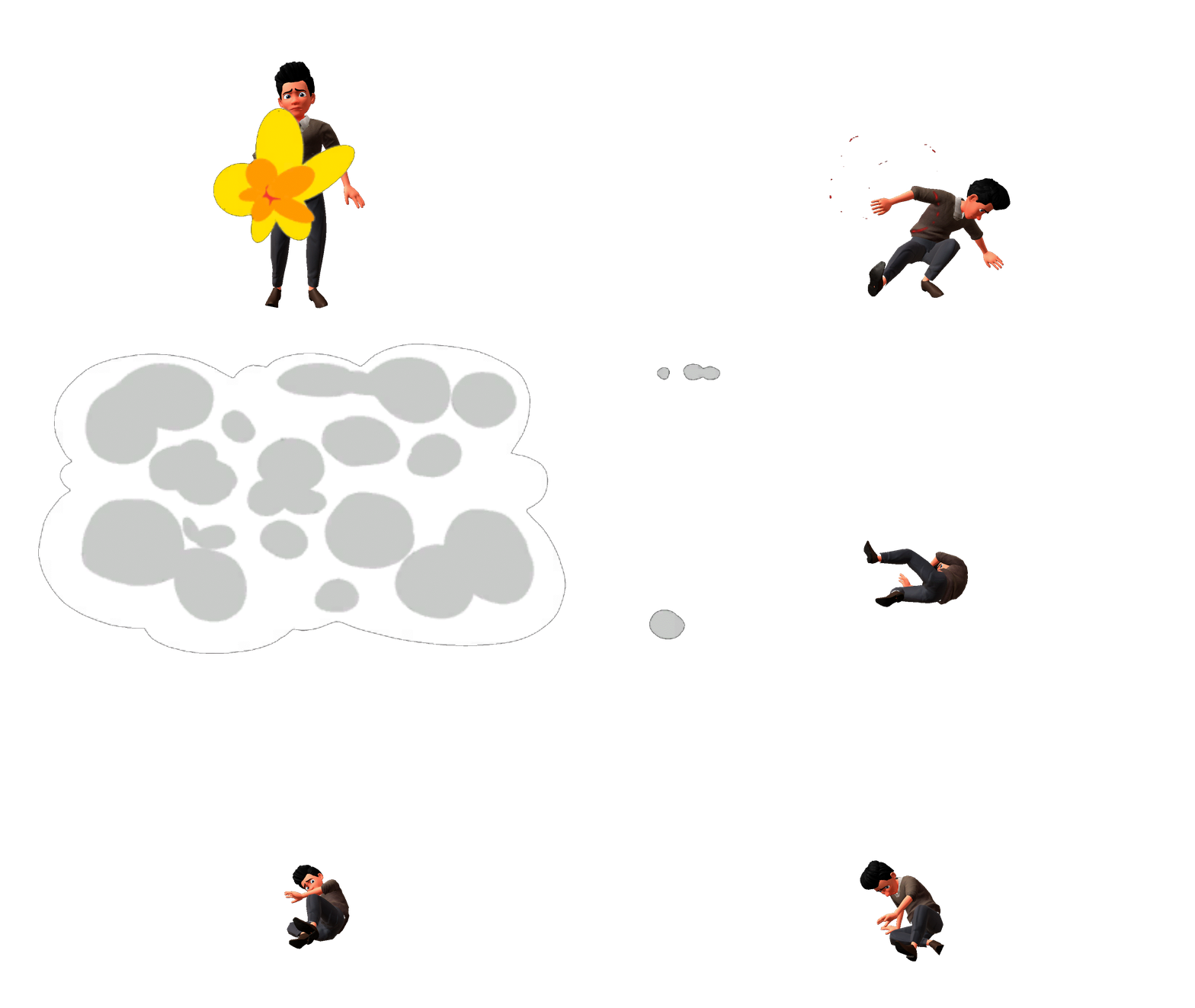
Create an Explosion GIF Transparent with AI Effects
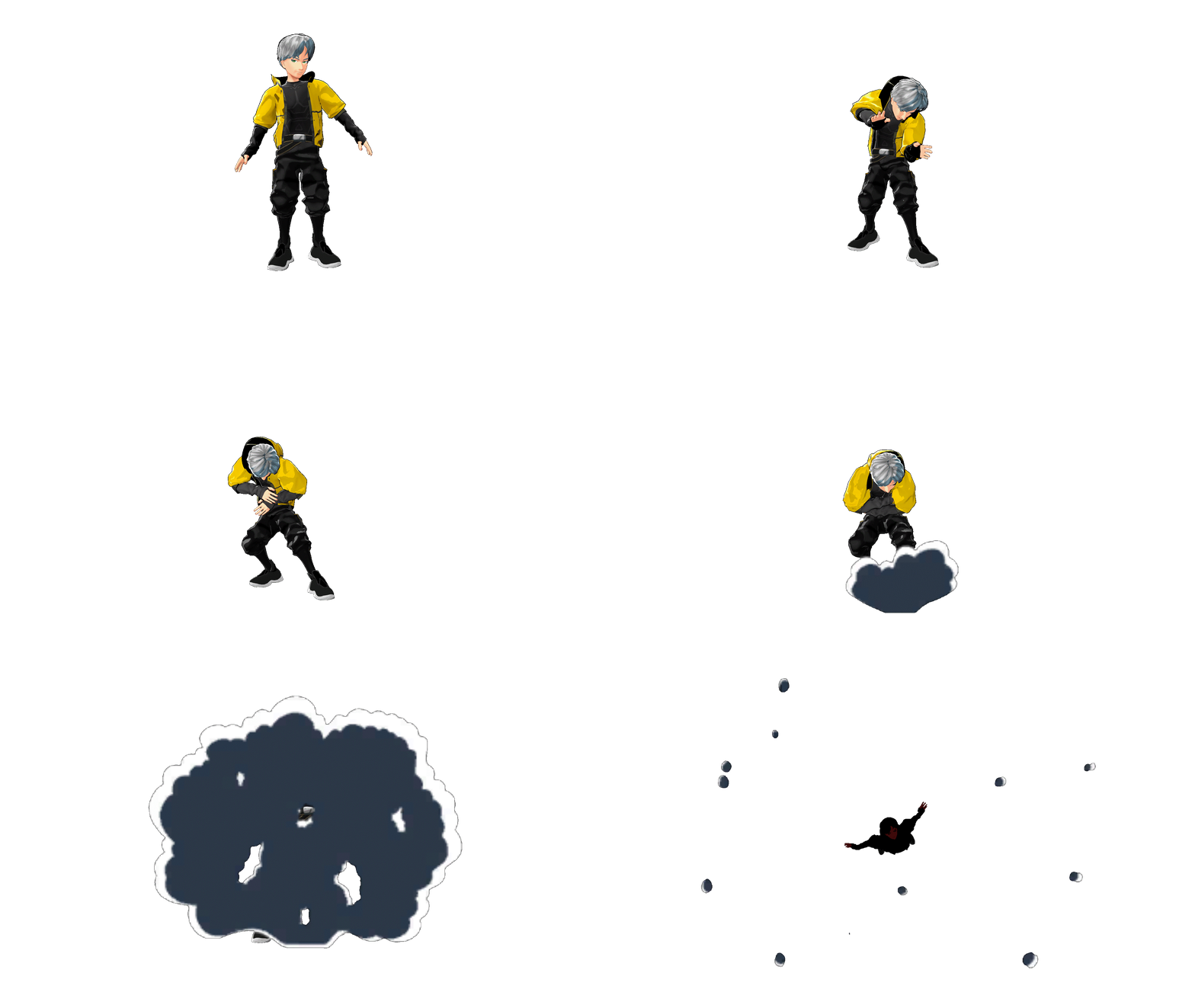
To create a high-impact explosion GIF transparent, start by opening the Effects tab in the Krikey AI video editor. You can easily layer different visuals, such as a fire transparent GIF for the blast and a smoke GIF transparent for the aftermath. Simply select your preferred effects from the left-hand toolbar to customize the intensity and timing. Using our transparent GIF maker, you can combine these elements to design a professional explosion GIF transparent that fits perfectly into any digital scene.
Design a Custom Confetti GIF Transparent
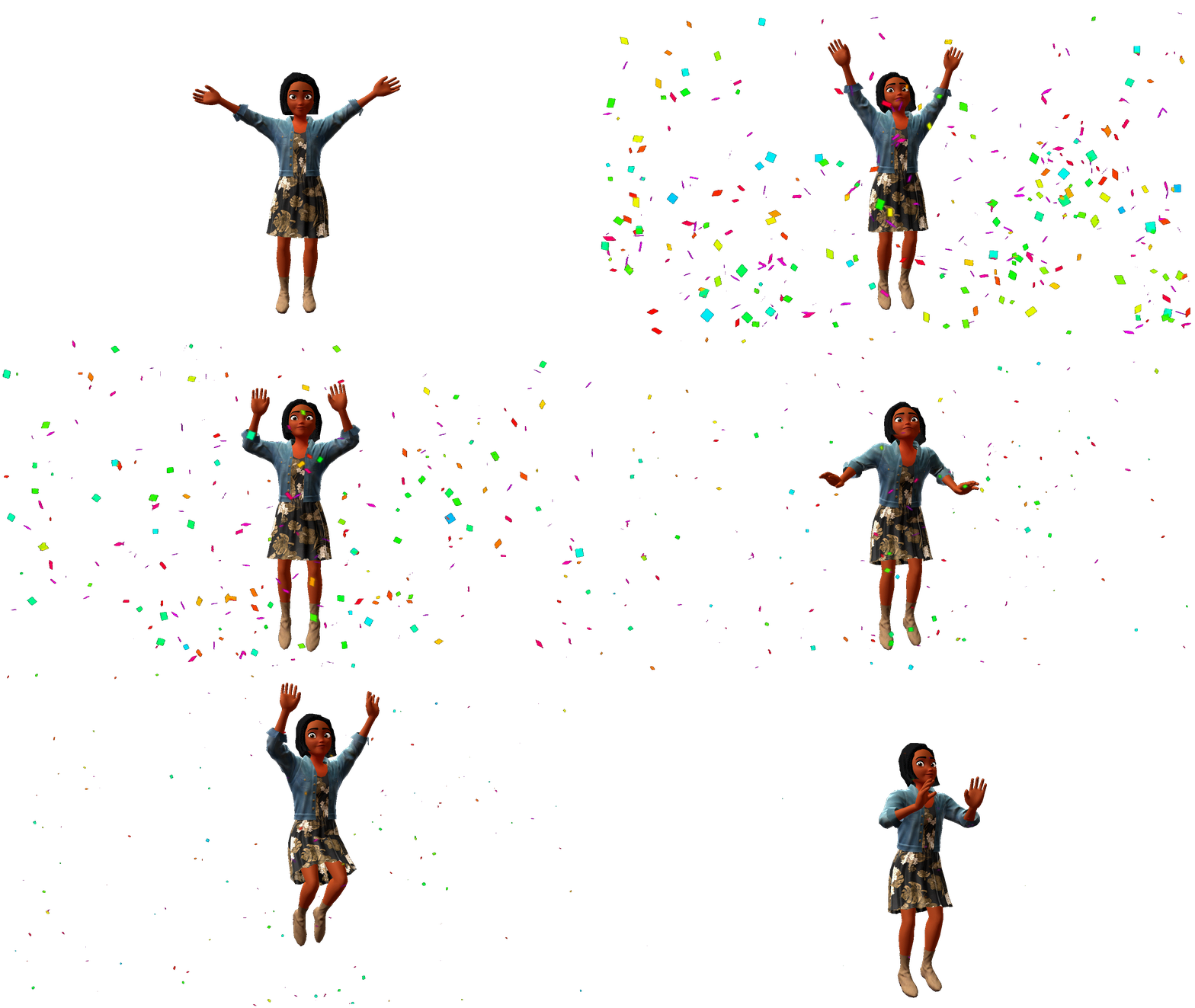
Adding a celebratory touch is simple with our confetti GIF transparent options. Inside the Krikey AI editor, navigate to the Effects icon to choose from various festive styles, ranging from a vibrant sparkle GIF transparent shimmer to a full-screen confetti GIF transparent blast. You can easily resize the particles and adjust their placement to frame your character perfectly. When you're finished, the transparent GIF maker ensures your celebration exports with a clean background, making it ready to drop into any email or digital invitation.
Create an Animated Smoke GIF Transparent
To give your project a stylized look, you can add a 2D smoke GIF transparent effect directly from the Krikey AI toolkit. These anime-inspired smoke clouds are perfect for character reveals or "poof" transitions that make your animation pop. Simply select the smoke effect from the left-hand menu, position it around your 3D avatar, and use our transparent GIF maker to export the file. It’s a fast way to get that classic smoke GIF transparent aesthetic for your stickers, social posts, or gaming content.
Generate a Clickable Transparent Arrow GIF
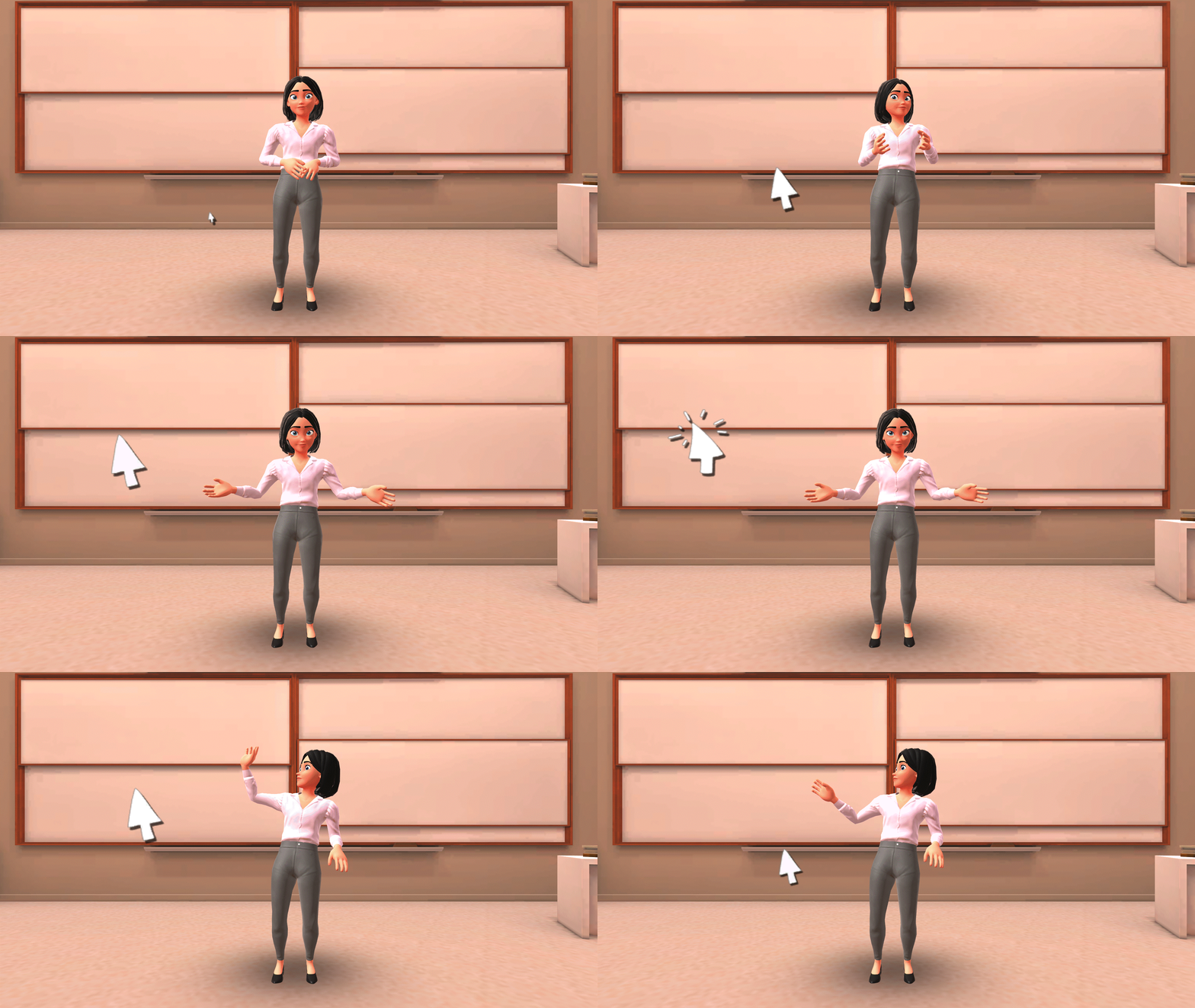
To guide your audience's attention, you can add a 2D mouse click or transparent arrow GIF effect from the Krikey AI editor. These interactive-style animations are perfect for tutorials or UI demonstrations where you need to highlight a specific button or action. Just select the click effect from the toolbar, place it exactly where your character is pointing, and export it using the Krikey AI GIF Download GIF maker. It is the easiest way to create a transparent GIF that makes your presentations or website guides more engaging and intuitive.
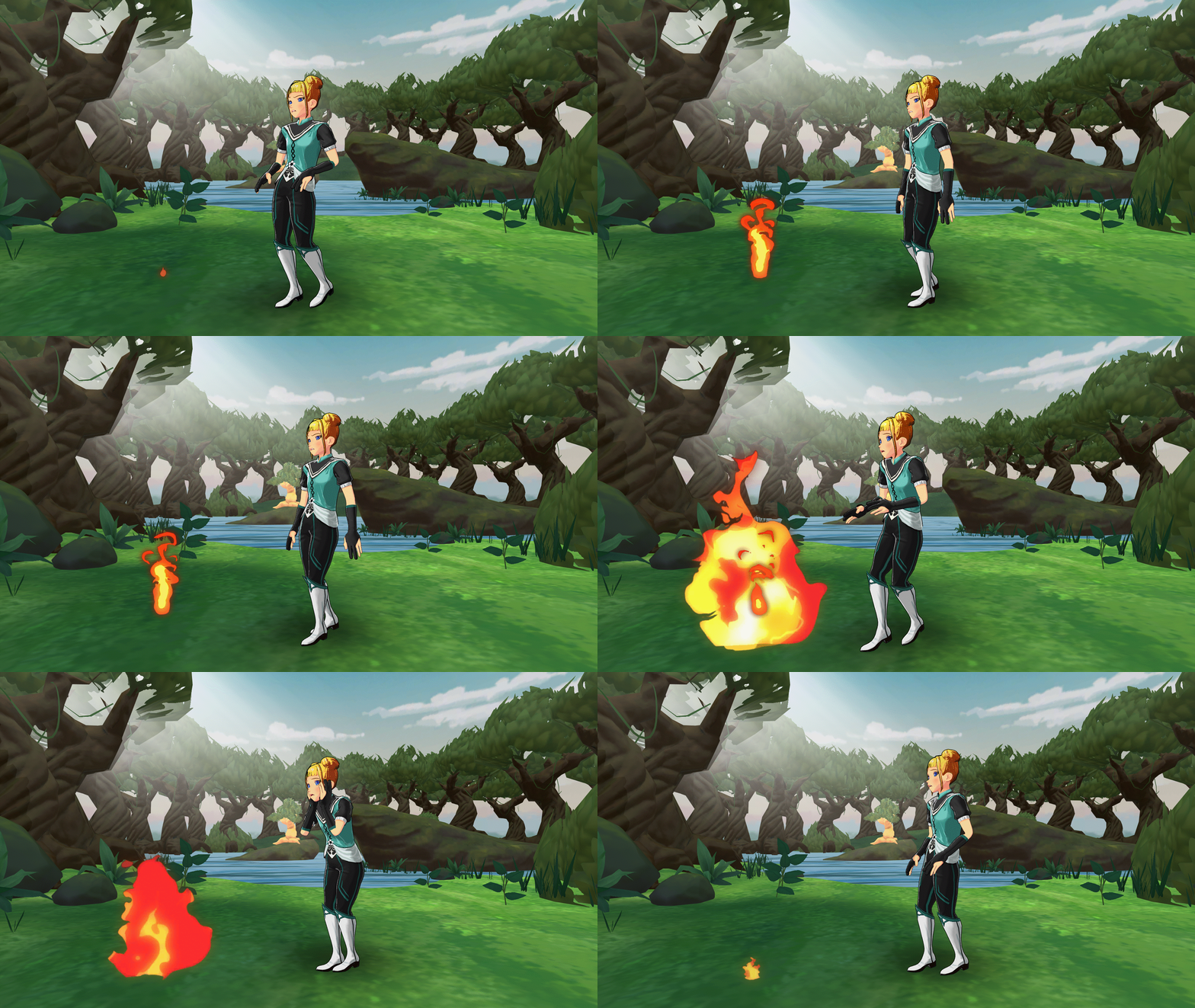
Fire Transparent GIF
To make the Fire GIF transparent, you can follow the steps listed above and then add one. On the left hand bar inside the Krikey video editor you can click the Effects icon and then select one of the Fire Transparent GIF options. Resize as needed and drag around the screen for the correct placement.
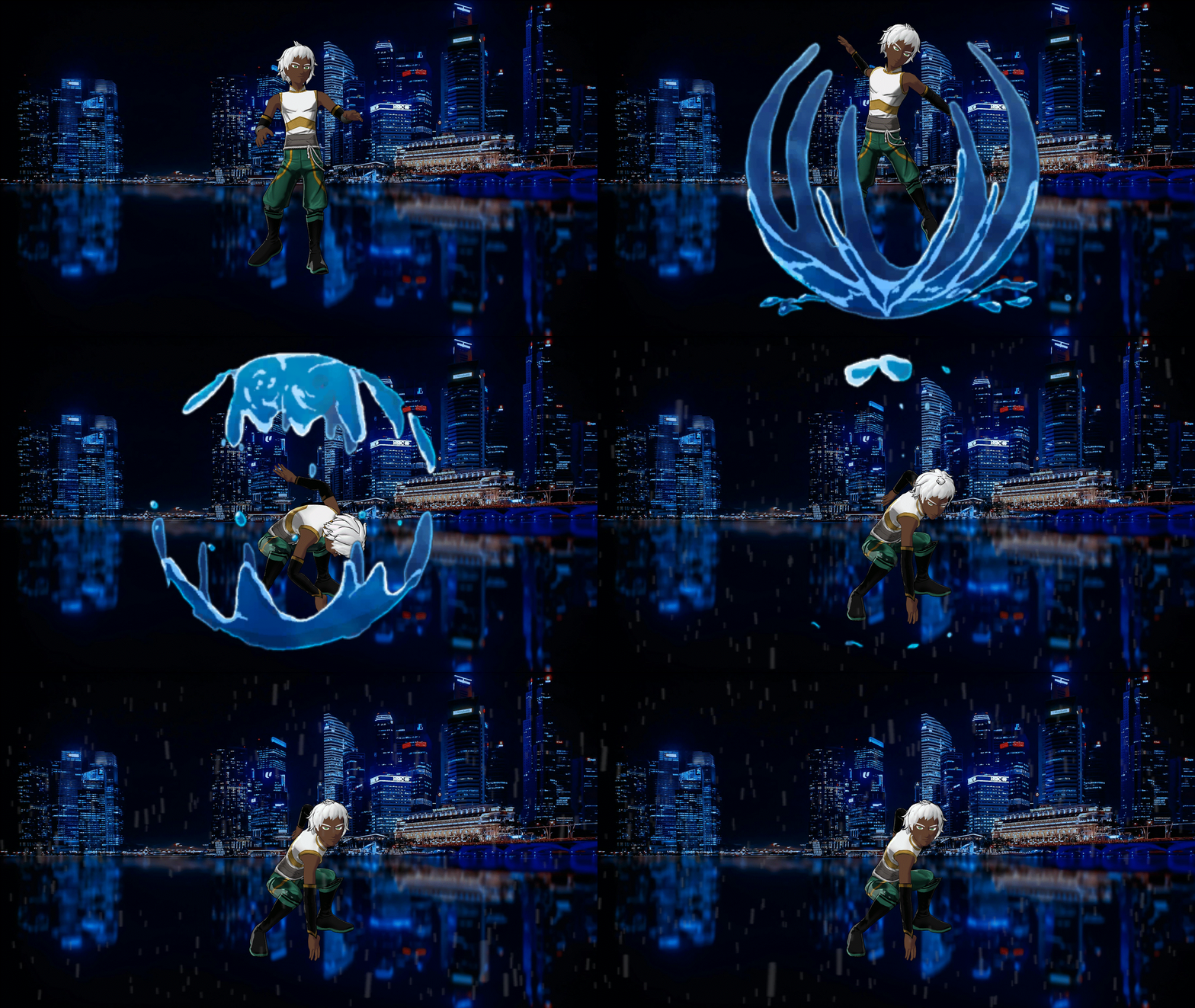
Make a Stylized Water GIF Transparent
To create a dynamic water GIF transparent splash, head to the Effects icon in the Krikey AI editor and select the 2D water animations. Whether you need a small ripple or a large water GIF transparent burst for a superhero landing, you can easily scale and position the effect to match your character’s movements. Using our transparent GIF maker, you can export these splash effects with no background, allowing them to flow seamlessly over your website designs or video projects for a high-energy, anime-style look.
Create a Stylized Transparent Rain GIF
Adding atmosphere is easy with our transparent rain GIF effect. In the Krikey AI editor, you can layer 2D rain animations directly over your character to create a moody or dramatic scene. Because our transparent GIF maker allows you to export with the background removed, you can create a transparent GIF of just the falling rain and your character. This makes it perfect for layering over custom website backgrounds or video projects where you want the rain to appear seamless and integrated without a solid backdrop.
Animate a Stylized Wind GIF Transparent
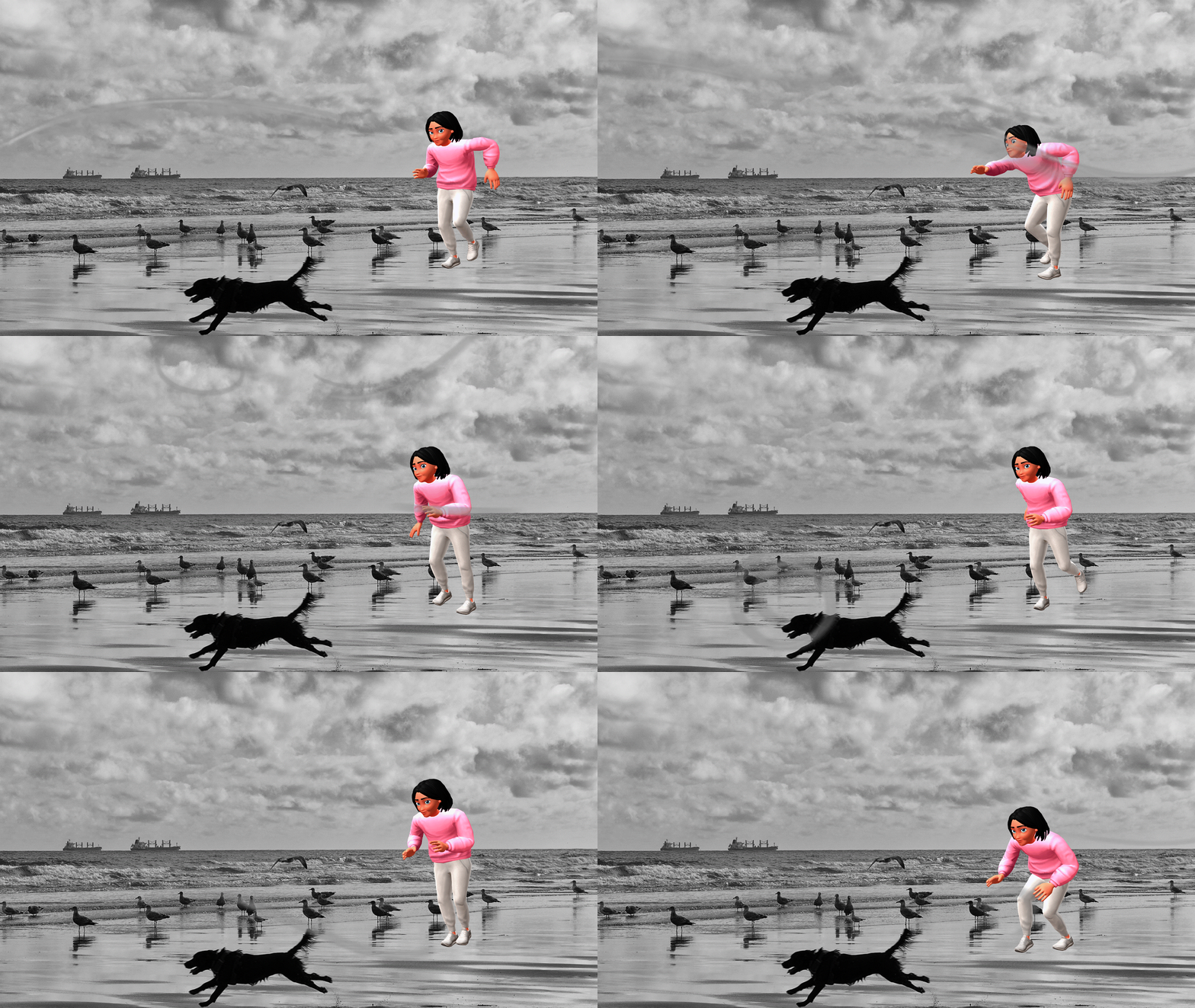
To add motion and energy to your scene, you can use the wind GIF transparent effect found in the Krikey AI toolkit. These 2D wind lines provide a classic anime-style sense of speed, perfect for a dancing GIF transparent sequence or a character mid-run. Simply select the wind effect from the left-hand bar, adjust the direction to match your character's movement, and use our transparent GIF maker to export. This allows you to create a high-velocity transparent GIF that layers perfectly over any background in your video or web project.
Create a Custom Dancing GIF Transparent
To create an eye-catching dancing GIF transparent file, simply pick a move from the Krikey AI animation library and apply it to your 3D character. Whether you are making a dancing skeleton GIF or a brand mascot doing a viral trend, our transparent GIF maker allows you to strip away the background with a single click. This makes your dancing GIF transparent assets perfect for layering into pitch decks, website landing pages, or custom Slack emojis to add a burst of personality to any digital space.
Best Ways to Use Your Transparent GIF for Marketing and Social Media
Now that you know how to use the Krikey AI GIF Maker and you are a transparent GIF expert – what are some different ways you can use these creatively? From your website to digital invitations to custom slack emoji to a loading screen on your mobile app – there are numerous ways to use transparent GIF files.
Transparent Loading GIF
Create a transparent loading GIF for your website or mobile social media app using Krikey AI Transparent GIF maker, perfect for social media themes like Taco Tuesday. You can create a custom character, choose an animation and then export a transparent loading GIF in seconds. Experiment with different characters and GIF styles to optimize for the highest conversion with super personalized transparent loading GIF options.
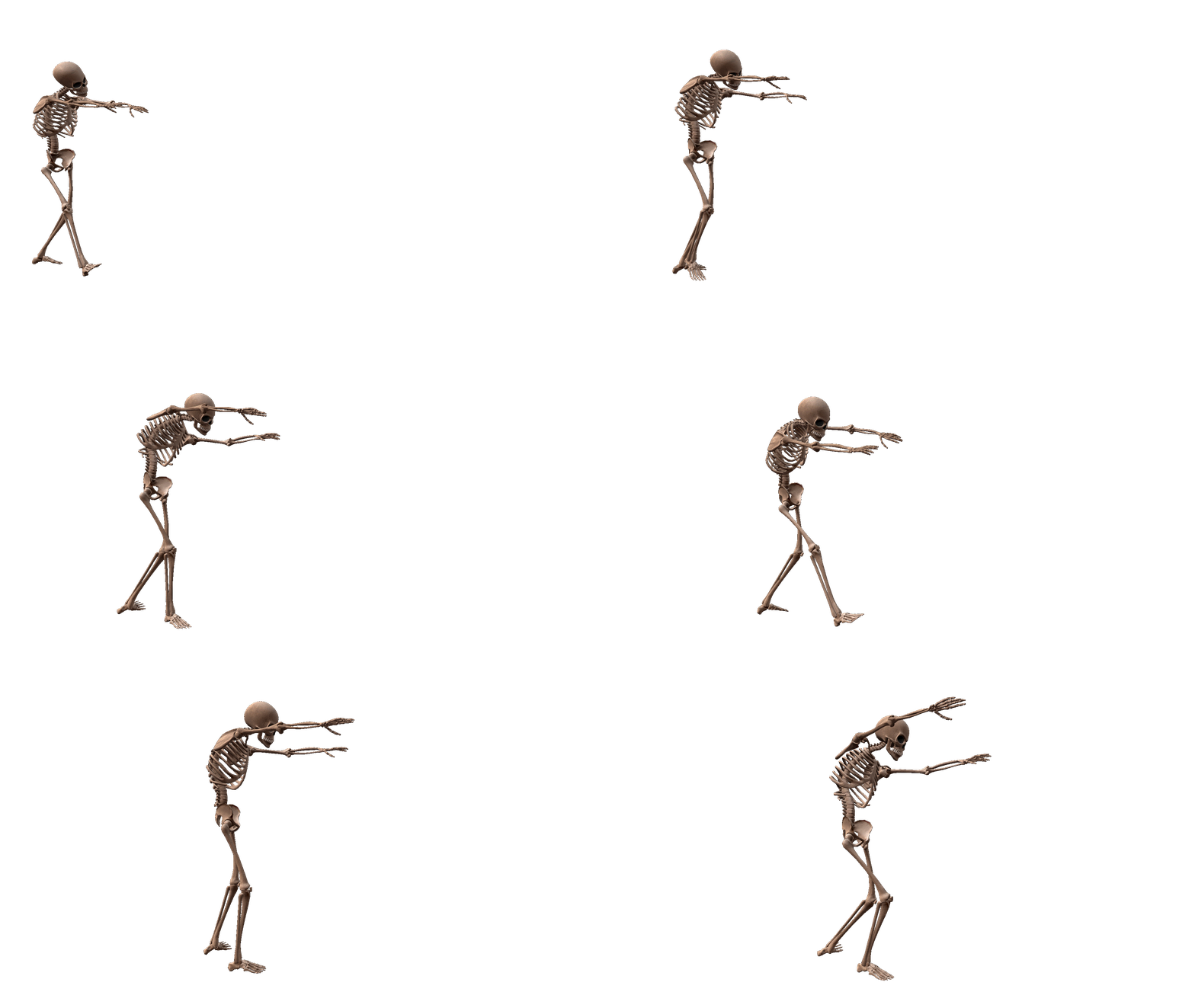
Halloween GIF Transparent
Halloween GIF Transparent files will be all over your email in October – time to get ahead of the trend! Now you can make Halloween GIF transparent files and schedule all your social media posts, include them in your website and all your email newsletters. Be ready for October with the best Dancing Skeleton GIFs and stand out from all the rest.
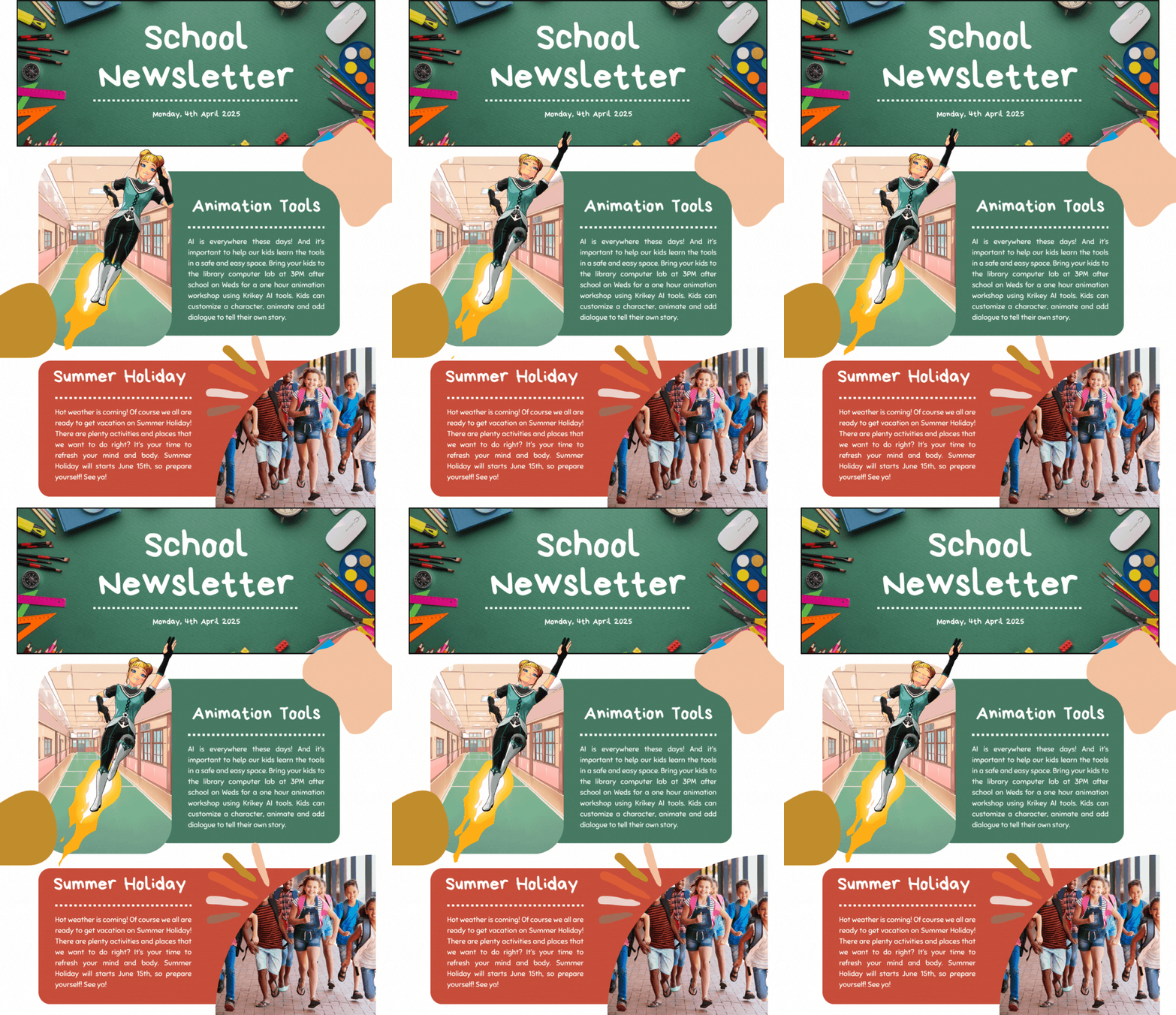
Thank you GIF Transparent
Make your own Thank you GIF transparent files to text to friends or even to include in a thank you email newsletter to customers. Animate a custom cartoon character and export a thank you GIF transparent file that you can layer on top of your branding in Canva. This is a great way to increase engagement on your social media and email newsletters with personalization that takes seconds.
Subscribe GIF Transparent
Create a Subscribe GIF Transparent file with a personalized character and include it in your YouTube Outro. A custom character, like a Vtuber, that represents your channel is a neat way to extend your brand and try a unique approach to encouraging fans to subscribe. A subscribe GIF transparent is easy to create using Krikey AI and you can even A/B test different Subscribe GIF transparent styles to see which increases your subscription conversion on social media.
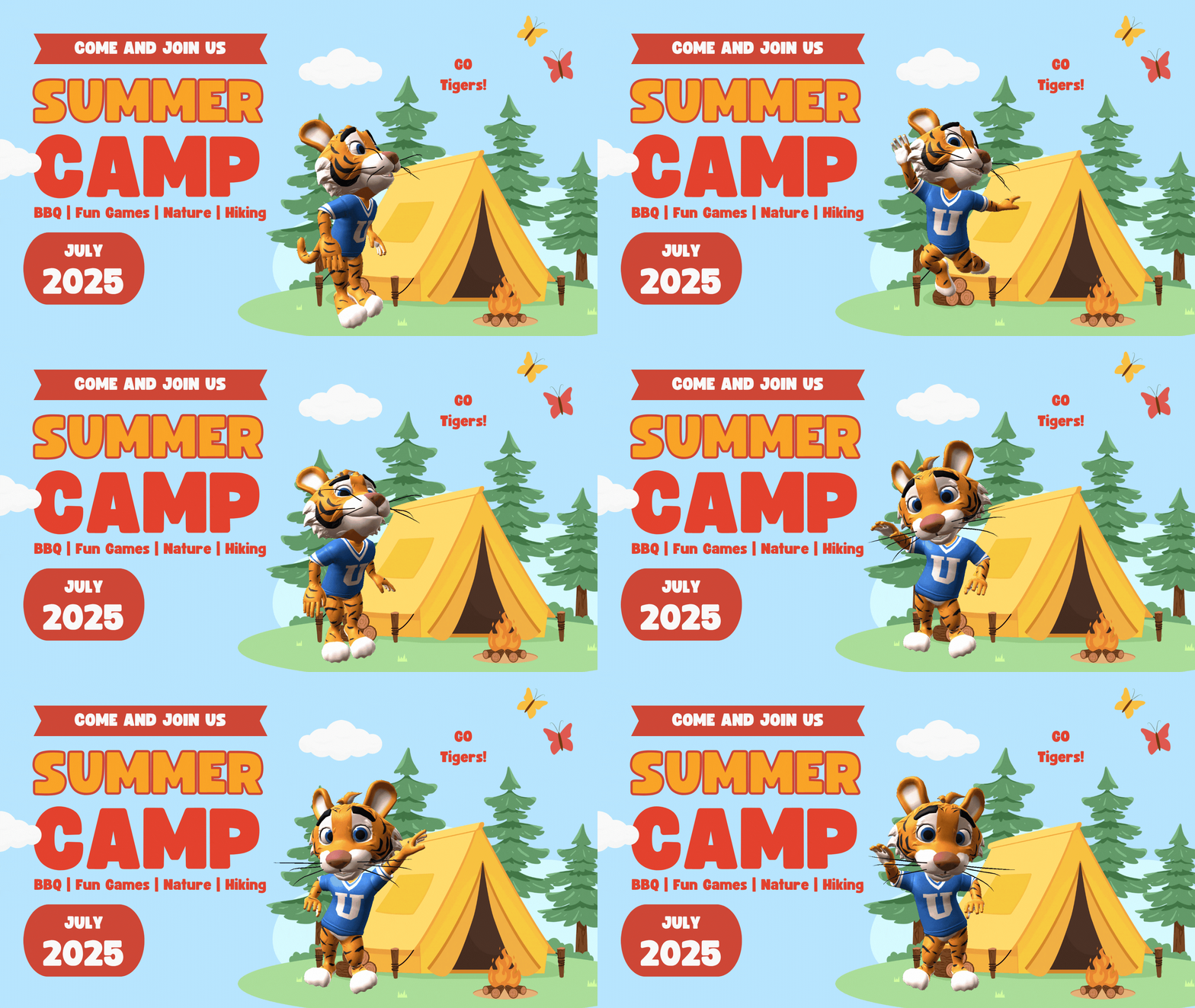
Design a Cute GIF Transparent or Anime GIF Transparent
Whether you are building a personalized sticker pack or a brand mascot, creating a cute GIF transparent or anime GIF transparent asset is effortless with Krikey AI. You can select a charming 3D character, apply expressive "kawaii" animations, and layer on stylized 2D effects like sparkles or heart bursts. By using our transparent GIF maker, you can export these adorable animations without a background, making your anime GIF transparent files ready to use in WhatsApp chats, Discord servers, or on your website.
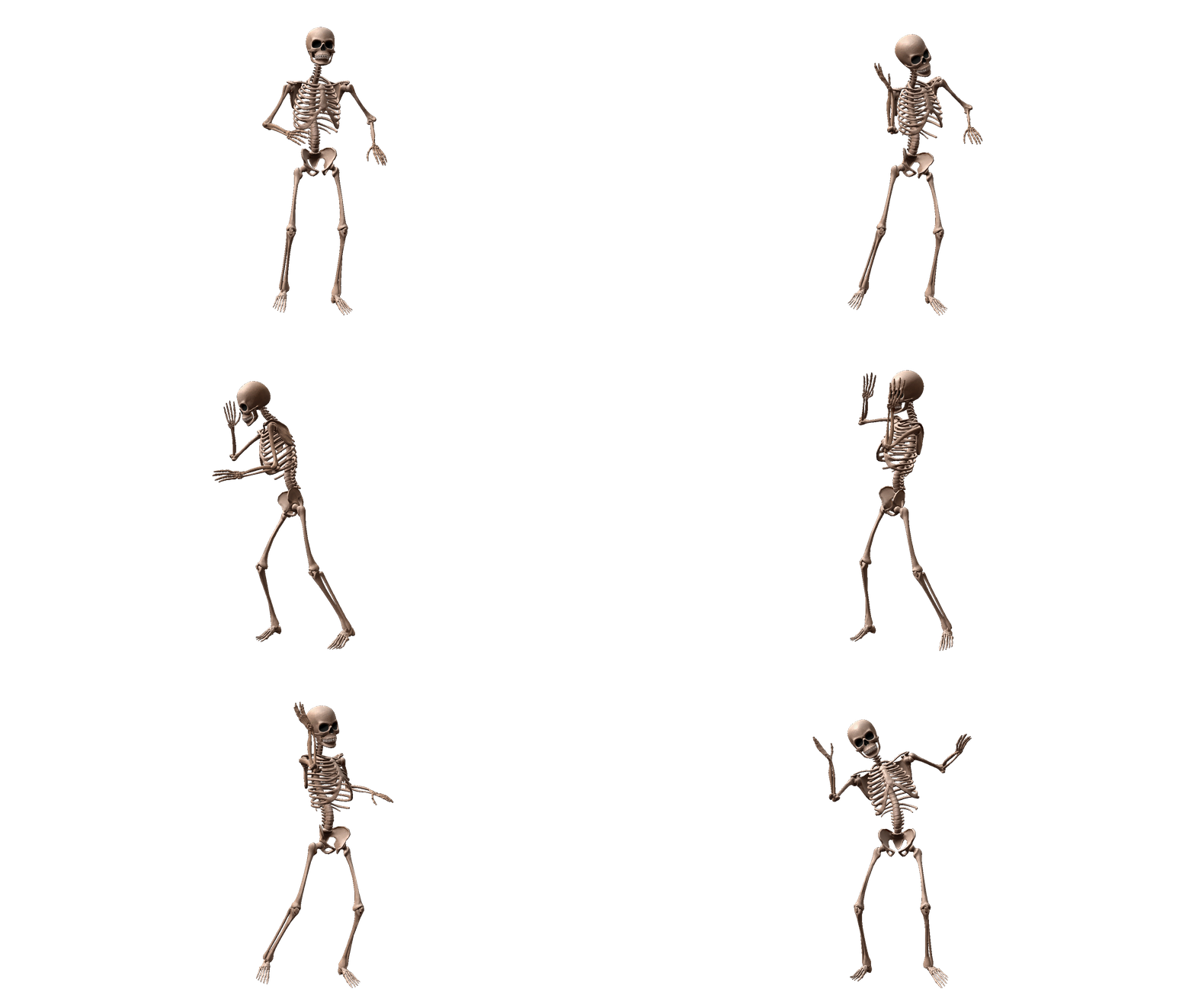
Dancing Skeleton GIF Transparent
Dancing Skeleton GIF transparent files are evergreen - they somehow maintain their popularity year round even beyond Halloween! You can't go wrong with a Skeleton doing the Dougie or Bhangra or Scottish Highland Dancing. Experiment with global dancing styles and export a dancing skeleton GIF transparent file for your project today.
Final thoughts on Animated GIF Transparent Background
Creating an Animated GIF transparent background takes less than 20 seconds and can make a world of difference for your small business website, social media and presentations. Personalize your marketing campaigns with custom animated GIF transparent files and bring your mascots and ideas to life. Save time and money on animating characters and engaging your audience.
How to make a Transparent GIF with Krikey AI Animation
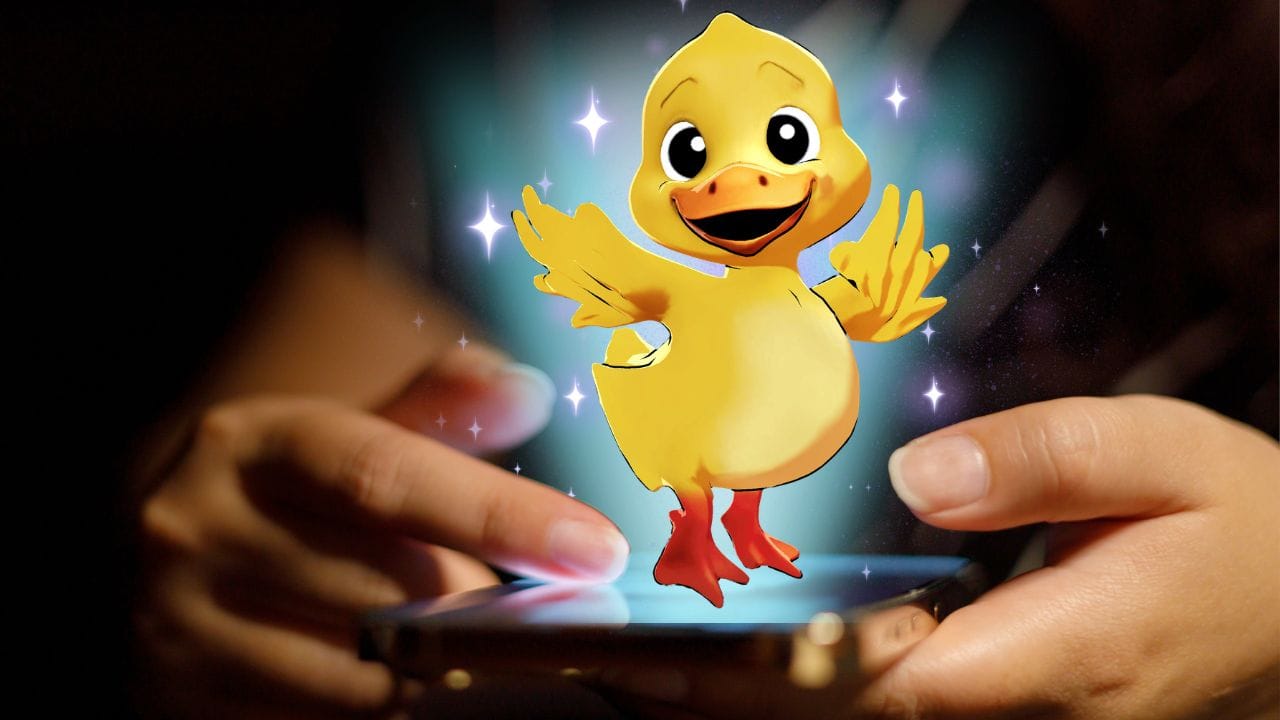
Creating a high-quality transparent GIF with Krikey AI is a fast and intuitive process. By leveraging our AI-powered background removal, you can transform any 3D animation into a versatile asset for your digital projects. Follow the steps below to start using our transparent GIF maker today.
Step One: Choose or Create Your Character
Start by browsing the Krikey AI Character Store to find the perfect persona, or use our AI Character Creator to build a custom avatar from scratch. Every character is fully rigged and ready for action, providing the perfect foundation for your transparent GIF project.
Step Two: Generate AI Animation
Input a text prompt to describe the movement you want, such as a transparent GIF dancing move, or browse our massive library of pre-set animations. Krikey AI will instantly apply the motion, lip-synced audio, and relevant backgrounds to your character, creating a dynamic 3D template ready to be refined by your creativity!
Step Three: Customize with Effects
Dive into the editor to polish your creation using our full suite of creative tools. You can transform your project by adding high-impact visual effects like a smoke GIF transparent cloud, fireworks GIF transparent bursts, or a fire transparent GIF trail. Enhance the scene further by adjusting 3D lighting, selecting cinematic camera angles, and browsing our massive library of animations and walk cycles. You can even swap backgrounds or add unique props to ensure your transparent GIF is perfectly tailored to your brand’s aesthetic.
Step Four: Export with Background Removal
Click the export button and select the GIF format from the dropdown menu. Ensure the "Remove Background" toggle is switched on to generate your GIF transparent background file, then download it to use anywhere.
Frequently asked questions (FAQs) about Transparent GIF Maker
These are frequently asked questions about transparent GIF maker.
How to export a transparent GIF?
To export a transparent GIF you can go to the Krikey AI free video editor and create your custom animated cartoon. Then go to the top right, click download, select GIF and then check the box for background removal. Click download and in seconds you will export a transparent GIF file.
How to make a transparent GIF?
To make a transparent GIF, simply log into Krikey AI, animate your character, perfect your GIF, and select the 'Background Removal' option during export. Krikey AI makes it easy to download a high-quality transparent GIF in under a minute.
How to create a transparent GIF?
You can create a transparent GIF by using Krikey AI’s intuitive editor to design a scene and then choosing the GIF export setting. Krikey AI is the best transparent GIF maker for users who want 3D animations without a solid background.
How to make a Dancing Skeleton GIF?
To create a dancing skeleton GIF, start by opening the Krikey AI animation editor and selecting the skeleton character from our library. Next, simply tell the AI what you want the character to do by typing a prompt. Krikey will generate a fully customizable template based on your prompt, which you can then edit to refine the lighting, effects, and camera angles. Finally, hit download, select GIF, and toggle the background removal switch to export your dancing GIF transparent file in seconds.
How to make a Confetti GIF?
To make a confetti GIF you can go to the Krikey AI Video editor and follow the steps to create an animated cartoon GIF. To add the Confetti GIF, go to the effects icon in the left hand bar of icons and then select Confetti. You can resize and position your confetti GIF then export the GIF to share with friends and family.
How to make a dancing GIF transparent?
To create a dancing GIF transparent, pick a dance move from the Krikey AI animation library and apply it to your 3D avatar. When you export the file as a GIF, check the background removal box to get your dancing GIF transparent result.