AI Animation for Kids: Create 3D Cartoons with Krikey AI
AI Animation for Kids Cartoon Characters: Fun and Easy Animation Creation. Make AI Animation websites for kids cartoons using cute cartoon talking avatars made with the Krikey AI Video Editor.
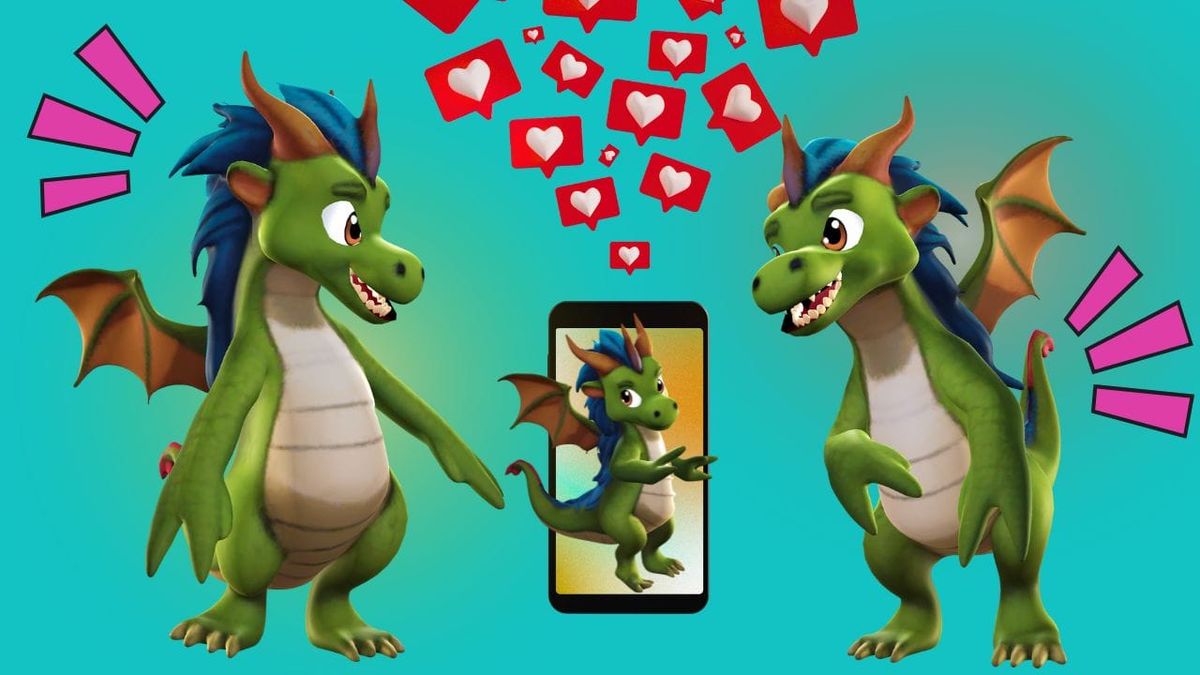
Welcome to the future of storytelling, where AI animation for kids transforms simple ideas into vibrant, 3D realities! Whether you’re a parent looking to spark a new hobby, an educator bringing lesson plans to life, or a young creator ready to direct your first digital masterpiece, our tools make professional-grade motion accessible to everyone. Gone are the days of complex software and steep learning curves—with AI animation for kids, the only limit is your imagination. Start creating today and watch as your characters take their first steps, dances, and leaps in a world built entirely by you!
Key Takeaways About AI Animation for Kids
- Accessible 3D Creative Tools for All Ages Krikey AI removes the technical barriers of traditional 3D software. By using Krikey AI animation for kids features like Text-to-Animation, young creators can turn simple written descriptions into high-quality character movements instantly. No complex key-framing or coding is required, making it the perfect entry point for digital storytelling.
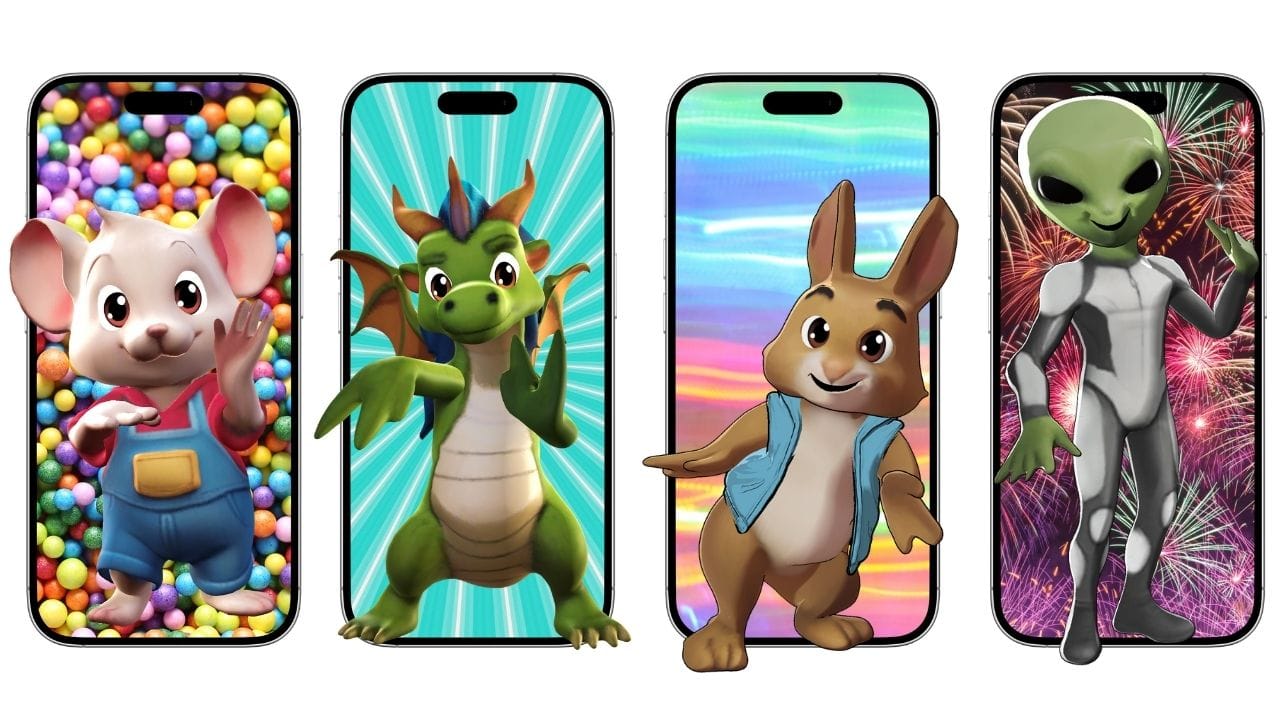
- Personalized Avatars and Diverse Character Design Engagement is higher when kids see themselves on screen. Our platform offers a massive library of customizable avatars—including humans, animals, and fantasy creatures—that can be tailored with unique outfits and styles. This focus on inclusive AI animation for kids ensures every student or child can build a character that truly represents their imagination.
- Safe, Educational, and Classroom-Ready Features As a Clever Certified partner, Krikey AI provides a secure environment for schools. Teachers can use AI animation for kids to improve literacy and public speaking through AI Lip-Sync in over 30 languages. It’s not just a toy; it’s a powerful educational tool that helps kids practice communication while building 21st-century tech skills.
What is AI Animation for Kids?
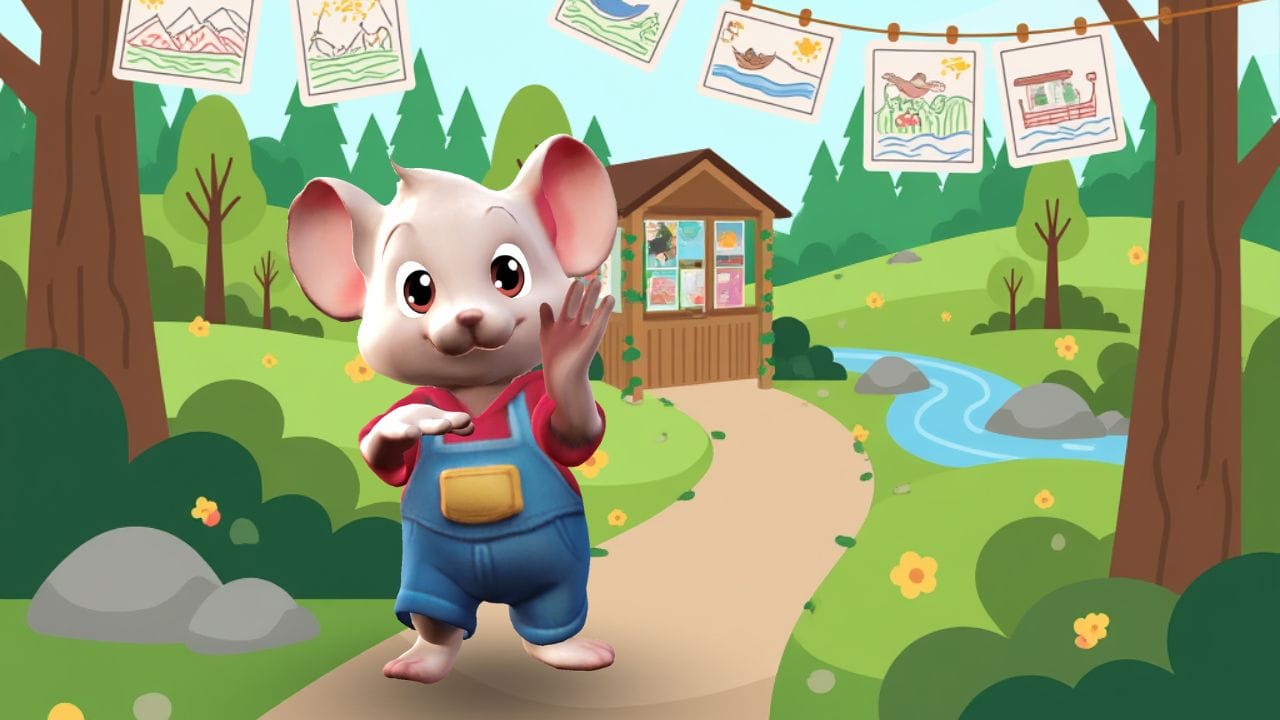
AI animation for kids is an intuitive technology that allows young storytellers to transform their imagination into professional 3D cartoons using simple text prompts or motion capture. Krikey AI stands out as the best platform by offering a "creativity-first" interface where kids can instantly animate custom avatars with AI lip-sync and a massive library of 3D assets. A Clever Certified kid-safe tool for classrooms, it's giving kids the professional-grade tools they need to become digital directors in minutes.
Unlock 3D Creativity with AI Animation for Kids
AI animation for kids transforms complex 3D filmmaking into an intuitive digital playground. With Krikey AI, there is no steep learning curve—just pure imagination. Our professional-grade AI Funny Video Generator bridges the gap between a great idea and a high-quality video, allowing young creators to become directors in minutes.
AI Animation Websites for Kids Cartoon Characters: A Comprehensive Guide
Creating AI animation for kids can be an exciting and rewarding experience. With advancements in technology, making animated kids cartoons has never been easier.
Introduction to AI Animation for Kids Characters
AI animation for kids transforms the complex world of 3D filmmaking into a digital playground where anyone can be the director. With Krikey AI, you don’t need years of technical training to create high-quality videos; you just need an idea. Our 3D AI Animation Maker uses advanced artificial intelligence to bridge the gap between imagination and animation, offering a professional Animation Editor that is as intuitive as a game.
- For the Classroom: Educators can instantly elevate their curriculum by generating AI lesson plans with eye-catching 3D characters that grab students' attention and make learning unforgettable.
- For the Family: Want to send a personalized surprise to a loved one? Kids can design a custom 3D avatar that looks just like them, record a heartfelt message, and use AI Lip-Sync to let their cartoon twin deliver it to grandparents or friends across the globe.
- For the Young Creator: If your child is obsessed with cartoons or gaming, they can turn that passion into a creative hobby. They can even experiment with our Fortnite Emote Generator, turning their own favorite dance moves into custom 3D animations with just a few clicks!
Benefits of AI Animation for Kids Characters
Using AI for kids animation offers numerous benefits. It streamlines the animation process, reduces production time, and allows for creative customization. Additionally, AI tools can add realistic voiceovers and dubbing in multiple languages, making content accessible to a global audience.
From Viewer to Visionary: Empowering the Next Generation of Creators
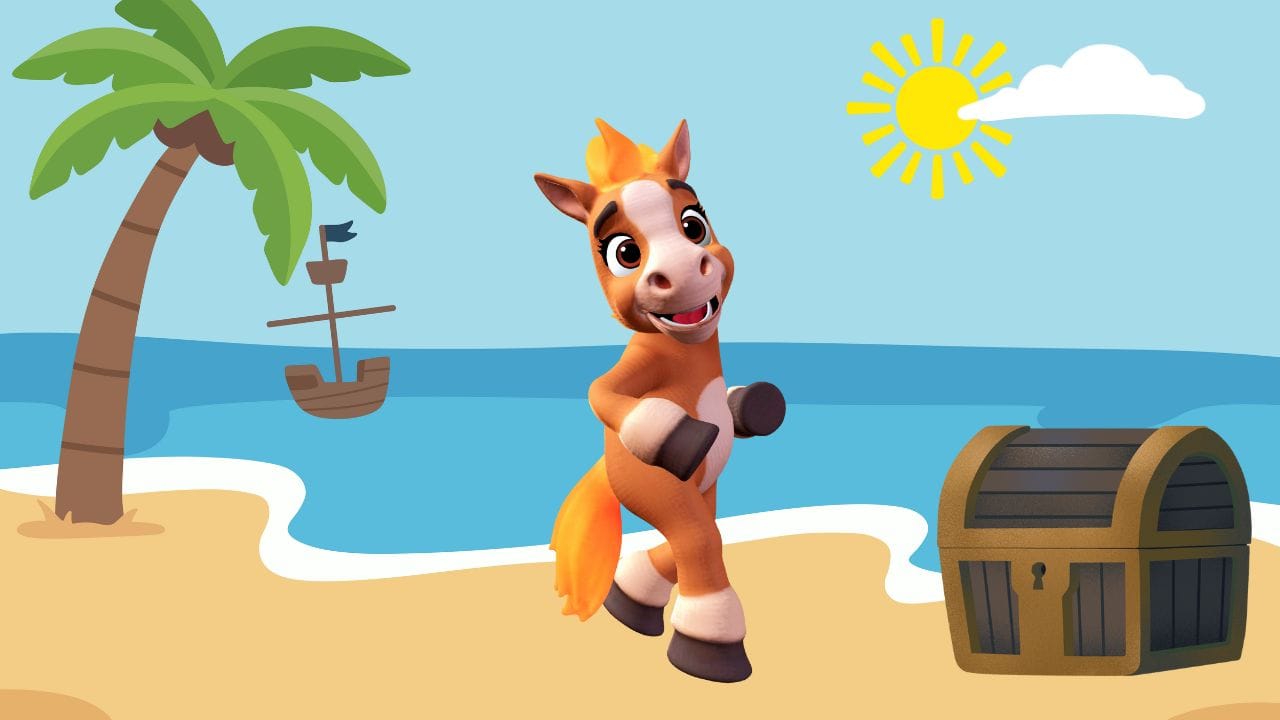
Krikey AI animation for kids turns screen time into creative time. While every child grows up captivated by the worlds of Bluey, Daniel Tiger, or Mickey Mouse, Krikey AI invites them to step behind the camera and take the reins of their own production. Our platform provides the ultimate sandbox for imagination, where kids can design a unique 3D cartoon character customized to look exactly like them—or someone entirely new—and bring them to life with a massive library of AI-driven motions.
Every child has a story worth telling. By simplifying the technical hurdles of 3D software, Krikey AI empowers young creators to express their unique voices, build confidence in digital storytelling, and transform from passive viewers into the directors of their own animated universes.
Transform Classrooms with Interactive AI Lesson Plans
Krikey AI for kids is a game-changer for modern education, turning traditional subjects into immersive 3D experiences. By integrating AI animation into the curriculum, teachers can transform complex concepts in science, math, history, and the arts into engaging, bite-sized cartoons that resonate with digital-native students. Instead of just reading about history, students can watch it unfold through characters they help create.
Implementing a new AI animated lesson plan generator has never been easier. With the Krikey AI Animation Editor, educators can generate a high-quality template in seconds and customize it to fit their specific teaching goals. This interactive approach not only boosts student engagement but also improves information retention by making learning feel like a fun, cinematic adventure.
One university professor used Krikey’s video-to-animation tools to create animated dance lesson plans for her West African dance courses. "During the pandemic, I realized that I am the book but my students can't take me home. Over the last few years, I had to begin searching for a new way to engage and teach my students. Krikey AI Animation is a great way for me to engage my students beyond the classroom and have them retain information from my classes." ~ Professor Keshia Wall, Elon University. You can read more about her inspiring story here.
Get Started with AI Animation Tools for Kids Cartoon Characters
Starting with AI animation tools for kids is easy. Many platforms offer user-friendly interfaces that require no coding knowledge. By following a few simple steps, anyone can begin creating animated videos for children.
You must be at least 13 years old to sign up for a Krikey AI account, but children under 13 will find Krikey AI easy to use with some adult supervision.
Choose the Right AI Animation Tool for Kids cartoon characters
Selecting the right AI animation tool is crucial. Consider factors like ease of use, available features, and support for multiple languages. Krikey AI Animation editor for kids offers comprehensive solutions for beginners and advanced users alike.
Krikey AI saves you time and money by empowering anyone with an interest in animation the tools to elevate the stories they want to tell - whether you’re a dance teacher who needs to teach choreography to students who can’t make it into the dance studio, a martial arts instructor trying to teach young students the movements they need to get to their next belt, or a business consultant who wants to elevate your presentations to grab the attention of your clients - Krikey is here to help.
Customize Kids Characters and Scenes
Once you have chosen your tool, you can start customizing characters and scenes. AI tools allow you to create 3D avatars, select backgrounds, and add various effects to enhance your animation.
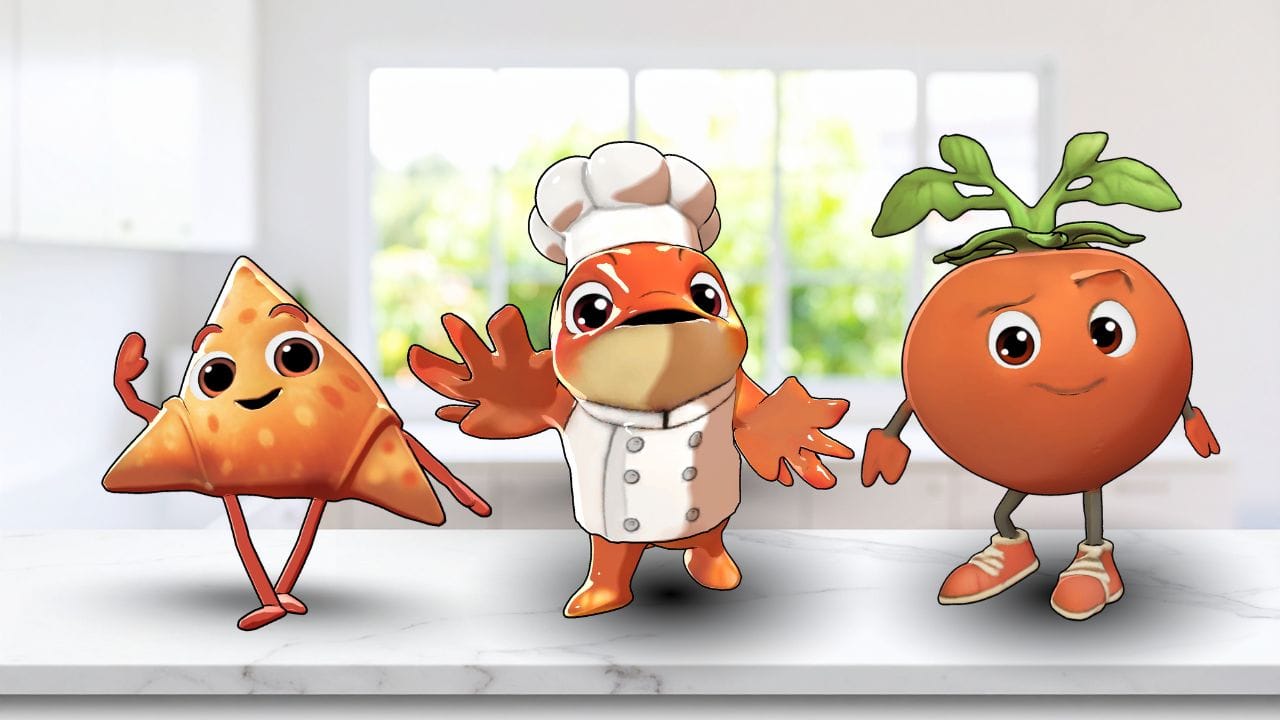
Create Engaging AI Animation Videos for Kids Characters
To make your AI animation video for kids captivating, focus on storytelling and visual appeal. Use bright colors, fun visuals, and interactive elements to keep children engaged.
Create Engaging AI Animation Videos for Kids
To make your AI animation video for kids captivating, focus on storytelling and visual appeal. Use bright colors, fun visuals, and interactive elements to keep children engaged. Whether your protagonist is a quirky cartoon duck splashing in a pond or a high-tech cartoon robot exploring a distant planet, Krikey AI provides the tools to bring them to life.
Mastering the Art of 3D Storytelling for Kids
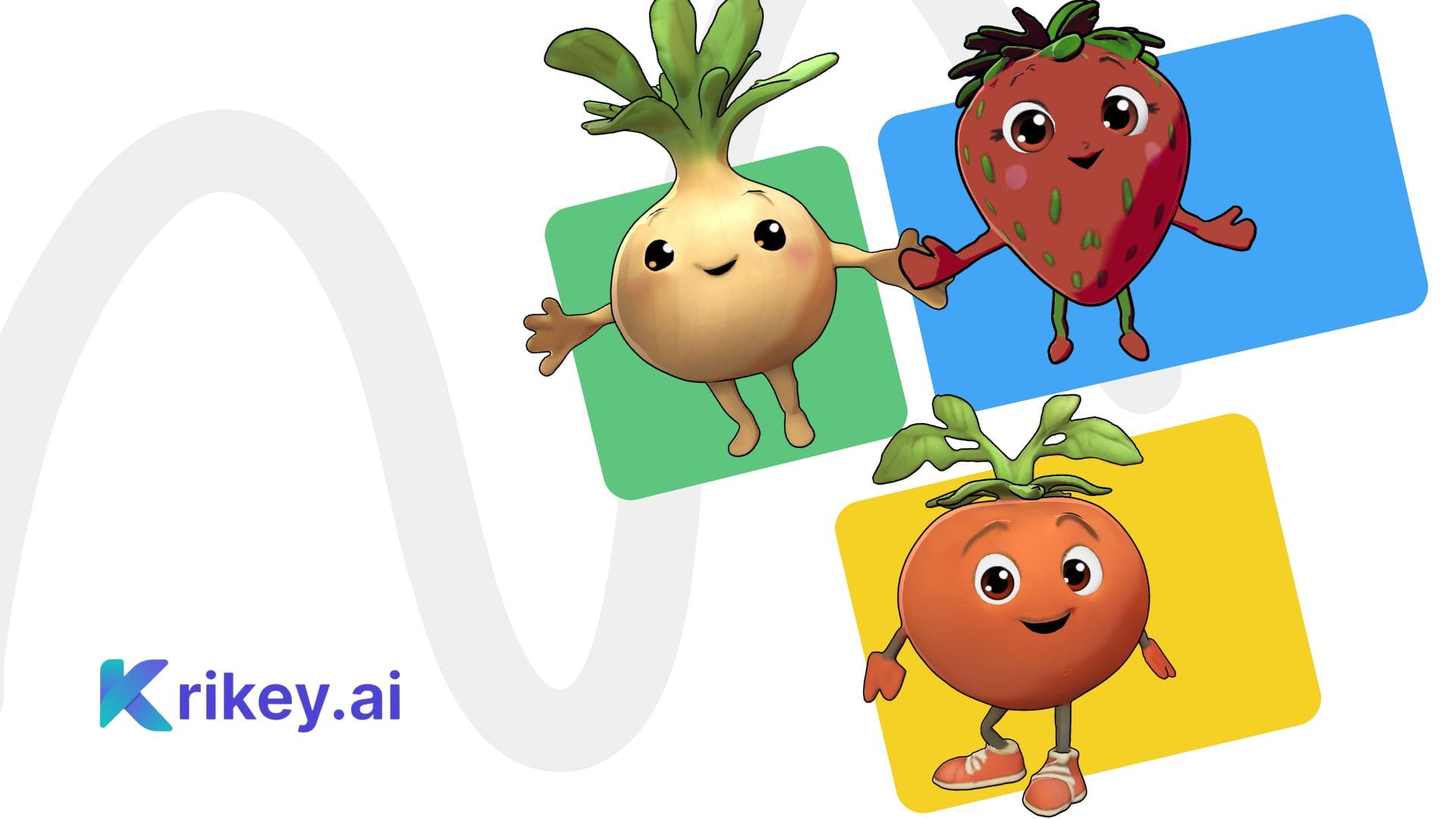
At the heart of every great video is a story that sticks. To truly engage young audiences, you need a clear narrative, relatable characters, and a plot that keeps them guessing. Krikey AI makes this easier than ever by giving kids the tools to build their own "hero’s journey" from scratch. Imagine a cartoon strawberry embarking on a grand adventure to find the legendary giant cream cake—with Krikey, that story becomes a professional 3D reality in minutes.
Bring Your World to Life with Fun Visuals and Interactive Tools
Krikey AI for kids is designed to be a vibrant, sensory-rich playground. To keep young audiences glued to the screen, you can incorporate high-energy visuals like bright color palettes, dynamic character expressions, and cinematic lighting. Our AI Animation Editor gives you total control over the "vibe" of your video—whether you want a sunny day in a magical forest for your cartoon duck or a spooky neon-lit dance floor for a cartoon robot's birthday party.
Best Practices for Kids' AI Animation
Adhering to best practices can enhance the quality and effectiveness of your AI kids animation projects. Focus on creating content that is both educational and entertaining, ensuring it holds the attention of young viewers.
Pacing for Performance: How to Capture Young Audiences
In the world of AI animation for kids, timing is everything. Because young viewers often have shorter attention spans, the most successful videos are concise and high-energy. We recommend aiming for a total length of under 10 minutes to keep your audience fully invested from start to finish.
Mastering Edutainment: Where Learning Meets Fun
Krikey AI for kids bridges the gap between the classroom and the cartoon studio, making "edutainment" more accessible than ever. By combining high-quality educational content with the entertainment value of 3D media, you can create a balanced learning experience that keeps students curious and engaged.
Final takeaways on AI animation for kids
AI animation for kids offers a powerful and accessible way to create engaging and educational content for children. By choosing the right tools, customizing your animations, and following best practices, you can produce high-quality videos that captivate and educate young audiences. With AI animation, the possibilities for creative expression and learning are endless.
How to Make AI Animation for Kids with Krikey AI Animation
Step 1: Generate a Custom AI Template
Start by telling the AI exactly what you want to see. Enter a simple text prompt into the AI Animation Generator—for example, "A cartoon tiger teaching a math lesson in a colorful jungle"—and Krikey will instantly build an editable 3D video template for you. This gives you a professional starting point with characters, backgrounds, scripted audio, and motions already in place.
Step 2: Customize in the Animation Editor
Now, it’s time to get creative! Open your project in the Animation Editor to fine-tune every detail. You can swap out your 3D avatar, change the background, adjust camera angles, or add AI Lip-Sync dialogue in over 30 languages. Because the template is fully editable, kids can direct the action exactly how they imagined it.
Step 3: Export and Share Your Masterpiece
Once your 3D story is perfect, simply click Export. You can save your creation as a high-quality MP4 video for YouTube, a fun GIF for messaging, or even a transparent PNG to use in school presentations. Krikey makes it easy to go from a simple idea to a shareable 3D animation in minutes!
Frequently Asked Questions (FAQs) About AI Animation for Kids
These are frequently asked questions about how to make AI Animation for kids videos using the Krikey AI Animation maker tool.
What is AI Animation for Kids?
AI animation for kids refers to the use of artificial intelligence to create animated videos specifically designed for children. These tools simplify the animation process, making it accessible to users without extensive animation skills.
How Do AI Animation Tools Work?
AI animation tools use algorithms to automate various aspects of the animation process. Users can upload videos to the video-to-animation tool, and the AI generates animations based on these inputs. Krikey AI also offers a large library of pre-made animations and customizable characters.
Can AI Animation Be Used for Educational Purposes?
Yes, Krikey AI can be used to create educational content. Many educators and content creators use AI tools to produce videos that teach children about various subjects in an engaging and interactive way.
What Are the Benefits of Using AI for Kids Animation?
The benefits of using AI for kids animation include ease of use, reduced production time, creative customization options, and the ability to produce high-quality content without extensive technical knowledge.
How Can I Get Started with AI Kids Animation?
To get started with AI kids animation, sign up for free at Krikey.AI. Users must be 13 and up to have their own account, but with parental guidance, kids can enjoy creating their own animation. Older and younger siblings can voice their own characters and produce videos for sharing with family, teachers, and friends.
What Features Should I Look for in an AI Animation Tool?
When choosing an AI animation tool for kids, look for a "no-code" platform that offers an intuitive Animation Editor with drag-and-drop 3D assets and safe, pre-built templates. Krikey AI is the best choice because it provides professional-grade features—like AI Lip-Sync in 20+ languages and an AI Background Generator—within a classroom-safe, Clever Certified environment. By combining high-end motion capture technology with a simple, browser-based interface, Krikey ensures that the only thing a child needs to focus on is their own creative storytelling
How Can I Make My AI Animation Videos Engaging for Kids?
To make your AI animation videos engaging for kids, use bright colors, fun visuals, and interactive elements. Develop a clear and exciting narrative with relatable characters and incorporate educational content in an entertaining way.
Is Krikey AI free to use?
Yes! Krikey AI offers free access to its animation tools. No experience required, all you need to do is sign up.
What Types of Content Can I Create with AI Animation for Kids?
With AI animation for kids, you can create various types of content, including educational videos, storytime animations, dance videos, game videos, and more. The possibilities are endless, limited only by your creativity.
How Do I Add Voiceovers to My AI Animation?
AI animation tools like Krikey AI offer voiceover features that allow you to add realistic voiceovers to your animations. Simply input your script and choose from multiple language options to generate lip-synced dialogue for your characters.
Can I Customize the Characters in My AI Animation?
Yes, you can customize the characters in your AI animation. Most AI animation tools provide options to create and personalize 3D avatars, allowing you to design unique characters for your videos.
How Do I Share My AI Animation Videos?
Once you have created your AI animation video, you can easily share it on platforms like YouTube or social media. Krikey AI offers simple export options to download and share your videos.
What Are the Best AI Animation Tools for Kids?
Krikey AI is one of the best AI animation tools for kids animated videos. Their tools offer a range of features to help you create high-quality animated content for children.
How Does Krikey AI Handle Different Languages?
Krikey AI offers over 20 different languages for text-to-speech features. This allows users to create animations with voiceovers and dialogue in various languages, making content accessible to a global audience.
Can AI Animation Be Used for Interactive Storytelling?
Yes, Krikey AI animation can be used for interactive storytelling. By incorporating interactive elements and branching storylines, you can create engaging and immersive experiences for children.
What Are the Key Considerations When Creating AI Animation for Kids?
When creating AI animation for kids, consider the target age group, the educational value of the content, and the visual appeal. Ensure that the animation is age-appropriate, engaging, and educational.
How Can AI Animation Tools Help with Character Animation?
AI animation tools help with character animation by providing pre-made animations and customizable options. Users can animate characters by uploading reference videos.
Are Krikey AI Animation Tools Suitable for Beginners?
Yes! Krikey AI is suitable for beginners. No experience or animation skills required. It offers intuitive interfaces and step-by-step guides to help new users get started with creating animations.
How Does Krikey AI Improve the Animation Process?
Krikey AI tools improve the animation process by automating complex tasks, reducing the time and effort required to create animations. They also provide creative customization options and high-quality results.
Can AI Animation Be Used for Commercial Purposes?
Yes, AI animation can be used for commercial purposes. Many businesses and content creators use AI animation tools to produce promotional videos, educational content, and entertainment for children.
How Do I Ensure My AI Animation Is Engaging for Children?
To ensure your AI animation is engaging for children, use bright colors, fun visuals, and interactive elements. Develop a captivating storyline with relatable characters and include educational or entertaining content.
How Can AI Animation Enhance Children's Learning?
AI animation can enhance children's learning by providing interactive and engaging content that makes learning fun. Animated videos can simplify complex concepts and keep children interested in the subject matter.
What Makes AI Animation Different from Traditional Animation?
AI animation differs from traditional animation in that it uses artificial intelligence to automate and simplify the animation process. This allows for faster production times and easier customization, even for users without animation experience.
Can I Use AI Animation for Storytime Videos?
Yes, AI animation is perfect for creating storytime videos. You can animate characters to read children's books aloud or create original stories with engaging visuals and interactive elements.
How to use AI Animation for Kids?
To start, simply enter a text prompt into the Krikey AI Animation Generator—like "a cartoon duck doing a happy dance"—to create an instant, editable 3D template. Unlike complex professional software, Krikey is built for kids to jump right into the Animation Editor, where they can swap characters, add backgrounds, and customize motions with just a few clicks.
What’s the best AI Animation tool for kids' content?
Krikey AI is the best tool for kids because it is a "creativity-first," family-friendly platform that is Clever Certified for classroom safety. It stands out by offering a browser-based, no-code environment where children can access professional-grade features like AI Lip-Sync and custom 3D avatars without needing a high-powered computer or technical expertise.
How do I make kids' show cartoons with AI Animation tools?
You can build a full show by using Krikey’s storyboard-to-video workflow: generate your scenes using templates, then use the Timeline Editor to sync dialogue in over 20 languages and set up cinematic camera angles. Krikey is ideal for shows because it allows you to maintain character consistency across episodes while offering