How to use an AI Animation Save The Date Video Maker for your special day
Krikey AI's Save the Date video maker has custom avatars and over 20 different languages for free online personalized save the date videos. No animation experience needed!
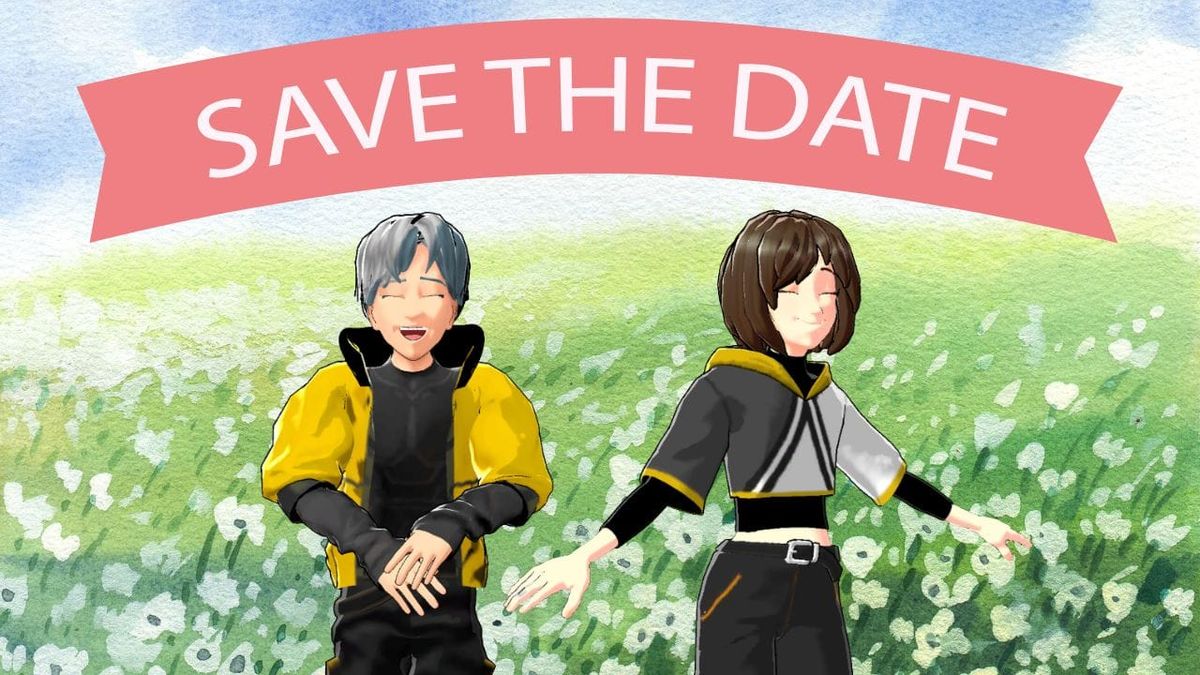
Congratulations!!! You're engaged. Now, take a deep breath and close your eyes. Imagine the faces of your loved ones, the warm and positive energy they will bring to you on your wedding day. Let them know that they are the chosen ones by sending them a Save the Date video.
Key Takeaways about Save The Date Video Maker
- AI-Powered Customization from Simple Prompts: You can bring your vision to life by describing your ideal video and letting Krikey AI automatically build the template. You can then choose from a variety of 3D avatars and customize their hand gestures, facial expressions, and high-quality animations to create the truly unique digital Save The Date video of your dreams.
- Multilingual Dialogue & Automated Lip-Sync: Krikey AI features a built-in AI Voice Generator that supports over 20 languages (including English, Hindi, Tamil, and more). Once you input your dialogue, the AI generates a professional voiceover and automatically syncs the character’s mouth movements to the audio for a polished, "talking avatar" effect.
- Fast, Beginner-Friendly, and Eco-Friendly: Designed for users with no prior animation or technical skills, the platform uses a drag-and-drop interface that allows you to create high-quality 3D videos in minutes. Because the final product is digital, it offers an eco-friendly and instant alternative to traditional paper invites, making it easy to share via email, social media, or WhatsApp.
What is a Save The Date Video Maker?
A Save the Date video maker is an AI-powered tool that allows couples to announce their big day through engaging 3D animations rather than traditional paper cards. Krikey AI stands out as the premier choice because it allows you to describe your wedding vision in a prompt to automatically build custom scenes, complete with talking avatars that lip-sync your invitation in over 20 languages. By combining high-end 3D character design with effortless drag-and-drop tools, Krikey AI makes it easy for anyone to create a cinematic, personalized announcement in just minutes.
Why Choose Krikey AI as Your Save the Date Video Maker?
Above all else, your wedding is a celebration of a love story that no one else in the world shares. So it's understandable that you'd want every aspect of the big event to feel wholly and completely... you. This includes your Save the Date, especially because a Save the Date establishes the theme of your wedding, sets the tone and locks in the date. Explore all types of digital invitations with our AI Invitation Maker.
Wide Variety of Templates and Animations
With Krikey AI's Save the Date video maker, you can create a statement that reflects the excitement building up to the main event. You can choose from a menu of avatars and customize them with hand gestures, facial expressions, movement and dub them into over 20 different languages. You can even translate English to Tamil, English to Hindi translation and other languages!
Easy-to-Use Interface for Beginners
Planning a wedding can be stressful, but creating an animated Save the Date will be the easiest thing on your to-do list. Anyone can animate - no prior experience required. With a few drag-and-drop clicks, you'll have a custom Save the Date video in minutes.
AI-Driven Customization Options
Are you struggling to find a template that feels just right? Not a problem with Krikey. You can input any prompt and create any background or scene of your choice. Krikey will build a custom template for you! From there, you have full creative freedom to perfect it to match your wedding esthetic perfectly.
Fast Rendering with High-Quality Output
On top of that, Krikey AI's Save the Date video maker is free to use so not only will you be saving money (big win in the wedding planning phase!), but you'll also be saving time because Krikey AI's tools produces 3D animated videos in minutes.
Benefits of Using an AI Save the Date Video Maker
Choosing to send a save the date video instead of a traditional card comes with several benefits that make it a compelling option for modern couples and event organizers. From Voice AI that translates English to Tamil to AI Animation and English to Hindi translation, this is the cutting edge way to make a save the date video.
1. Eco-Friendly
By opting for a digital save the date video, you're reducing paper waste and choosing a more environmentally conscious method of sharing your big day. It’s a small step that can make a big impact on sustainability. Your future selves will thank you!
2. Instant Delivery
Unlike printed cards, a save the date video can be delivered instantly via email, social media, or messaging apps. This is especially beneficial if you’re planning a destination wedding or event and need to get the word out quickly.
3. Shareability
Guests can easily share the video with others, helping to spread the excitement. Whether it’s posted on social media or sent through a group message, videos tend to generate more engagement than traditional cards.
4. Dynamic and Memorable
The use of 3D animation makes a save the date video more engaging and memorable. Guests are more likely to remember a video than a paper invite, ensuring your event stays top of mind. You can even translate English to Tamil or English to Hindi translation and have your custom characters lip sync!
Save the Date Video Ideas for Every Occasion
Here are some save the date video ideas for different events in your life!
Love Story Timeline
Take your guests through a visual timeline of your relationship. You can include:
- First meeting
- First date
- Proposal moment
- Important milestones By adding dates and captions to each photo or video, this style provides a personal and emotional journey for viewers.
- Highlight key moments in dialogue with our AI translate from English to Tamil or English to Hindi translation feature
Destination-Themed Videos
For destination weddings or events, consider a theme based on your location. Include:
- Scenic views of the venue or destination
- Local music or cultural touches
- Maps or travel guides: This approach not only announces the date but gives guests a glimpse of what they can expect from the event. Use our translate English to Tamil feature to welcome guests in many different voice AI languages (including English to Hindi translation).
Animated Characters
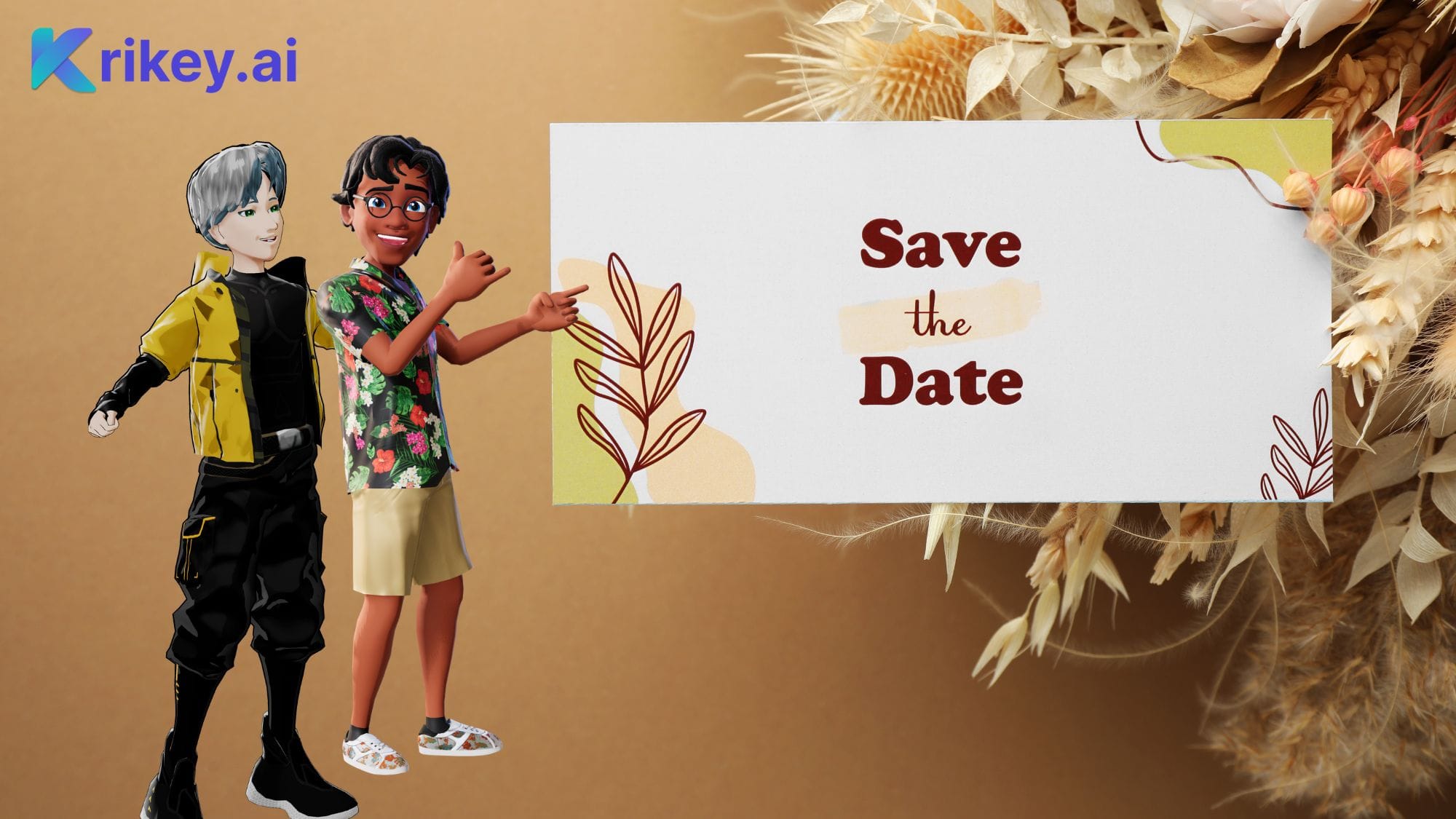
Use animation to bring a playful twist to your save the date video. Krikey AI Animation tools allow you to incorporate animated characters representing you and your partner. You can even create a mini-cartoon adventure with your avatars.
Final Takeaways on Creating a Save the Date Video Maker with Krikey AI
A save the date video offers a modern, creative way to announce your special event. With Krikey AI, creating personalized and professional-quality videos has never been easier. If you'd like to save time, budget and trees, try Krikey AI's Save the Date video maker today!
How to make a Save The Date Video with Krikey AI
- Step One - Prompt Your Dream Scene: Enter a brief description into the AI Video Generator to let the AI instantly draft a 3D environment, complete with animated characters, lip-synced audio, and atmospheric lighting.
- Step Two - Refine Every Detail: Use the 3D editor to perfect your announcement by switching out scenic backgrounds, choosing cinematic camera shots, or fine-tuning your avatars’ poses and expressions to capture your unique personality as a couple.
- Step Three - Add Custom Audio & Lip-Sync: Input your invitation details into the text-to-speech tool; our AI will produce a high-quality voiceover in one of 20+ global languages and precisely align the character’s lip movements to every word you’ve written.
- Step Four - Record Your Own Moves (Optional): To add a truly personal touch, upload a clip of yourself performing a specific dance or gesture; our AI motion capture technology will translate those exact movements onto your digital characters. You can also browse our massive Animation Library to find the perfect preset movement for your big reveal.
- Step Five - Download and Invite: Once your masterpiece is finished, export the video in high-definition MP4 or a lightweight GIF format, ready to be sent instantly to your guest list via social media, text, or email.
Frequently Asked Questions (FAQs) about Save the Date videos
These FAQs provide helpful insights into creating, customizing, and sharing your save the date video for any special event!
Can I create a Save the Date video for free?
Yes! You can create a save the date video for free using Krikey AI save the date video maker. We offer customizable templates and an easy-to-use drag-and-drop interface. Simply upload your photos or videos, add text, and complete your save the date video.
How do I make a Save the Date video online?
To create a stunning Save the Date video online, start by visiting Krikey AI to choose a 3D character and enter a prompt that describes your dream wedding scene. Use the intuitive Krikey AI Animation Editor to customize your background, adjust cinematic lighting, and add AI-generated voiceovers that automatically lip-sync to your character. Once your personalized 3D masterpiece is complete, simply export the file and instantly share your digital invitation with loved ones via social media or email.
How long does it take to create a Save the Date video?
With Krikey AI, you can create a personalized Save the Date video in less time than it takes to drink your morning coffee. Have a few minutes? That's all the time it takes to create the perfect save the date.
How do I create a Save the Date video?
Simply create a free Krikey AI account, choose a character, and watch as our AI turns your text prompt into a high-quality 3D animation. With our intuitive editor, you have full creative control over the lighting, camera angles, and immersive backgrounds. Personalize your message with automated lip-synced audio and easily export your creation to share the big news with your friends and family.
Can I customize the Save the Date video templates?
Krikey Character AI tools allow you to create custom 3D characters and add lip-synced dialogue in seconds. This means you can create digital invitations that are truly unique and engaging.
Do I need technical skills to use Krikey AI?
No code, software download or special skills are required to use our tool – and it's free to try!
How do I share my Save the Date video?
You can share your save the date video via email, social media platforms like Instagram, Facebook, and YouTube, or messaging apps like WhatsApp. You can also embed it on a wedding website for easy access by guests.
When do I post my Save the Date video?
For a standard wedding, you should post your Save the Date video six to eight months in advance. If you are planning a destination wedding or a holiday celebration, aim for nine to twelve months to allow guests extra time for travel arrangements. Since your Krikey AI video is digital, you can share it instantly via social media or email the moment your venue and date are officially locked in.
How do I make a free Save the Date video?
Creating a high-end Save the Date video doesn’t have to break your wedding budget when you use Krikey AI’s free online tools. Start by designing your own 3D custom avatars and selecting a romantic background, then use the "Magic Create" feature to animate your characters with just a few clicks. Because the platform is browser-based and offers free credits to get you started, you can design, lip-sync, and export your digital invitation without any hidden costs or technical expertise.