How to Make Any Video Animate: A Practical Guide for Beginners
How to make any video animate using Krikey AI Animation tools. Learn about motion graphics, character animation and how to make any video animate in minutes.
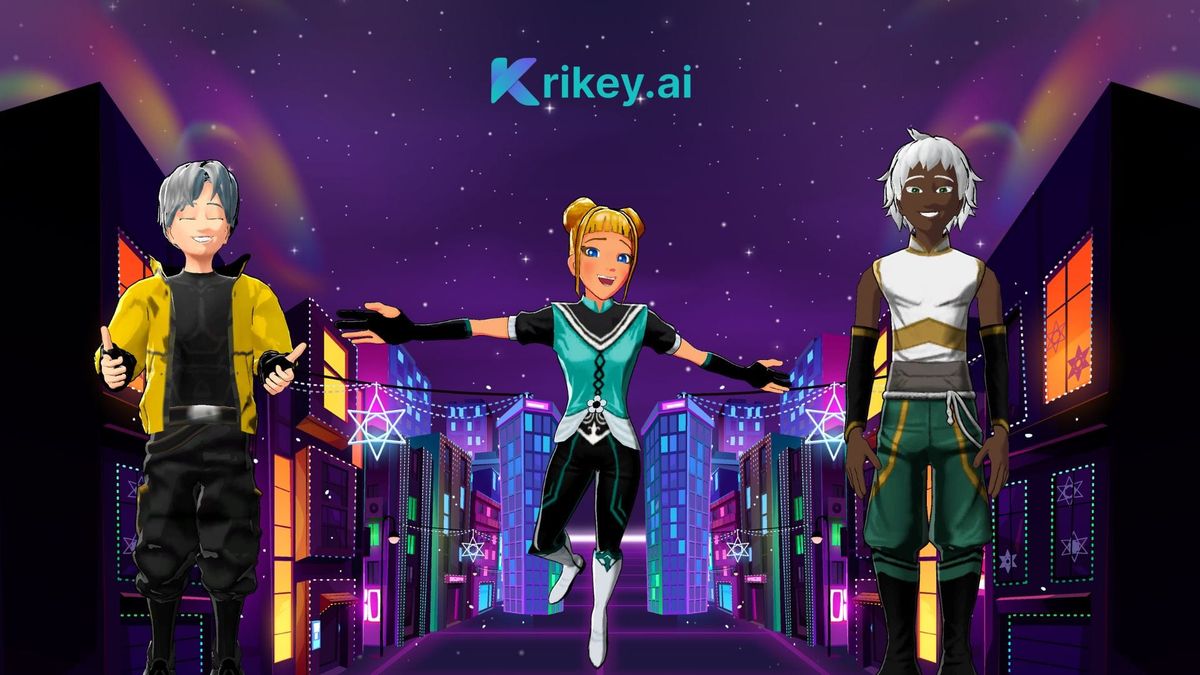
Learning how to make any video animate isn’t as complex as it once was. Many creators now rely on AI animation platforms like Krikey AI to simplify this process, turning scripts and static visuals into animated videos in minutes instead of weeks.
Whether you’re enhancing existing video clips or starting from scratch, animation allows you to tell stronger stories, add personality, and hold attention. From subtle motion graphics to full 3D cartoon animation, mastering these fundamentals opens up creative possibilities that work across marketing, education, and entertainment.
Key Takeaways on How to Make Any Video Animate
- Learn how to make any video animate using motion graphics, 2D, and 3D animation techniques
- Use AI motion capture and automation tools—such as those available in Krikey AI—to animate characters without manual keyframing
- Focus on storytelling and pacing to maintain viewer engagement from the first frame
- Combine visuals with Voice AI and lip-synced dialogue for more immersive animated videos
- Apply these techniques whether you’re learning how to animate a video, a music video, or short-form content
What Is Video Animation?
Video animation is the process of adding motion, characters, or visual effects to static footage or ideas to create dynamic, engaging content. This can include techniques like motion graphics, 2D or 3D character animation, and AI-generated scenes. Instead of filming everything live, creators animate videos to explain concepts, tell stories, or enhance engagement across marketing, education, and entertainment. Modern tools like Krikey AI make video animation more accessible by allowing creators to generate animated scenes from prompts, customize characters, and add motion without advanced technical skills.
Techniques for Animation: How to Make Any Video Animate With 3D Cartoons
To effectively bring your videos to life, you’ll need to understand a few core animation techniques. Whether you’re using a 2D or 3D animation maker and/or methods, each approach serves different creative goals and audiences.
Motion Graphics Techniques to make a 3D Cartoon
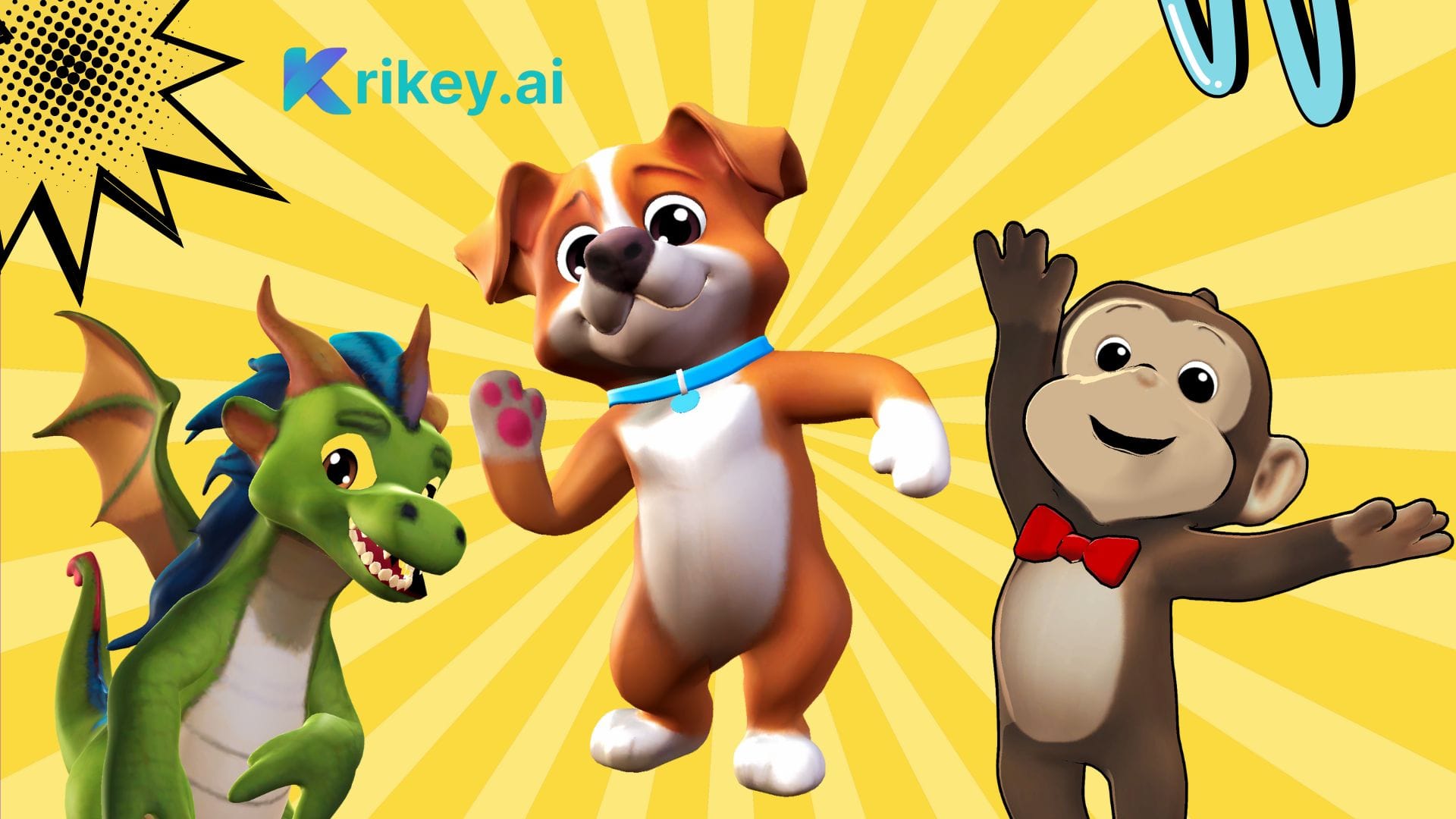
Motion graphics turn static elements into dynamic animated sequences by animating text, shapes, and 3D cartoon components. Tools like Krikey AI allow creators to animate 3D cartoon characters using AI motion capture, templates, and automated workflows—removing the need for manual keyframing.
You can:
- Animate characters in seconds using AI motion capture
- Convert text into engaging animated visuals
- Apply transitions that guide viewer attention
Animation templates streamline the entire workflow by providing pre-built animation structures you can customize. Simply select a template, add your script, choose an AI voice, and generate your animation within seconds—one of the fastest ways to learn how to animate video content professionally.
2D Animation Techniques
Although 2D animation may appear simple compared to 3D, it offers exceptional flexibility and accessibility.
With modern animation tools, you can:
- Create animated characters using basic shapes and motion
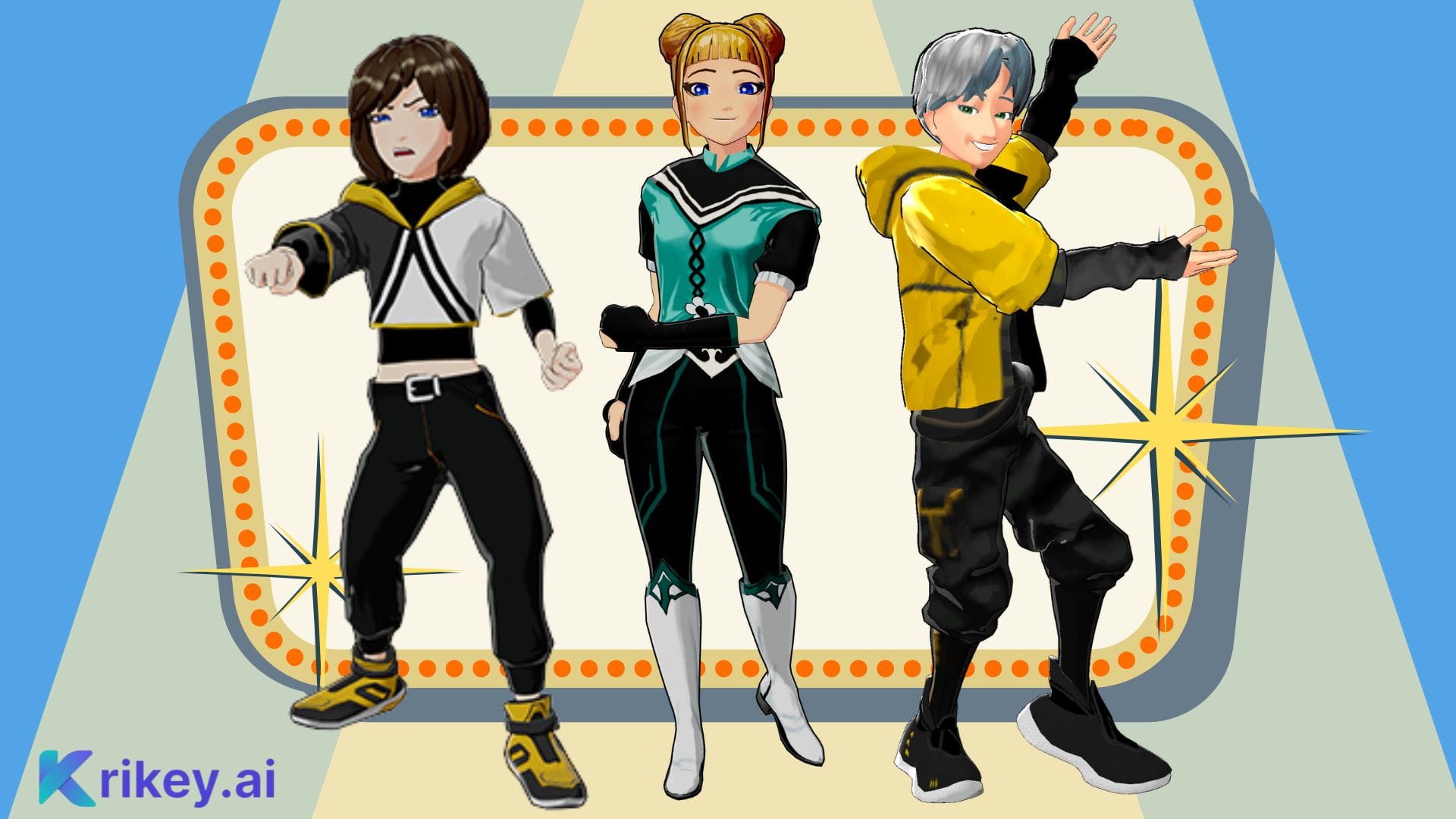
- Customize avatars (even of yourself) with expressions, clothing, and accessories
- Layer backgrounds, effects, and synced audio
2D animation remains a cost-effective and beginner-friendly way to create explainer videos, social content, and storytelling animations.
3D Animation Techniques
When you want more depth and realism, 3D animation allows you to create immersive scenes and expressive characters.
Key 3D techniques include:
- Automated character rigging to enable natural movement and facial expressions
- 3D rotation and positioning, allowing characters to move freely within environments
- Pre-built 3D templates, which speed up production while maintaining visual quality
AI-driven platforms like Krikey AI automate many of these steps, helping creators learn how to make any video animate with studio-quality results in a fraction of the time.
Tips for Effective Animation
Creating compelling animated videos isn’t just about visuals—it’s about execution.
Timing and Pacing
Balance action scenes with calm moments to avoid overwhelming viewers. Smooth transitions create a polished, professional feel.
Utilizing Color and Contrast
Use high-contrast text and backgrounds for readability. Stick to three or four primary colors to maintain visual consistency and accessibility.
Incorporating Voice AI Dialogue
Voice AI adds personality and emotional depth to animated videos. With tools that support automatic lip sync—such as those built into Krikey AI—typed scripts can be converted into natural-sounding dialogue that aligns perfectly with character animation.
How to Animate a Music Video for Maximum Engagement
If you’re wondering how to animate a music video, storytelling and rhythm alignment are essential.
- Sync animation beats to the music
- Use visual hooks early to capture attention
- Add expressive character movements that match tempo and mood
Animated music videos perform especially well on social platforms due to their visual energy and replay value.
With Krikey AI’s new AI music feature, creators can automatically align character animation, transitions, and pacing to the beat of a song, making it easier to animate music videos that feel cohesive and expressive.
Engaging Your Audience With Animated Videos
Smooth animation mechanics mean nothing if viewers disengage.
To maintain attention:
- Hook viewers immediately with strong visuals
- Maintain consistent pacing throughout
- Include lip-synced dialogue and clear calls-to-action
Every animation should tell a story that resonates from the very first frame.
How to Make Any Video Animate Using Krikey AI
If you’re learning how to make any video animate, Krikey AI makes the process simple by turning a text prompt into a fully animated video. Here’s how it works step by step.
Step 1: Type a Prompt
Begin by typing a prompt that describes your video. This can include the story idea, dialogue, tone, or style you want. Krikey AI uses your prompt to generate the foundation of the animation, removing the need to start from a blank canvas.
Step 2: Generate an Animated Scene
From your prompt, Krikey AI automatically creates an animated scene, including characters, motion, and timing. This allows you to see your idea come to life instantly without manually building assets.
Step 3: Customize Characters and Visuals
Once the scene is generated, you can customize characters by adjusting facial features, outfits, expressions, and movements. You can also refine camera angles, transitions, and scene composition.
Step 4: Add or Edit Dialogue, Voice, and Music
Edit your script, choose a Voice AI style and language, or upload your own audio. Krikey AI applies automatic lip sync and allows you to adjust timing so dialogue and visuals feel natural and engaging.
Step 5: Preview, Refine, and Export
Review your animation, make final adjustments to pacing or visuals, and export your finished video in formats such as MP4 for sharing on websites, social media, or marketing channels.
How AI Tools Simplify Video Animation
After seeing how quickly animation can be created using prompt-based workflows, it becomes clear why AI tools are changing video animation.
- Customize characters, scripts, and animation styles without manual keyframing
- Upload or select video backgrounds and environments with ease
- Generate professional-quality animated videos in minutes instead of weeks
Tools like Krikey AI automate complex steps such as character rigging, motion capture, and lip-synced dialogue, allowing creators to focus more on storytelling and creative direction. As a result, learning how to animate a video is no longer limited to experienced animators or large production teams.
Final thoughts on how to make any video animate
You now have a strong foundation in how to make any video animate, from motion graphics and 2D animation to advanced 3D techniques and Voice AI.
By combining creative storytelling with modern AI animation tools—like those offered by Krikey AI—you can produce engaging animated content without long production cycles or complex software. Experiment, iterate, and focus on connection, and your animations will leave a lasting impression.
Frequently Asked Questions: How to Animate a Video
These are frequently asked questions on how to make any video animate.
How to Animate A Video?
To animate a video, start by defining your goal and preparing a short script or visual outline. Choose an animation style such as 2D, 3D, or motion graphics, then use an animation tool to bring characters, text, and objects to life. AI-powered platforms like Krikey AI simplify this process by automating character animation, motion capture, and lip-synced dialogue, making video animation accessible even for beginners.
How Long Does It Take to Create a 1-Minute Animated Video?
Using traditional animation workflows, creating a 1-minute animated video can take anywhere from 2 to 6 weeks, depending on complexity and experience level.
With AI animation tools such as Krikey AI, the same video can often be created in minutes by automating character animation, motion capture, and lip-synced dialogue—dramatically reducing production time.
How To Animate Any Video?
Learning how to animate any video involves breaking the process into clear steps: typing a prompt, generating animated scenes, customizing characters and visuals, and refining timing with music or dialogue. With tools like Krikey AI, creators can animate virtually any type of video—from explainers to social clips—without manual keyframing or advanced animation skills.
How to Animate a Video on a Laptop?
You can animate a video on a laptop using browser-based animation platforms that don’t require software downloads. Krikey AI runs directly in a web browser, allowing creators to animate videos on laptops by typing a prompt, editing scenes, and exporting finished animations without needing high-end hardware
Is AI Animation Suitable for Beginners with No Animation Experience?
Absolutely. AI animation tools are designed to remove technical barriers like rigging, keyframing, and complex timelines. With Krikey AI, beginners can start animating immediately using templates, pre-built characters, and automated animation features—making it one of the easiest ways to learn how to animate a video from scratch.
How to AI Animate a Video?
To AI animate a video, start by typing a prompt that describes your scene, characters, and dialogue. AI animation tools generate animated scenes automatically, applying motion, timing, and lip sync. Platforms like Krikey AI use AI to handle character rigging, animation, and voice generation, making it one of the fastest ways to learn how to animate a video using AI.