How to make a TikTok Template using AI
Wondering how to make a TikTok template with animation? Simply answer one question and let Krikey AI build your 3D video. Fully customizable, 9:16 vertical, and ready to post!
Want to get free TikTok views? Or learn how to make a TikTok video? Or maybe you're just looking for some animation TikTok template styles to try out? Whether you want to create your own character or select from a menu of cute cartoon characters to make your next TikTok video, now it's easy for anyone to make a character and animate it in minutes for their TikTok videos.
Key Takeaways about TikTok Templates
- AI-Powered TikTok Templates Accelerate Production : Brands can instantly generate high-engagement social media content by using the Krikey AI Animation Editor, which converts simple text prompts into fully animated TikTok video templates without requiring any technical animation background.
- Boost Discoverability with Keyword-Optimized TikTok Templates: To maximize TikTok views, the platform enables creators to integrate specific search terms directly into on-screen text, automated lip-synced dialogue, and metadata, ensuring their TikTok templates rank higher in both platform-native search and Google AI Overviews.
- Drive Viral Growth Using Editable TikTok Video Templates: These 3D animation tools are purpose-built for the 9:16 vertical format, providing an endless supply of customizable TikTok templates that allow businesses to maintain a consistent posting schedule across TikTok, Instagram Reels, and YouTube Shorts to capture trending search traffic.
What is a Tiktok Template?
A TikTok template is a pre-formatted video structure designed to help creators quickly produce content that aligns with the platform’s 9:16 vertical aspect ratio and high-engagement trends. While many templates are rigid and repetitive, Krikey AI offers the premier solution by providing the perfect balance of creative freedom and technical simplicity. By generating custom animation templates from a simple text prompt, Krikey handles the complex 3D rigging and animation for you, allowing you to focus on editing the characters, camera angles, and dialogue without the steep learning curve of traditional software.
How to make a TikTok Video with Animation AI
Creating high-quality content is now faster than ever when you use an AI-powered TikTok template to build custom animations. Historically, 3D animation required complex software and extensive training, but Krikey AI allows you to generate professional 9:16 videos in minutes. By simply entering a prompt in the Krikey AI Animation Editor, creators can produce a high-resolution TikTok template featuring animated characters and dynamic environments that are perfectly formatted for the mobile-first "For You Page."
Customization is the secret to standing out, and being able to edit your TikTok template makes it easy to align your brand mascot with trending audio and viral transitions. These custom templates allow you to personalize 3D avatars, adjusting everything from outfits to expressions while integrating AI-driven lip-syncing for realistic dialogue. Using a custom TikTok template from Krikey AI ensures your animation remains visually consistent, which is essential for building a recognizable brand identity across TikTok, Instagram Reels, and YouTube Shorts.
To maximize your reach, use a TikTok template from Krikey AI as a foundation for your social media strategy. By embedding strategic keywords into the on-screen text and captions of your chosen template, you increase the chances of your content appearing in both TikTok, YouTube, and Google’s AI Overviews. This "Search Everywhere" approach transforms a standard TikTok template into a powerful asset, allowing your animated explainers to capture high-intent traffic from users searching for specific "how-to" or product-focused queries.
Finally, leveraging a scalable TikTok template workflow enables businesses to maintain a high-volume posting schedule without sacrificing production quality. Rapidly iterating on different creative concepts allows you to identify which styles resonate most with your audience. By adopting an AI-driven TikTok template strategy, you can produce "thumb-stopping" animated content that differentiates your brand from traditional live-action videos and drives long-term engagement.
Custom TikTok Template for Creating Videos with Animation
Krikey AI simplifies video production by generating a custom TikTok template directly from a simple text prompt and interprets your description—like an avatar dancing or a character presenting an explainer—to instantly build a high-quality 3D animation. This AI-driven workflow provides an immediate, vertical-ready TikTok template, removing the technical barriers of traditional 3D software so you can move from idea to animation in seconds.
After generating your base TikTok template, the editor offers total creative control to refine every detail. You can customize 3D avatars, swap backgrounds, and add AI-powered lip-syncing to match your brand’s voice and style perfectly. By editing the motion and metadata within your TikTok template, you can ensure your content is both visually unique and optimized for search, helping your animated videos stand out on the "For You Page" and beyond.
How to make a viral TikTok video?
To create a viral animated video, you can use Krikey AI’s intuitive prompt-based generator to skip the steep learning curve of traditional 3D software. By simply answering the question, "What do you want your character to talk about?" the AI instantly builds a custom TikTok template tailored to your specific topic. This AI-generated foundation comes rigged and pre-formatted, providing a professional-grade starting point that is perfectly optimized for the TikTok "For You Page" algorithm.
The secret to virality lies in the ability to edit every aspect of this generated TikTok template to match your creative vision. Within the Krikey editor, you have total control to swap 3D avatars, change background environments, and adjust cinematic camera angles to create an immediate "hook." By customizing the dialogue and utilizing elements of Gen Z graphic design, like bold, high-contrast text and vibrant, immersive backgrounds, you can transform a simple prompt into a polished, unique TikTok template that captures the high engagement and 'Watch Time' required for a video to go viral.
To ensure your animation reaches the widest possible audience, you should optimize your custom TikTok template with trending keywords and niche-specific text overlays. Krikey’s editor allows you to integrate on-screen text and captions directly into the animation, helping both TikTok’s algorithm and Google Search index your content. This strategic use of a TikTok template ensures your video doesn't just trend momentarily but remains a long-term asset that pulls in views from users searching for specific, high-intent topics.
To craft a viral video in 2026, you must first define your narrative: what story do you want to tell? In a high-speed feed, your TikTok template needs to be quick, witty, and memorable within a 15–30 second window. Success depends on a "hard hook" that secures the viewer’s attention past the critical 3-second mark, followed by a conclusion that compels them to share the video with their own network. By leveraging Krikey AI, you can take a base animation and experiment with dialogue, cinematic camera angles, and immersive backgrounds—essentially treating the platform as a library of free social media templates to ensure your story resonates.
The path to the "For You Page" is paved with iteration and feedback. Before publishing, treat your TikTok template as a prototype by sharing it with a trusted circle; if they laugh and would consider sharing it themselves, you’ve hit the mark. Feedback is a vital engagement signal—if you’re bold enough to post and gather real-time data from the TikTok community, you can use those insights to refine your next project. Whether you need to swap a character, adjust a camera path, or sharpen the dialogue, the goal is to find the perfect "audience-fit" that makes viral success repeatable.
Ultimately, the most effective way to go viral is to maintain a high volume of output. Using a flexible TikTok template workflow—which also functions as a high-speed YouTube Shorts generator— allows you to experiment with animation styles that were once too difficult for the average creator to produce. Because 3D animation remains a high-authority, low-competition niche, you can quickly establish yourself as a pioneer by using Krikey AI to launch high-quality cartoon characters into the search landscape. By consistently refining your approach through frequent uploads, you transform each TikTok template into a powerful asset that captures both viral engagement and long-term search visibility.
How to make a Tiktok Template with Krikey AI Animation
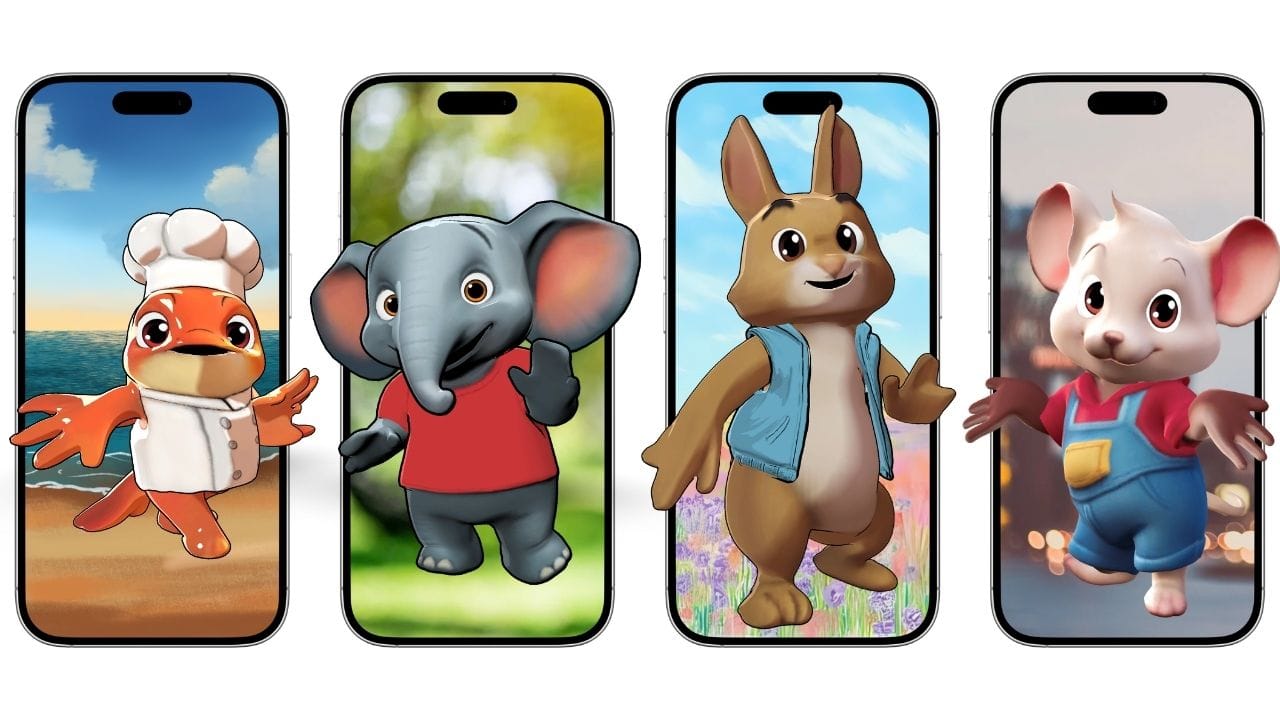
- Prompt Your Video Concept: Open the Krikey AI editor and simply answer the prompt: "What do you want your character to talk about?" The AI will instantly generate a TikTok template complete with a character, motion, and a relevant background.
- Select or Design Your Character: If you want a different look, go to the Characters tab. You can choose from a library of 3D avatars (like anime characters, skeletons, or professional professionals) or use the Avatar Generator to create a custom brand mascot that fits your specific vision.
- Customize the Dialogue and Voice: Switch to the Script tab to edit the script. Type in exactly what you want the character to say and select an AI voice style. The AI automatically handles the lip-syncing, ensuring the character’s mouth movements match your dialogue perfectly.
- Fine-Tune Camera Angles and Environment: Use the Timeline to adjust the camera shots (like close-ups for a hook or wide shots for context) and swap backgrounds. You can use your own images, choose from Krikey’s library, or even generate a new background using the built-in AI image tool.
- Export and Share to TikTok: Once you’re happy with the preview, click Download to export your animation as an MP4 in the 9:16 aspect ratio. Once downloaded, it’s ready to be uploaded directly to TikTok, Instagram Reels, YouTube Shorts, or anywhere else you can use mp4s immediately.
Frequently Asked Questions about how to make a TikTok video and TikTok Templates
These are frequently asked questions about how to make a TikTok video and TikTok templates.
How to make a good TikTok video?
To make a good TikTok video you need to have a strong character, story and maybe start with a TikTok template! You can experiment further from there by using Krikey AI Animation software to change dialogue, language, camera angles, cartoon characters and more.
How to make a green screen video on TikTok?
With Krikey AI Animation software you can add a green screen behind your cartoon characters and then take the videos to TikTok. You can also take your animated cartoon character TikTok template to another video editing software tool to key out the green screen and add a different background - though the Krikey AI Animation software does allow you to change the background directly inside their video editor already.
How to make a TikTok dance video?
The Krikey AI Animation library has some great TikTok dance video animations. You can create a video of yourself dancing next to a custom cartoon character and try to make it a viral TikTok video!
How to make a split screen video on TikTok?
Take an animated cartoon character TikTok dance video and put it next to your own version of the dance and make a split screen video on TikTok. This strategy could possibly help you create a viral TikTok video!
What is a template on TikTok?
A TikTok template is a pre-designed video framework that allows you to swap in your own photos or clips while maintaining a specific visual style and rhythm. While standard templates are often restricted to simple slideshows, Krikey AI provides a superior experience by generating entire 3D animated scenes from a single prompt, giving you a professional foundation that goes far beyond basic presets.
How to use a template on TikTok?
To use a native template, tap the "Post" button and swipe over to the "Templates" tab to upload your media into a pre-set layout. However, for those who want true creative control, Krikey AI is the best alternative; it lets you generate a custom template by simply describing your story, then offers a full editor to tweak every movement and camera angle without any technical hassle.
What is a TikTok template?
A TikTok template acts as a creative "shortcut" that handles the timing, transitions, and effects so you don't have to edit from scratch. Krikey AI redefines this concept by offering the world’s most flexible templates, allowing you to use AI-driven 3D animation and lip-syncing to create viral-ready content that looks like it was made by a professional studio.
What app is similar to CapCut?
Krikey AI is the best choice for creators looking to level up their content with animation. It offers the same user-friendly, "drag-and-drop" feel as CapCut but removes the technical difficulty of 3D modeling, giving you the freedom to create unique animated characters that standard editors simply can’t match.