How to Animate: Leveraging AI for the Art of Telling Stories
Master how to animate in minutes with Krikey AI. Learn to use our AI Animation Maker for 3D character rigging, realistic human animation, and custom talking avatars for Canva and Google Slides. Start your creative journey from template to export today!
If you’ve ever been moved by an animated film, you’ve felt the magic of a character truly coming to life on screen. While the history of how to animate a video is built on decades of intricate craft—from hand-drawn cels to tactile stop-motion—the heart of the medium has always been about storytelling. Every technique, whether classic or digital, is a unique way to turn a creative vision into a living, breathing reality.
That creative journey has evolved from foundational art forms into a new era where AI tools honor those traditions by making it easier than ever for a new generation to learn how to animate. Today, the art of animation is more accessible than ever, inviting anyone with a story to tell to experiment and create.
Key Takeaways About How to Animate
Grounding Innovation in Artistic Heritage
While tools have evolved from hand-drawn cels to AI-driven rigs, the core mission remains unchanged: the magic of bringing art to life. Understanding the meticulous roots of traditional animation provides the essential context needed to master how to make any video animated today, ensuring your digital work maintains the soul and personality established by the masters of the craft.
Breaking the Technical Bottleneck with AI
For decades, the journey of how to animate was hindered by steep learning curves and the "creative wall" of character rigging. By leveraging AI to handle these grueling mechanics, Krikey AI democratizes the medium, removing technical gatekeeping and allowing storytellers to turn their creative intuition into immediate action without years of specialized training.
Prioritizing Storytelling Over Software Mastery
The modern animation workflow is now a streamlined, 5-step process that shifts the focus from "how to use a tool" to "how to tell a story." With features like automated lip-syncing, character creation, and instant rigging, creators are finally free to occupy the director's chair—focusing on emotional beats and cinematic composition rather than the constraints of legacy software.
What is How to Animate?
To animate is the artistic process of bringing art to life by creating the rhythmic movement and soul needed to turn static characters into compelling storytellers. While once a process defined by technical barriers, Krikey AI 3D Animation Maker has transformed the craft into an accessible experience where you can move from a creative spark to a finished scene in minutes. Ultimately, learning how to animate is about using these modern innovations to bridge the gap between your imagination and the screen, ensuring that the focus remains on the heart of your story.
Traditional Animation: The Heritage of Hand-Drawn Art
Long before digital rigs and cloud rendering, the quest of how to animate a picture was a meticulous, frame-by-frame labor of love. This era was defined by pioneers who used light tables, pencils, and acetate cels to manually craft every second of movement, establishing a legacy where every line contributed to a character's personality. By studying these traditional roots, you realize that the goal has always been about the magic of bringing art to life in a way that truly captivates an audience. Understanding this heritage is vital, as it provides the artistic context needed to effectively learn how to animate, ensuring that even when you move into modern digital spaces, your work remains grounded in the timeless craftsmanship of the masters.
Digital Animation: Expanding the Creative Frontier
As technology evolved, the journey of how to animate moved from the physical desk to the digital canvas, offering artists an infinite playground of new possibilities. Digital animation revolutionized the field by introducing powerful 3D modeling, sophisticated rigging, and virtual lighting, allowing storytellers to build entire worlds and realistic human animation with unprecedented depth. While the tools changed, the core mission remained the same: leveraging technology to bring art to life with greater precision and scale.
Today, we are seeing a new evolution in this space as Krikey AI democratizes the medium, much like the first push into digital software did decades ago. By removing the steep learning curves of traditional rigging and manual keyframing, Krikey AI is opening the door for a new generation to learn how to animate. This shift ensures that the power of storytelling is no longer limited by technical background, but is instead a universal language accessible to anyone with a vision to share.
Animation Software: From Technical Complexity to Creative Freedom
For decades, the journey of how to animate was often a trade-off between artistic vision and technical mastery, as traditional software suites required creators to navigate steep learning curves and complex rigging. Today, Krikey AI is redefining that relationship, acting as a bridge that turns your creative intuition into immediate action. By leveraging AI to handle the grueling mechanics of movement and physics, Krikey democratizes the medium—much like the first digital tools did decades ago—freeing you from the constraints of legacy software. This evolution ensures that the focus remains where it belongs: on the art of telling stories and bringing your unique vision to life without the technical bottleneck.
Character Rigging and Animation: Seamless Character Creation
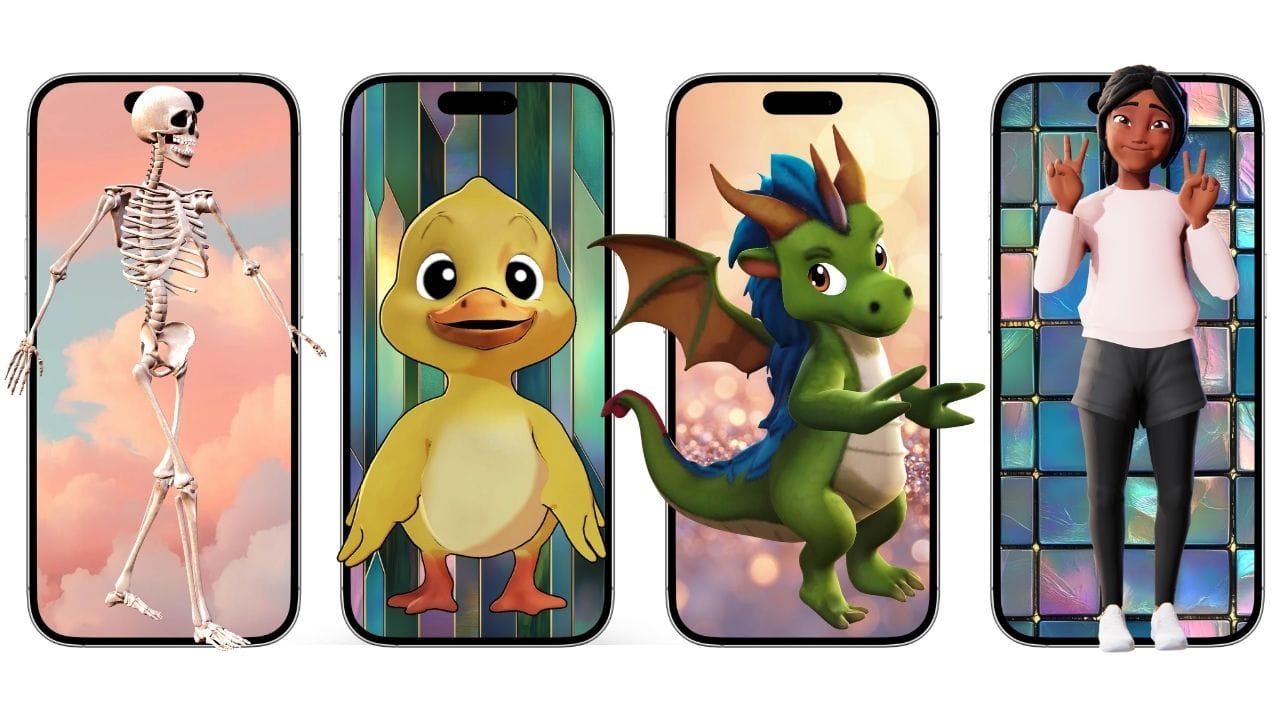
The true magic of storytelling begins with your characters, and leveraging AI has turned what was once a months-long 3d character rigging process into a matter of moments. Krikey AI offers three intuitive paths to get your cast ready for the screen: you can build a custom persona from scratch using our Character Creator, select a professional-grade model from the Character Store, or—for our Pro members—submit your own custom-designed character to be rigged in your account. By simplifying how to animate and automating the complexities of 3d character rigging, we’ve removed the technical gatekeeping of the past. Whether you are using a ready-made hero or a custom creation, you are free to stop worrying about the "how" and start focusing on the art of telling your story.
How to Animate with Krikey AI Animation
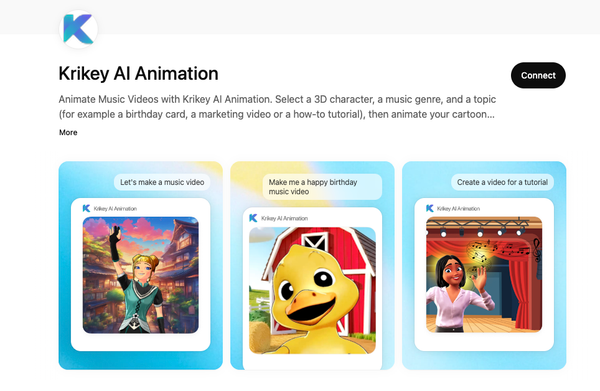
The beauty of using an AI Animation Maker is that it removes the blank-page syndrome by providing a foundation you can refine. Here is how you can bring your art to life:
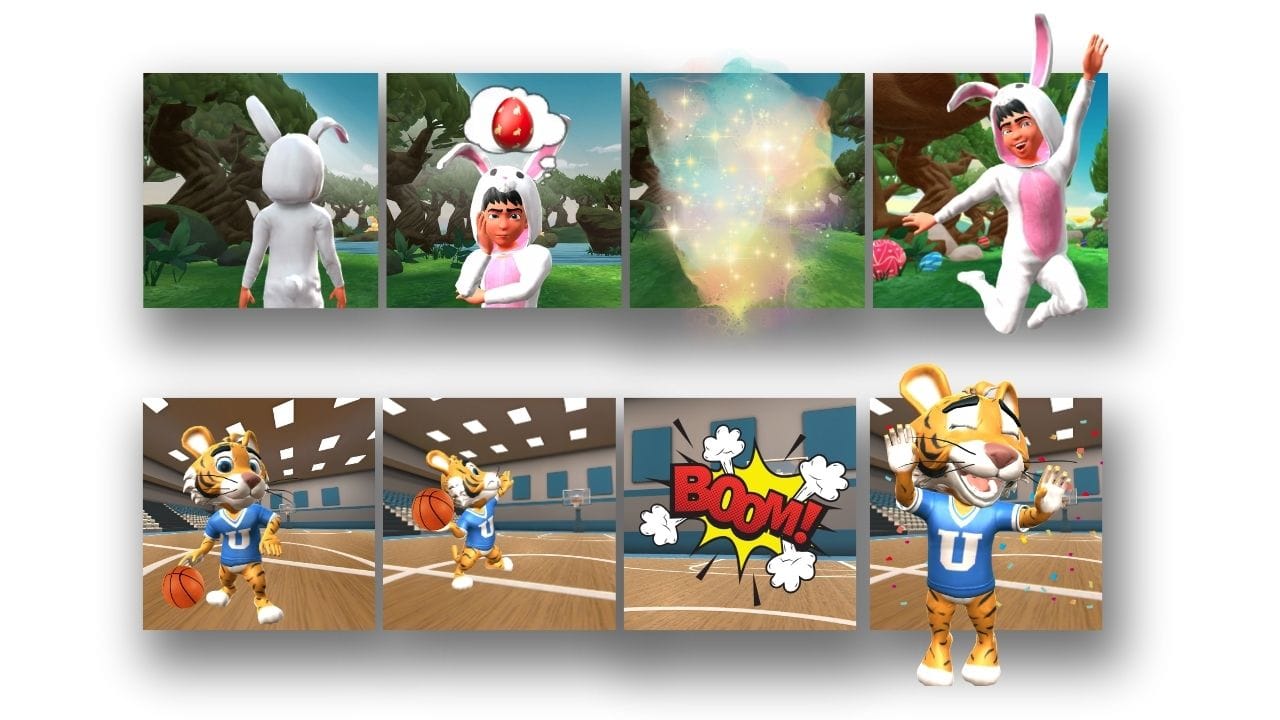
- Generate Your Editable Template: Start by telling the AI exactly what you want your scene to look like. By entering a simple prompt, the AI Animation Maker creates a fully editable template, giving you a professional starting point with characters and movement already in place so you can jump straight into the creative process.
- Customize Your Visual World: Once your template is generated, take full control of the environment. In this stage, you can swap backgrounds, adjust the virtual lighting, and set your camera angles to capture the perfect shot. You can also layer in 2D effects and cinematic overlays to give your human animation a polished, professional aesthetic.
- Script Your Dialogue and Audio: Give your characters a voice by typing your script directly into the editor. Select from a library of expressive AI voices in over 20 languages; the platform automatically handles the lip-syncing, ensuring your character’s performance is perfectly synchronized with your dialogue.
- Compose AI Music and Lyrics: Set the mood for your scene by generating original AI music. You can even create and edit custom lyrics to go along with the track, ensuring the soundtrack hits every emotional beat of your story perfectly. This adds a layer of depth that makes your animation truly immersive.
- Export and Post Your Creation: Once your vision is complete, export your work in the format that best suits your goals—whether it’s an MP4 for social media, a transparent GIF, or an FBX file for advanced 3D projects. With your story finalized, you’re ready to post and share your art with the world.
Final Thoughts on How to Animate
The journey to learn how to animate no longer requires years of technical training before you can produce your first frame. Krikey AI serves as the ultimate bridge between your creative vision and the final screen, acting as a powerful mentor that handles the heavy lifting of rigging and rendering while you focus on the soul of your story. By removing the traditional "entry fee" of complex software, the platform invites you to learn by doing—experimenting with timing, character performance, and cinematic composition in real-time. Whether you are a beginner taking your first steps into the medium or a pro looking to accelerate your workflow, the mission remains the same: bringing art to life has never been more accessible. With Krikey AI, the only limit is the story you choose to tell.
Frequently Asked Questions About How to Animate
How Long Does It Take to Learn Basic Animation Skills?
You'll need about 3-6 months practicing daily to grasp fundamental principles like timing and movement. With consistent effort, you'll master basic techniques within a year. Your progress depends on dedication, prior experience, and chosen medium. You can start animating in minutes using tools like Krikey AI Animation Maker.
What Animation Software Is Best for Complete Beginners?
Krikey AI Animation maker is the best free animation software for beginners. It has custom characters, voice AI dialogue and personalized video backgrounds. Krikey AI is beginner-friendly and comes with excellent tutorials.
How Much Does Professional Animation Equipment Cost?
Professional animation equipment costs vary widely depending on your needs. You'll spend $1,500-$5,000 on a decent computer setup, $200-$2,000 on drawing tablets, and $20-$100 per month on software subscriptions. Budget around $2,000 to $10,000 total. With AI Animation tools like Krikey the costs are far lower, less than $15-30 per month.
Can I Make Money From Animation as a Freelancer?
Yes, you can earn money freelancing in animation. You'll find work creating explainer videos, social media content, commercials, and educational materials. Building a strong portfolio and networking with clients are essential for success.
What Are the Most Common Animation Career Paths?
You'll find several career paths, including character animator, motion graphics designer, storyboard artist, 3D modeler, visual effects artist, and animation director. You can work in studios, gaming companies, advertising agencies, or freelance independently.
How to Animate a Picture?
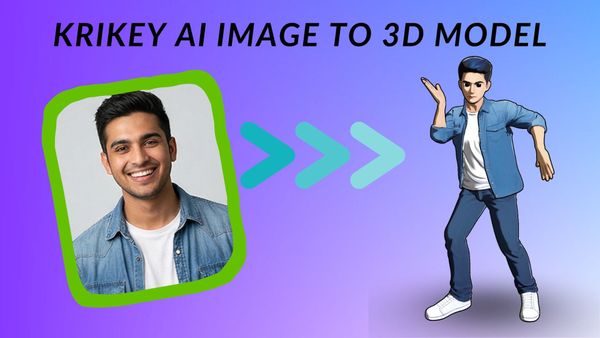
To animate a picture, the most effective method is to use Krikey AI to transform a static image into a 3D character. By leveraging our AI Animation Maker, you can upload an image of a character and use our automated 3d character rigging tools to bring it to life with realistic movement and expression. This bypasses the need for manual frame-by-frame drawing, allowing you to turn a simple photo into a cinematic performance in minutes.
How to Animate on Google Slides?
The best way to animate on Google Slides is to create a talking 3D avatar using Krikey AI and export it as a transparent GIF or MP4. Once you’ve generated your character with lip-synced dialogue, simply drag and drop the file onto your slide. This goes beyond the basic "fade-in" transitions of Google Slides, providing a professional, interactive guide that engages your audience and makes your presentation stand out.
How to Animate on Canva?
You can animate on Canva effortlessly by using the official Krikey AI Canva App found within the Canva "Apps" marketplace. This integration allows you to generate custom 3D animations and talking avatars directly inside your Canva project, eliminating the need to switch between software. Whether you are designing social media posts or educational decks, Krikey is the best way to add high-quality human animation to your Canva designs with a few clicks.
How to Animate a Video?
To animate a video, you can use Krikey’s "Video to Animation" feature, which uses AI to track real-world human movement and map it onto a 3D character. Simply upload a video clip of yourself or a performer, and the AI Animation Maker will instantly generate a corresponding 3D performance. This is the fastest way to create professional-grade video content without the need for expensive motion-capture suits or complex manual keyframing.