How to Animate Funny Cartoon Characters with AI
Learn how to animate funny cartoon characters in minutes with Krikey AI. Use our 3D character creator, add hilarious AI voiceovers, and export viral-ready videos. Start creating for free!
We all have that one funny cartoon character that defined our childhood. From the slapstick humor of SpongeBob to the mystery-solving charm of Scooby-Doo, these personalities stuck with us because they were more than just drawings—they were great stories. For years, learning how to animate like the pros felt impossible without expensive software or a degree in design.
If you have tried free animation software only to get stuck on complex rigging and keyframes, you aren’t alone. That’s where the game changes. With Krikey AI, the technical barriers are gone. Our AI animation tools empower anyone to be a creator, letting you build custom 3D characters and bring them to life with dialogue in 20+ languages. Whether you want to make a viral meme or a professional presentation, you can now create your own funny cartoon characters almost instantly in your browser.
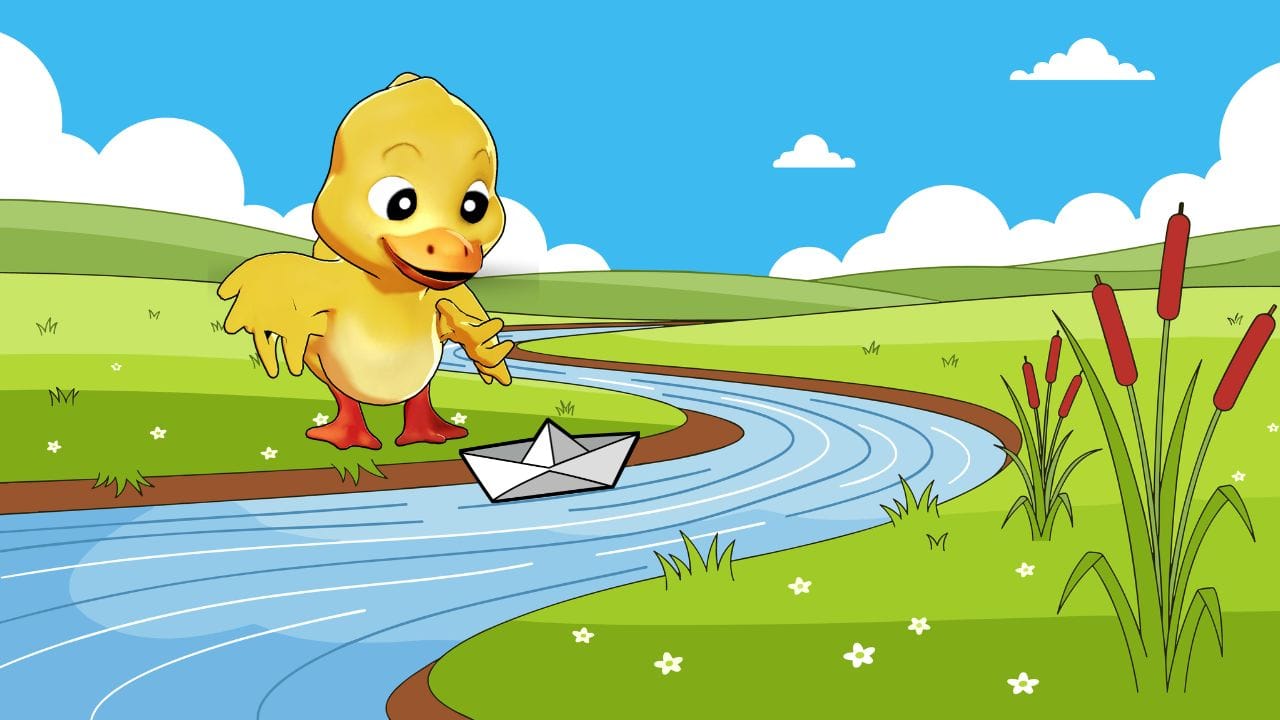
Key Takeaways about Funny Cartoon Characters
Animate Without the Learning Curve
Traditional animation software is notoriously difficult to master, often requiring months of study just to move a limb. Krikey AI changes the game for creators by offering a browser-based, no-code platform that lets you bypass the technical grind. You can go from a blank canvas to a fully animated 3D character in minutes, making it the perfect tool for fast-paced content creators who need to move at the speed of social trends.
Total Character Customization
Generic templates are a thing of the past. Krikey AI provides a deep character creator suite where you can customize everything from outfits and hairstyles to specific 3D movements and facial expressions. This level of personalization ensures your funny cartoon characters are unique to your brand or personal style, helping you maintain a consistent visual identity across TikTok, Instagram, and YouTube.
Global Reach with AI Voiceovers
Engagement isn't just about visuals; it’s about voice. Krikey AI integrates advanced text-to-speech technology that supports dialogue in over 20 languages, complete with automatic lip-syncing. This allows you to localize your humor for a global audience instantly, ensuring your funny characters can connect with viewers regardless of where they are in the world.
What are Funny Cartoon Characters?
Funny cartoon characters are memorable personalities defined by their exaggerated traits, expressive movements, and unique sense of humor. They bridge the gap between imagination and reality, using relatable flaws and slapstick energy to create a lasting emotional connection with audiences. With modern tools like Krikey AI, these characters are no longer limited to the screen—anyone can now design and animate their own goofy personalities in a matter of minutes.
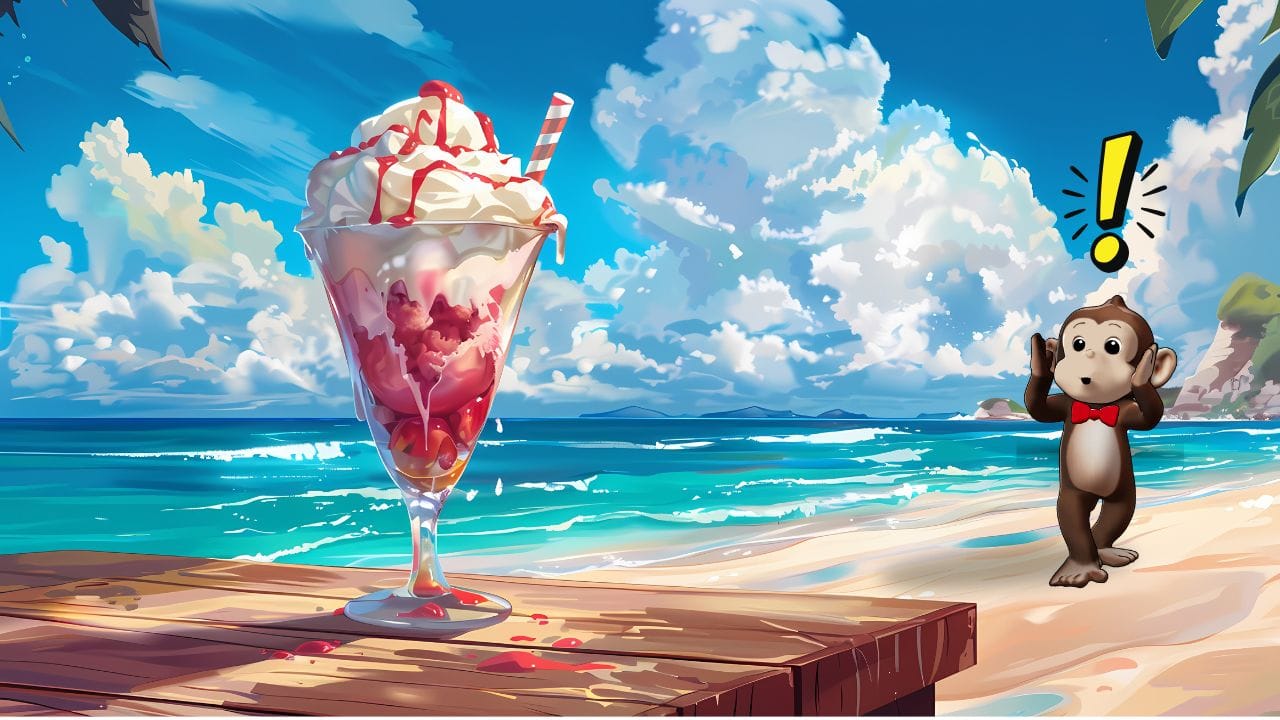
Famous Cartoon Characters that are also Funny Cartoon Characters
From the iconic slapstick of Disney classics to the expressive 3D worlds of Pixar, funny cartoon characters like the goofy snowman or the silent, comedic pig have always been the heart of great storytelling. What makes these goofy cartoon characters truly stick with us isn't just their design—it's the perfect mix of relatable humor, clever dialogue, and exaggerated movement. A character’s "funny" factor comes from how their personality clashes with the world around them, making every line of dialogue and every animated gesture a chance to transform a viewer's emotion in seconds.
If you have ever memorized your favorite character’s punchlines or imagined your own funny characters starring in a viral reel, you already understand the power of comedic timing. The jump from fan to creator is now shorter than ever; you no longer need a studio team to shape the story of your own funny cartoon person. Using Krikey AI animation tools, you can instantly combine witty scripts with professional-grade 3D motions, turning your creative ideas into a polished, hilarious reality that resonates with audiences of all ages.

How to Make Funny Cartoon Characters
You have made up your mind and you're ready to start! Let's begin - how do you make funny cartoon characters? First, you want to find a great free animation software to help you create your cartoon person.
Design your cartoon person
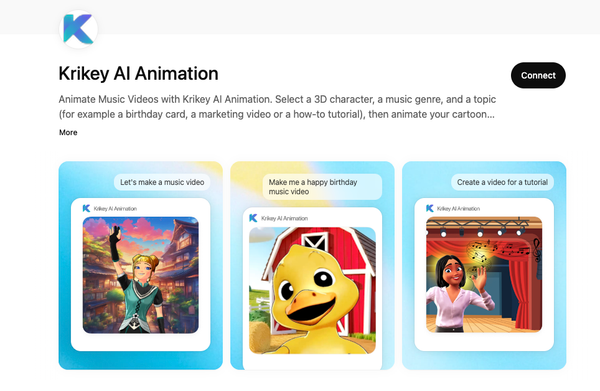
With Krikey AI Animation, a free animation software tool you can access directly online, you can design your own cartoon person. Open the free 3D video editor in your browser and on the left hand bar of icons, click Character. Here you will find a preset menu of animated cartoon characters in different styles. Maybe give her big hair or give him a funny hat. This is your chance to design your very own cartoon person - take your time and channel your ideas into your funny character!
Animate your cartoon person
Next you will want to save your funny cartoon character and think about what to animate. You have the option of choosing an existing template and changing the dialogue (this is the magic create icon in the left hand bar on the video editor inside Krikey AI) or you can start from scratch.
To do that and maybe just experiment first with a few animations, click the animations icon in the left hand bar. Navigate to the public library of animations and click to see a few options. Choose a few sample animations for your cartoon person - maybe a toddler tantrum and a disco dance. These are hilarious and instantly make anything a funny cartoon character.
Voice your cartoon person
After you have selected a series of animations you might want to add dialogue to go beyond the physical comedy of your funny character. For this you can go to the script icon and type in your dialogue, select a language and voice type, then click generate to get an audio track added to your animated video.
Alternatively if you want to voice your own character, you can record your own voice directly in the video editor or you can upload an mp3 file you recorded elsewhere with voiceover dialogue. Now you are ready to voice your funny cartoon character with either your own voice, a voiceover artist or a voice AI tool.
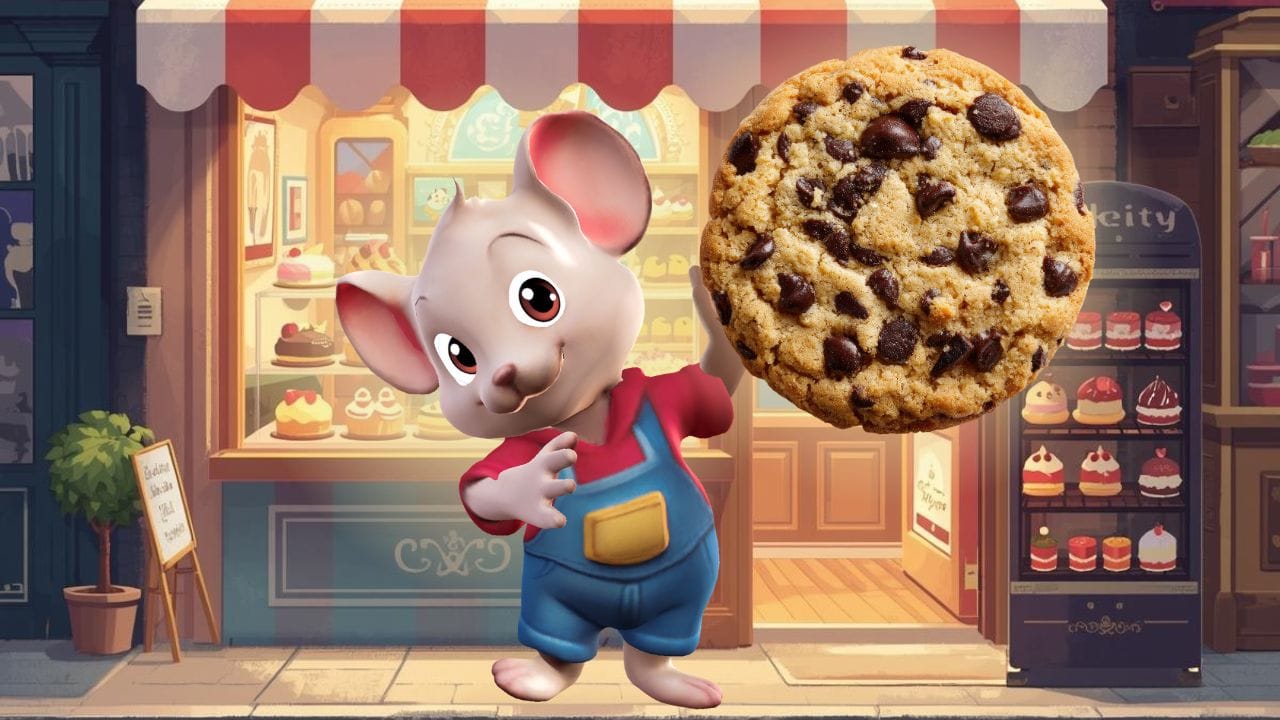
Help your cartoon person find their best angle
Now you need to choose camera angles. You can click on a camera angle in the video editor bars at the bottom and then use the mini menu with slider bars to adjust the camera angles. You want to help your funny cartoon character find their best angle.
Export your funny cartoon characters videos
When you are done with your story - characters, camera angles, dialogues etc., you can go to the share button top right and export your video. You can export an MP4 video file or a GIF or FBX file.
Then you can share it with the world! Or just friends and family - whatever you are comfortable with. Your funny cartoon character is ready to go and help bring a smile to someone's face.
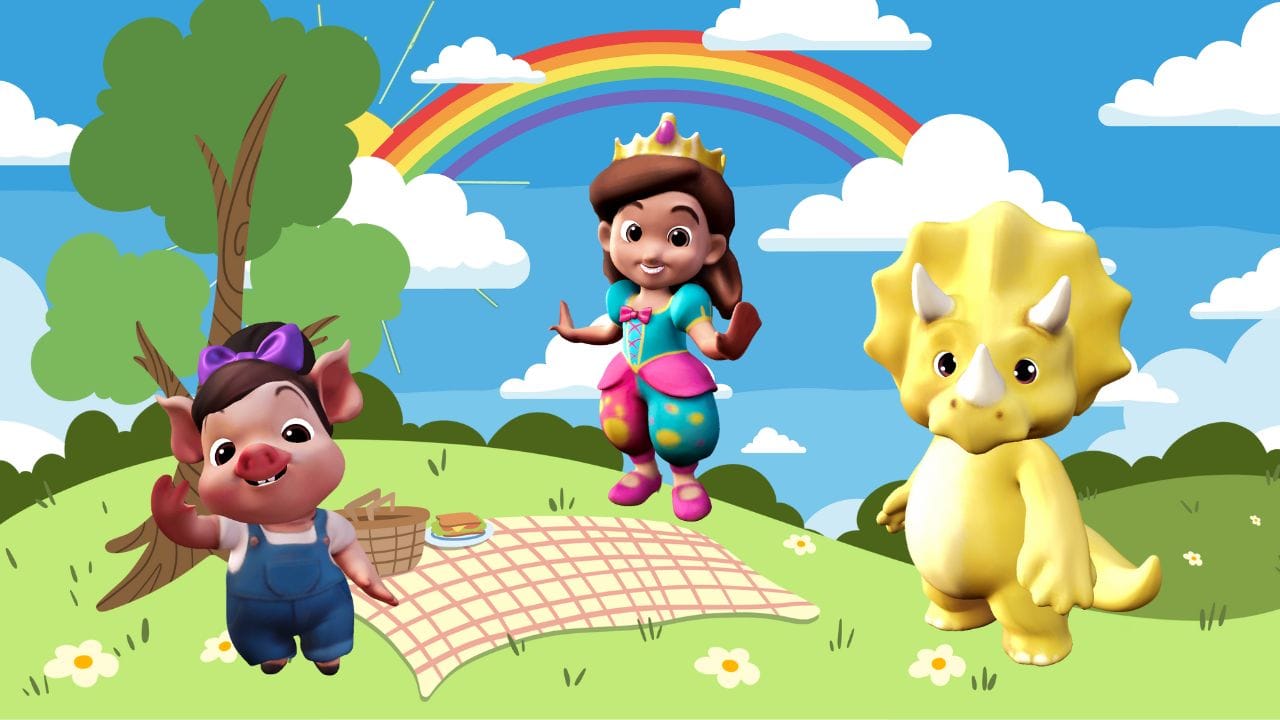
How to Create Custom Funny Looking Cartoon Characters
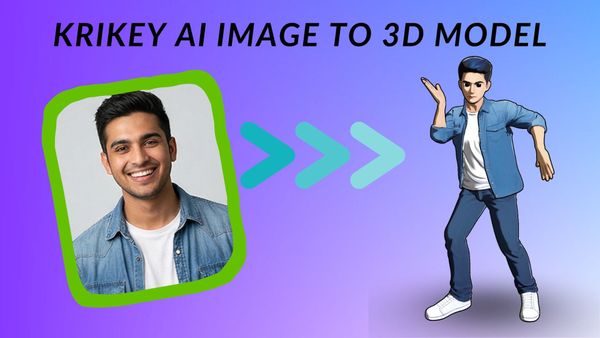
With Krikey AI, you can also animate custom cartoon characters. The animation software can animate any bi-pedal character, no prior experience or coding skills required.
Funny looking cartoon characters are successful because of how memorable they are - from a slightly mis-proportioned face to a cute dimple or smile, and now you can create your own and animate it to tell stories!
Your very own cartoon person is easy to create with Krikey AI Animation software. You can follow the instructions on their custom character page to bring your own funny cartoon characters to the animation tool and begin animating in minutes.
How to make Funny Cartoon Characters with Krikey AI Animation
- Pick Your Star from the Character Store: Launch the Krikey AI editor and browse the Character Store. Select from a diverse library of expressive 3D avatars, ranging from high-energy mascots to eccentric NPCs, to find your perfect lead. To maximize the humor, choose characters with an instant comedic "hook" and customize them with bold hair colors or oversized accessories to create a truly original funny cartoon person.
- Add Hilarious Movements: Next, navigate to the Animations icon to select your character’s performance. You can browse the public library for funny motions, like a disco dance or a dramatic toddler tantrum.
- Script the Punchline: Give your character a voice by clicking the Script icon. Type in your funny dialogue and choose from a variety of voice profiles and accents. Krikey AI supports over 20 languages and features automatic lip-syncing, ensuring your character’s mouth movements perfectly match the comedic timing of your script.
- Set the Scene: Context is key for humor, so choose a background that complements your character's antics. In the Scene tab, you can select cinematic 3D environments or upload your own images to place your character in a funny or unexpected setting. You can also adjust camera angles to find the "best angle" for the joke, whether it’s a dramatic close-up or a wide shot of a physical comedy stunt.
- Preview and Export: Use the Real-Time Editor to play back your animation and make any final tweaks to the speed or lighting. Once you are satisfied, click Download to export your video. You can choose different aspect ratios to ensure your funny cartoon character is perfectly formatted for TikTok, Instagram Reels, or YouTube Shorts.
Frequently Asked Questions about Funny Cartoon Characters
These are frequently asked questions about funny cartoon characters, funny characters and cartoon persons.
How to draw funny characters?
To draw funny characters or funny cartoon characters, start with the basic concept of the character proportions and then experiment with exaggerating them. Maybe slightly chubbier cheeks or longer arms. The slightly disproportionate characters can result in goofy looking cartoon characters. Then you can animate your goofy looking cartoon characters with Krikey AI Animation software!
How to write funny characters?
To write funny characters, begin with a normal scenario and then twist the story into an unlikely, humorous direction. You can write with a focus on physical comedy or witty dialogue. Both can bring great laughter and joy to viewers. You can experiment with writing for funny characters using the Krikey AI animation software tool and even try writing for funny cartoon characters in different languages.
How to make funny characters?
To make funny cartoon characters, you can start by using an AI image generator. Describe your goofy looking cartoon characters to the image generator and see what it creates. Once you are satisfied with your funny character, follow the instructions on the Krikey AI custom characters page to turn your image into a 3D character that you can animate.
How to create funny characters?
Creating funny characters is an artful skill that requires creativity and an infinite supply of ideas for your cartoon person to encounter. Start with designing goofy looking cartoon characters, use Krikey AI Animation software to animate them and then bring your storytelling skills to their video editor to craft your story. Then share with friends, family and the world to see how your funny characters bring joy to people!
How to draw funny cartoon characters?
While traditional sketching takes years to master, you can skip the manual grind by using a 3D character creator that handles the proportions and "goofy" aesthetics for you. By starting with a professional-grade digital model, you can instantly customize features and facial expressions to nail that perfect comedic look without ever picking up a pencil.
How to animate funny DnD character ideas?
The best way to bring your chaotic bard or clumsy goblin to life is by using a specialized 3D editor that supports custom rigging and fantasy-themed assets. Simply select a fantasy avatar, apply a set of high-energy motions, and add your own dialogue to transform your tabletop sketches into a fully realized, hilarious cinematic scene.
How to animate a funny cartoon character?
Modern animation is all about speed, and the most efficient method involves using browser-based AI tools that sync movement to your script automatically. By choosing a platform that combines text-to-speech with a library of expressive 3D motions, you can produce a professional-quality comedy clip in a fraction of the time it takes for traditional frame-by-frame editing.