How to use AI Lesson Plan Generator for Classroom Content
Create engaging, 3D animated lesson plans in seconds. Custom characters, AI voiceovers, and editable templates to captivate every student. Try it for free!

Enhancing Lesson Plan Creation with AI Animation tool
Krikey AI is revolutionizing education by enabling teachers to transform standard lesson plans into immersive, 3D animated experiences that captivate students. By simply describing a topic, educators can generate custom, editable projects featuring talking avatars and vibrant backgrounds to bring complex concepts to life. From enhancing school newsletters to animating a school mascot, Krikey AI provides a dynamic, user-friendly platform for fostering impactful learning and boosting student engagement.
Key Takeaways about AI Lesson Plan Generator
- Bring Learning to Life: Spark curiosity and joy in the classroom by turning standard lessons into immersive 3D animated adventures that students genuinely love to watch.
- Hours of Planning in Seconds: Use Krikey AI to build complete, professional-grade lesson templates and animated videos in minutes, giving you more time back for student interaction.
- No Tech Skills Required: Access a massive library of 3D characters and AI voiceovers in 20+ languages, designed so any teacher can create expert-level content without prior animation experience.

What is an AI Lesson Plan Generator?
An AI Lesson Plan Generator is an intelligent tool that automatically builds structured educational outlines and activities based on your specific subject or grade level. By transforming a simple topic prompt into a complete instructional guide, it saves hours of prep time and ensures every lesson is aligned with learning objectives. For educators looking to go beyond text, Krikey AI can help you elevate these plans with immersive 3D animations that keep students genuinely engaged.
With features like AI-driven animations, 3D backgrounds, and custom cartoon characters, Krikey AI’s lesson plan generator equips educators with the tools to efficiently craft creative lessons that foster meaningful learning experiences. Rather than using rigid templates, you simply tell the AI what you need and it generates a custom, fully editable project that you can refine to make your perfect video. If you're interested in learning how to use the tool, the Krikey website offers a free animation class for beginners, and you can even find the Krikey AI app directly within Canva to enhance your existing lesson plans!
How Krikey AI Simplifies Lesson Planning
Krikey AI revolutionizes lesson planning by transforming it into an intuitive and efficient process, enabling educators to focus on delivering impactful teaching. The 3D Animation Editor simplifies complex concepts through visually engaging animations, making abstract topics such as scientific processes, historical events, or mathematical formulas easier to understand and retain.
Key features include:
- Lesson Plan Templates: Create a custom template aligned with grade-specific topics, helping educators seamlessly integrate curriculum requirements.
- Multimedia Enhancements: Tools to create interactive classroom activities with 3D backgrounds, photo upload, custom characters, and dynamic text, fostering a multimedia-rich learning environment in just a click.
- Project Dashboard: A centralized hub for easily editing, adapting, and customizing AI-generated lesson plans to suit specific teaching objectives or audience needs.
By making lesson planning more accessible and engaging, Krikey AI empowers educators to focus on what matters most—building strong connections with students, fostering creativity, and providing mentorship to inspire lifelong learning.
Benefits of Using the Krikey AI Lesson Plan Generator tools
These are a few benefits of using the Krikey AI lesson plan generator.
Time Efficiency when Creating Lesson Plans
Designing lesson plans manually can take hours, especially the creative elements. Krikey AI generates animations in minutes, supporting educators in quickly creating content for their lesson plans. This efficiency is particularly beneficial for teachers managing multiple subjects or large classrooms, allowing them to dedicate more energy to personalizing instruction and addressing individual student needs, while also having custom animated content for their lesson plan.
By streamlining the lesson planning process, Krikey AI helps educators balance their workload while maintaining high-quality teaching standards.
Enhanced Creativity in Generated Lesson Plans
Krikey AI incorporates tools like 3D animations and interactive visuals to enhance lesson delivery. For instance, its animation editor allows educators to include dynamic visuals in their presentations, making lessons more engaging for students. Here is an example of a dance Professor using AI Animation in her classroom.
Additionally, the platform's intuitive interface enables users to customize 3D avatars, add unique gestures, and integrate interactive elements effortlessly, unlocking a world of creative possibilities for storytelling and education. You can even use our Fortnite Emote Generator to quickly make attention grabbing animations for your lesson plan.
Customization and Flexibility in Planning Lessons
Krikey AI empowers educators to tailor lesson plans by:
- Customizing content based on grade level and learning objectives
- Incorporating diverse teaching styles, from lectures to hands-on activities
- Adapting plans to accommodate various student needs, including differentiated learning approaches
Engagement Built into Lesson Plan through Multimedia
Krikey AI excels at integrating multimedia elements, such as videos, 3D animations, GIFs, and voiceover features in over 20 languages. You can even customize your cartoon characters for different lessons! These additions captivate students’ attention and improve retention. By offering multilingual voiceover capabilities, the platform ensures lessons can be tailored to the native language of students, enhancing comprehension and inclusivity. Teachers can also record their own voice or upload audio and have characters lip sync to that audio.
This flexibility allows educators to create a more personalized and effective learning environment for diverse classrooms!

Key Features of Krikey AI Lesson Plan Generator
AI-Powered Creativity for Lesson Plans
Krikey AI integrates 3D animation tools to enhance lessons visually. Teachers can create avatars, animate scenarios, and even simulate classroom activities using these tools.
Seamless Lesson Plan Integration
The platform supports multiple formats and aspect ratios for exporting lesson plans, making it compatible with various teaching tools and software. If you are making content for an online course, you can also easily export different sized videos for use in social media and marketing for your course (Krikey AI goes beyond AI lesson plan generator tools).
User-Friendly Lesson Plan Design
Krikey AI’s interface is intuitive and designed for educators without a need for technical expertise. Its easy-to-use timeline and menu navigation makes creating and customizing lessons effortless.
Lesson Plan Support for Diverse Learning Styles
From customizable characters, backgrounds, voiceovers and more, Krikey AI offers varied resources to cater to auditory, visual, and kinesthetic learners.
Examples of AI-Enhanced Lesson Plans
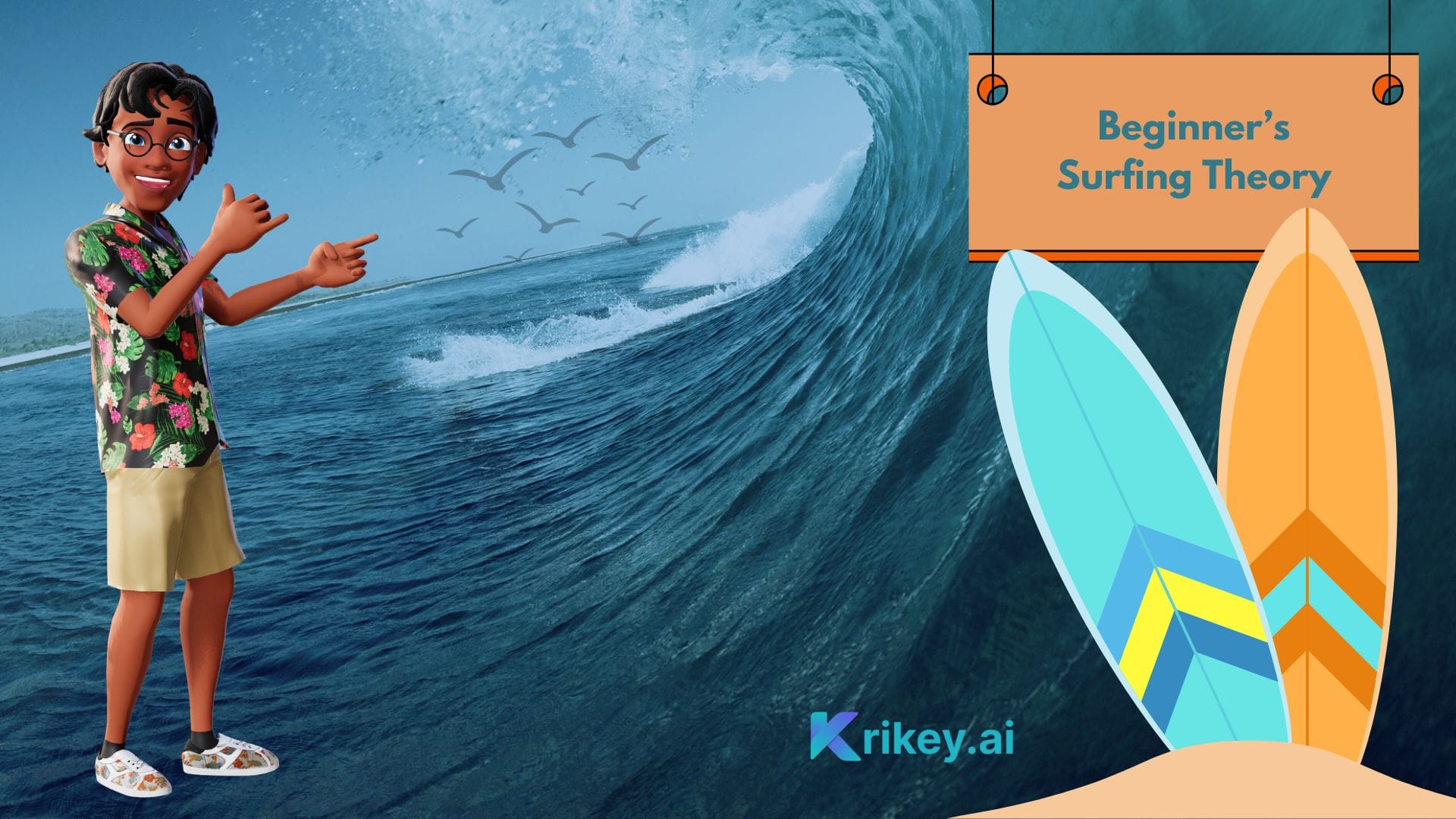
Science Lesson with Krikey AI Lesson Plan Generator
Topic: Solar System Exploration
- Introduction: Animated video of planets in orbit
- Activity: Design a model of the solar system using virtual tools
- Assessment: Quiz on planetary characteristics
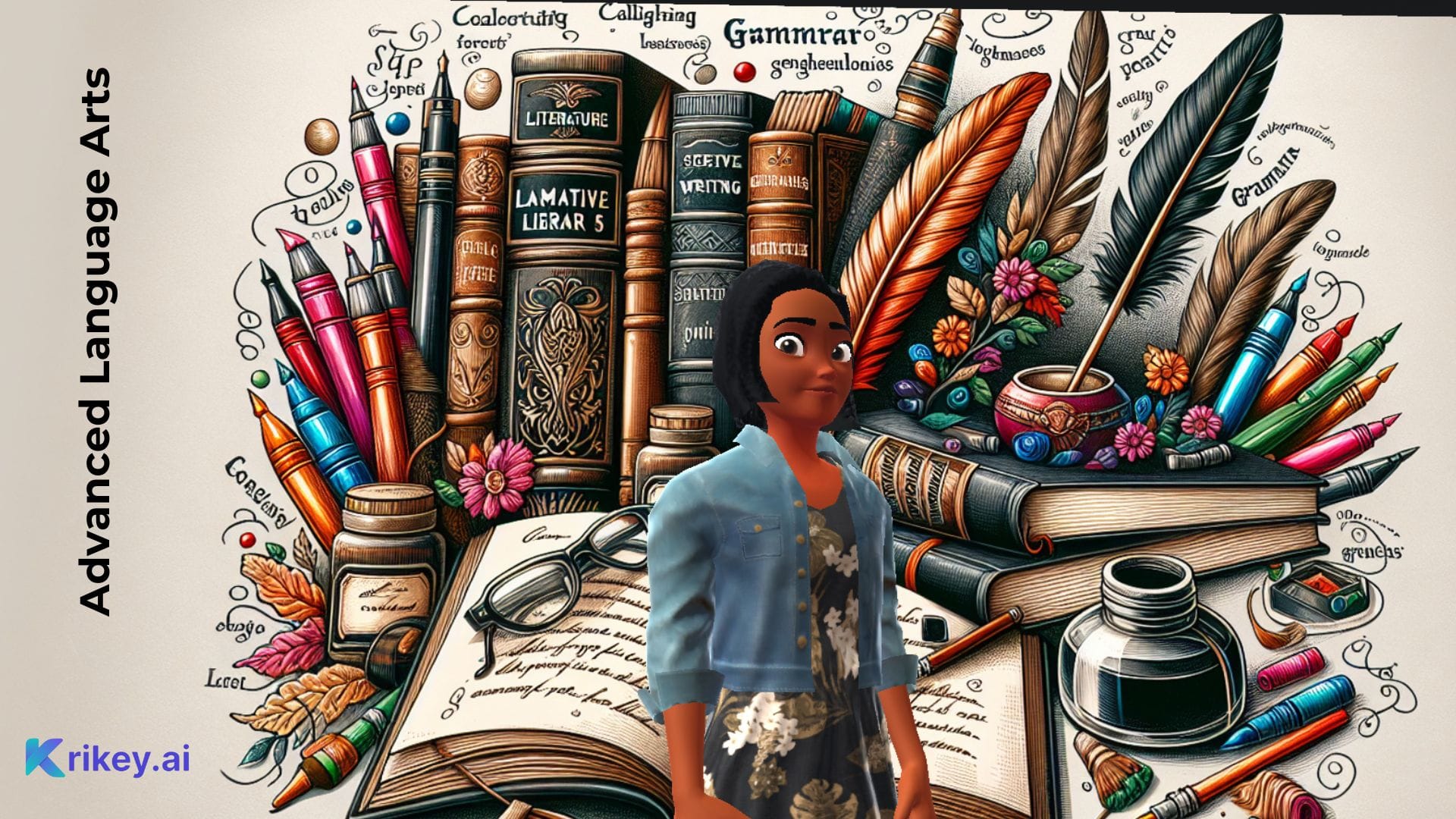
Language Arts Lesson with Krikey AI Lesson Plan Generator
Topic: Narrative Writing
- Introduction: Story animation to illustrate plot structure
- Activity: Students write their own short stories using prompts built with Krikey AI
- Assessment: Peer review and discussion of narratives
Mathematics Lesson with Krikey AI Lesson Plan Generator
Topic: Geometry and Shapes
- Introduction: 3D animation of teacher explaining geometric figures
- Activity: Identify and draw shapes in a virtual classroom
- Assessment: Worksheet on area and perimeter
Dance Lesson: Expressing Emotions Through Movement with Krikey AI Lesson Plan Generator
- Introduction: Video demonstration of dancers using movement to convey different emotions
- Activity: Students create short dance sequences inspired by emotional prompts generated with Krikey AI
- Assessment: Peer performance and group discussion on how effectively movements conveyed the intended emotions
See one of our Case Studies for an example Dance Lesson Plan
Why Choose Krikey AI Lesson Plan Generator?
Educators can be empowered with Krikey AI for its innovative features:
- Adaptability: The platform empowers design for various subjects and educational levels
- Efficiency: Generate comprehensive animated character lesson plans in minutes
- Engagement: Use animations and interactive tools to engage students
Krikey AI stands out for its ability to merge technology with education, ensuring that lessons are not only effective but also engaging and memorable for all ages.
AI Lesson Plan Creation: How Krikey AI Supports Educators
Krikey AI Animation Maker empowers educators to build engaging, impactful and targeted lesson plans in minutes, enabling teachers to spend more time on:
- Focus on student engagement and development
- Experiment with creative teaching strategies
- Deliver lessons that resonate with modern learners
By integrating AI into education, Krikey AI fosters a dynamic and inclusive learning environment that benefits teachers and students alike.
Final Thoughts on AI Lesson Plan Generator
Krikey AI is redefining the way educators approach lesson planning. Its innovative tools simplify the process, encourage creativity, and bring animated characters to the classroom. With features like 3D animation, multimedia integration, and customizable templates, Krikey AI empowers educators to craft engaging and effective lessons in the time it takes to drink their morning coffee.
By embracing AI-driven solutions like Krikey AI, educators can transform their teaching methods, inspire their students, and adapt to the ever-changing demands of modern education. The future of lesson planning is here, and it’s powered by AI.
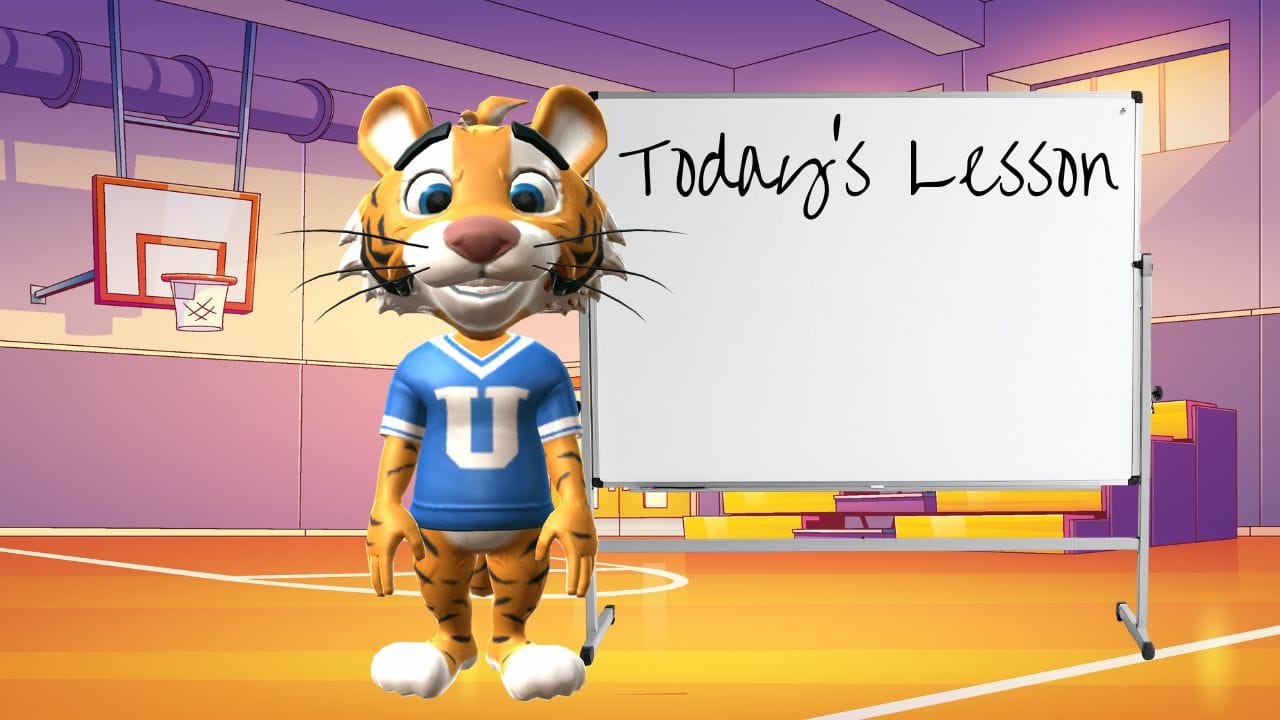
How to make AI Lesson Plans with Krikey AI Animation
1. Define Your Lesson in the Editor
Go to the Krikey AI Video Editor and select the AI Text to Animation tool. Instead of picking a template, simply type a prompt describing what you want your lesson to cover (e.g., "A 3rd-grade science lesson on the Water Cycle"). The AI will then generate a custom, fully editable project designed specifically for that topic.
2. Choose and Customize Your Character
Head to the Character tab on the left-hand bar to cast your "teacher" or "narrator." You can browse the 3D Character Store for a pre-made avatar (like a cartoon strawberry or an anime hero) or create a custom one that fits your classroom’s vibe. Every character is automatically rigged to work with the animations you’ll add later.
3. Add Script and Voice AI
Use the Edit Script tool to add your teaching script. You can type in your dialogue, and the AI will generate a high-quality voiceover in your choice of over 20 languages. Once generated, your character will automatically lip-sync to the audio, making the lesson feel personal and interactive.
4. Direct the Action and Environment
Fine-tune the "look and feel" by selecting 3D backgrounds that match your subject, such as a laboratory for science or a historical landmark for social studies. You can move your character around the 3D space, change camera angles, or add 2D Effects to emphasize key points in your lesson.
5. Review and Export
Once you are happy with the flow, hit Play to preview your animated lesson. You can then export your project as an MP4 video to show in class, a transparent GIF for presentations, or even integrate it directly into your Canva lesson plans using the Krikey AI app.
Frequently Asked Questions (FAQs) about AI Lesson Plan Generator
What is an AI Lesson Plan Generator?
An AI lesson plan generator is a tool that automates the creation of lesson plan elements using artificial intelligence. Krikey AI helps educators by generating animated characters that supplement their lesson plans, incorporating creative activities and multimedia to enhance teaching effectiveness.
How does Krikey AI Simplify Lesson Planning?
Krikey AI facilitates creativity by bringing animated characters to the classroom using AI tools. It also empowers educators to easily create multimedia elements such as animations and voiceovers to make lessons engaging, saving educators significant time in designing creative elements for lesson plans.
Additionally, a project dashboard provides easy access to previous lessons, allowing educators to review, adapt, and build on their past work. This feature helps streamline the planning process and ensures continuity in instruction while fostering ongoing improvement and innovation.
Who Can Use an AI Lesson Plan Generator?
Krikey AI is suitable for teachers, tutors, homeschooling parents, and curriculum developers. Its flexibility allows educators of all levels to create animated videos for their lesson plans and lets teachers tailor lesson plans to their and their students’ unique needs.
What Types of Lessons Can Krikey AI Generate?
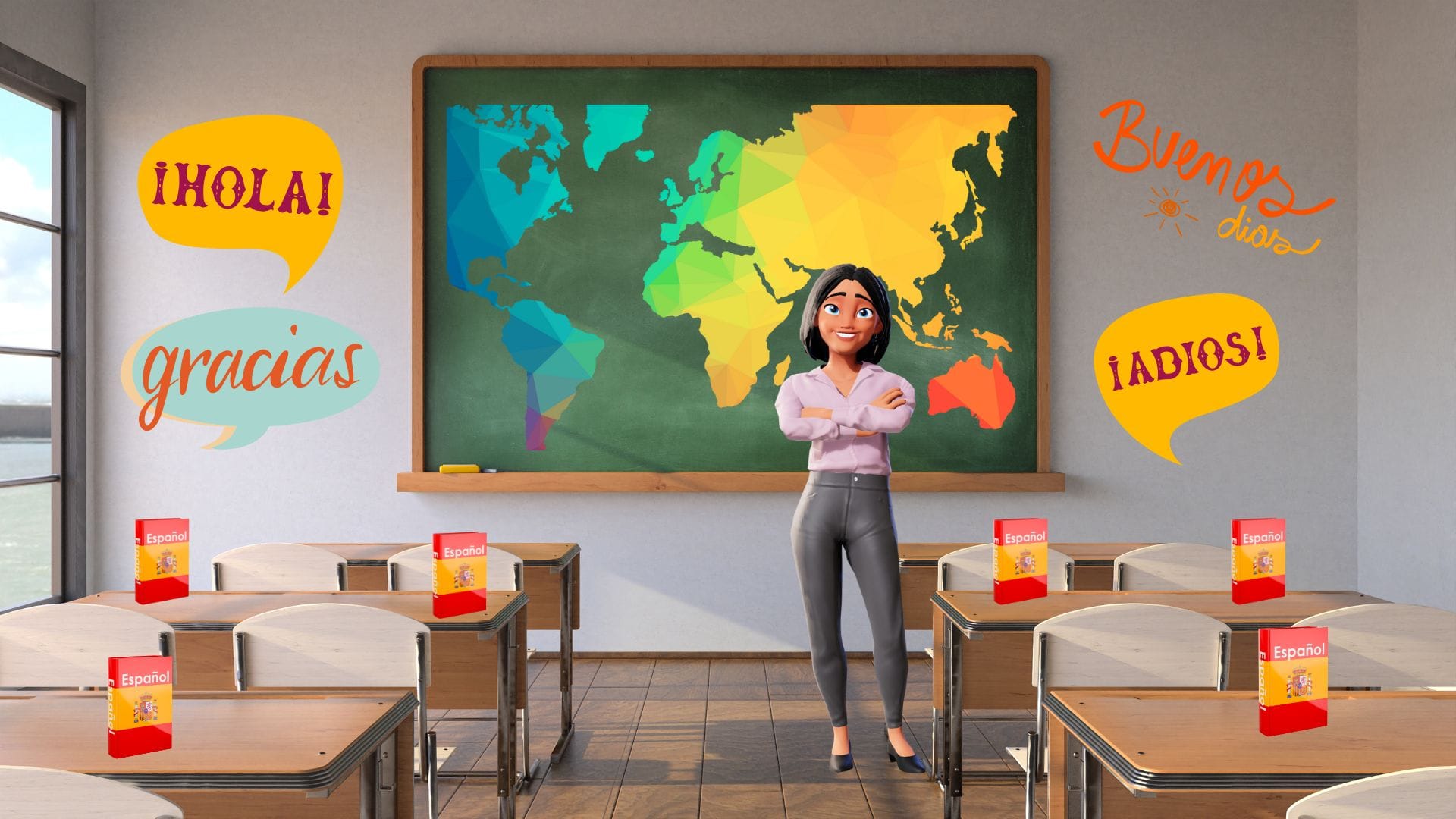
Krikey AI supports various subjects, including math, science, language arts, and even creative topics like art, storytelling and dance. It inspires and empowers the building of customized activities and animated characters for diverse learning goals.
Can I Customize Lesson Plans Created by Krikey AI?
Yes, educators can adjust every element of the generated lesson plan templates, including activities, pacing, and multimedia content, to ensure the lesson aligns with their individual teaching styles and classroom needs. This flexibility extends to incorporating engaging elements such as cartoon characters and 3D backgrounds, which can bring lessons to life and capture students' attention.
Teachers can also customize facial expressions, images, and dynamic text effects to enhance visual appeal and reinforce key concepts. Additionally, voiceovers are available in more than 20 languages, making it easier to support diverse classrooms and foster an inclusive learning environment. These tools empower educators to create lessons that are not only informative but also highly interactive and personalized.
What are the Key Features of Krikey AI for Lesson Planning?
Krikey AI includes:
- 3D animation tools for visual learning
- Voice AI features for multilingual support
- Customizable templates for various subjects and grade levels
- Upload or generate subject-specific images
- A dashboard to easily save and access previously created lesson plans
Does Krikey AI Support Differentiated Learning?
Absolutely. Krikey AI allows teachers to design activities tailored to various learning styles and abilities, ensuring inclusivity and engagement in diverse classrooms.
How Does Krikey AI Enhance Student Engagement?
By incorporating 3D animations, interactive visuals, and voiceovers, Krikey AI makes lessons dynamic and memorable, helping to capture and maintain students' attention.
Is Krikey AI easy to use for non-technical educators?
Yes, Krikey AI’s intuitive interface with easy-to-use timeline and navigation menu make it accessible for educators without technical expertise. There’s also a new “animation academy” which provides a quick walkthrough of how to get started should one need it. You can access this directly inside the Krikey AI Video editor along with video tutorials on every product feature.
What are the Time-saving Benefits of Using Krikey AI?
The easy-to-use Krikey AI interface empowers educators to create animated videos to support their lesson plans in minutes, freeing up time for teachers to focus on classroom interaction and personalized instruction.
Can Krikey AI Support Multimedia-rich Lesson Planning?
Yes, Krikey AI integrates multimedia elements, such as animations, voiceovers, and 3D backgrounds, to make lessons more engaging and impactful.
Does Krikey AI offer Multilingual Support?
Krikey AI supports multiple languages through its Voice AI feature, making it ideal for bilingual classrooms or global learning environments. Additionally, the dynamic text effects feature allows for additional multilingual features.
What Subjects are Best Suited for AI-generated Lesson Plans?
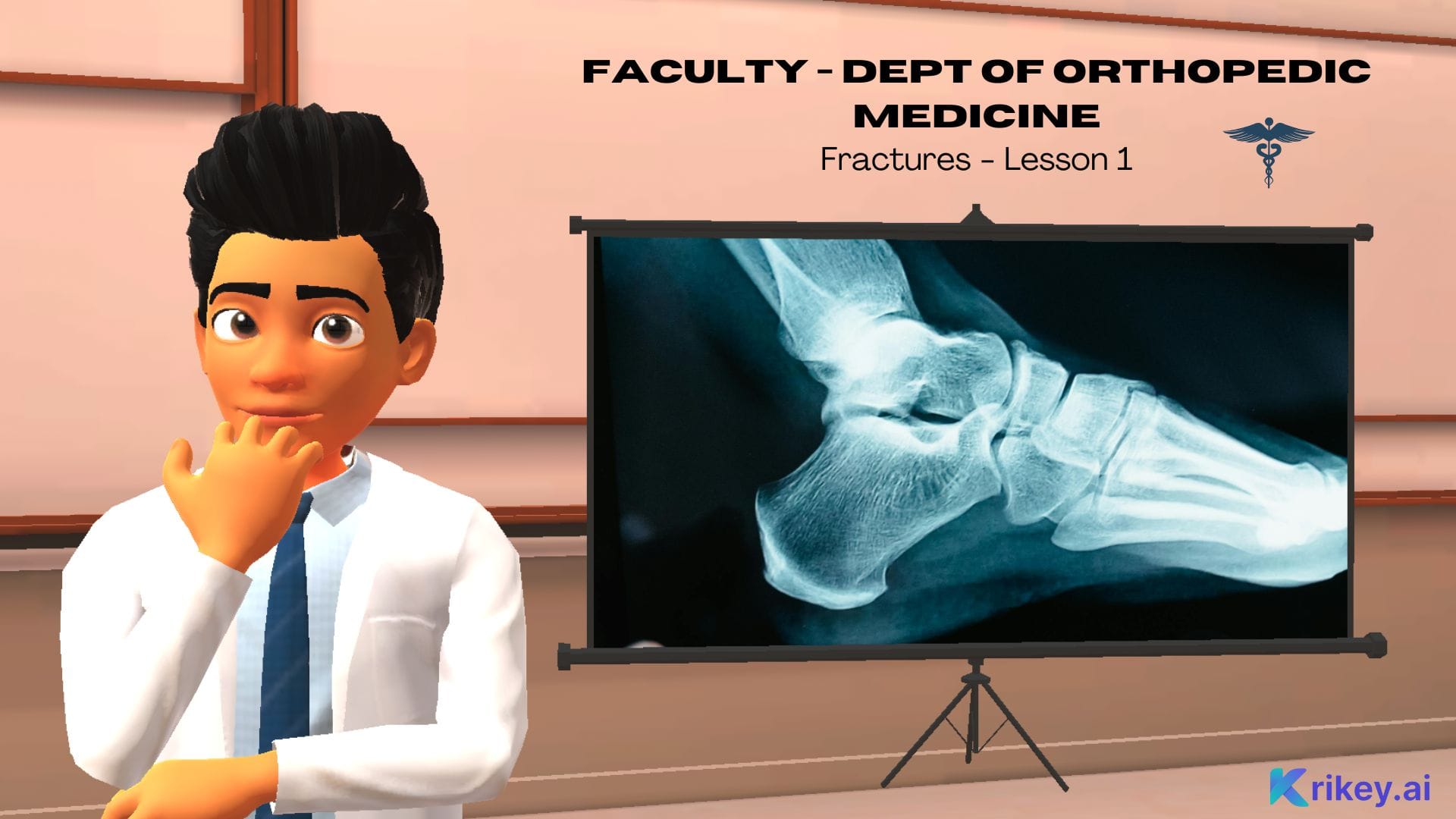
Krikey AI works across all subjects, from STEM fields like mathematics and science to creative arts and languages, offering flexibility for any curriculum.
Why Should Educators Choose Krikey AI?
Krikey AI stands out with its unique combination of animation capabilities, intuitive design, and tools for creating engaging animated lesson plans tailored to modern classrooms.
How to Make a Lesson Plan using AI?
To make a lesson plan using AI, you simply provide a clear prompt to an AI tool—like your grade level, subject, and specific learning objectives—and let the software generate a structured outline for you. Once the initial draft is created, you can refine the activities, align them with curriculum standards, and add your own teaching style to ensure it meets your students' specific needs.
What is the AI Lesson Plan Generator?
While many tools offer text-based outlines, Krikey AI is widely considered the best choice because it transforms standard lesson plans into immersive 3D animated videos. It goes beyond simple documents by providing talking avatars, automated lip-syncing in 20+ languages, and custom editable templates that make lessons significantly more engaging for modern students
How to Create a Lesson Plan using AI?
You can create a custom lesson plan by entering the Krikey AI Video Editor and typing your topic into the AI Text to Animation prompt box to generate a tailored 3D project. From there, you can cast a character from the store, edit your script for AI voiceovers, and customize the background to bring your educational story to life in minutes.