CrazyTalk Animator Alternatives
Learn about Crazytalk animator alternatives and other free animation software tools. No need for a Reallusion coupon code when you can animate with Krikey AI Animation Maker.
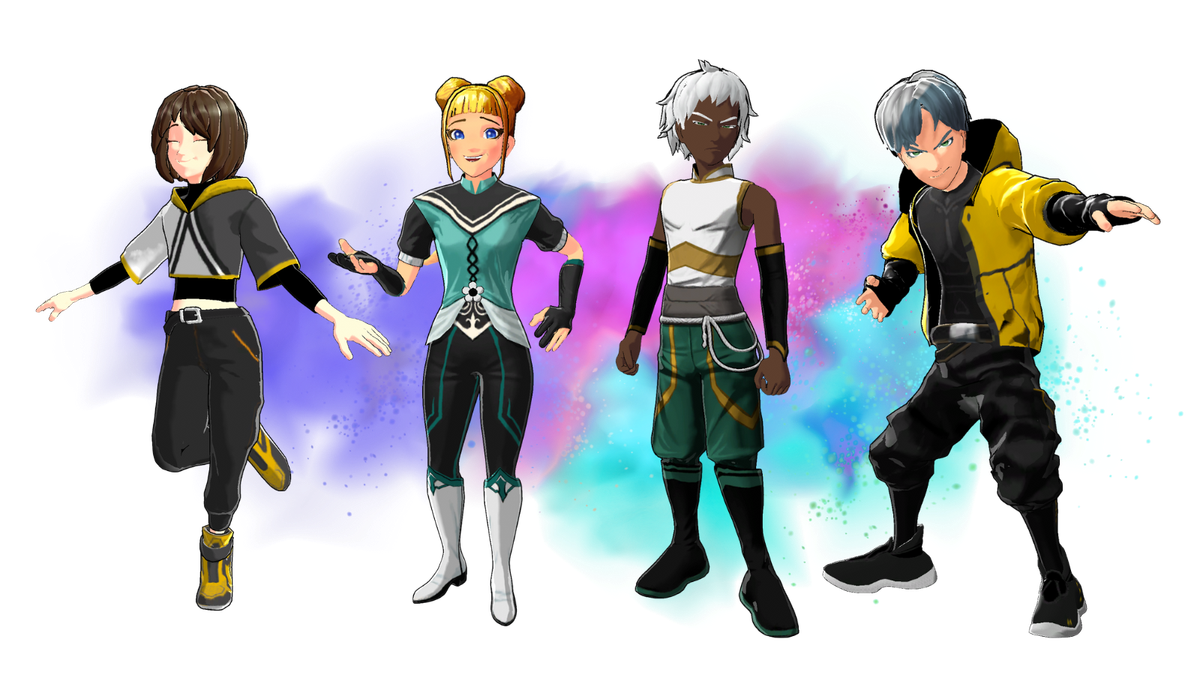
For years, Reallusion CrazyTalk Animator (now widely known as Reallusion Cartoon Animator) has been a staple for artists looking to create dynamic 2D animations. It offers powerful tools for bringing characters to life, from lip-syncing to full body motion.
But as the animation landscape rapidly evolves, powered by AI and demanding more versatility across 2D and 3D, many creators are seeking alternatives that offer greater ease, more comprehensive features, and next-generation capabilities.
Key Takeaways about CrazyTalk Animator Alternatives
- Unified 2D & 3D Workflow: Unlike Reallusion, which often requires separate, complex software to bridge the gap between 2D and 3D, Krikey AI offers a unified platform. You can seamlessly integrate both dimensions within a single, intuitive editor.
- AI-Powered Efficiency: Krikey AI replaces manual, time-consuming keyframing with intelligent automation. Features include video-to-animation, text-to-animation, auto-rigging, Voice AI.
- Lower Learning Curve: While Reallusion tools often involve steep learning curves and intricate timelines, Krikey AI is designed for immediate accessibility. Creators can go from an idea to a finished animation in minutes, making it ideal for educators, small business owners, and social media creators.
- Browser-Based & Collaborative: Krikey AI is browser-based, removing the need for heavy software installations or high-end hardware.
- Pricing: Krikey AI offers a free plan to get started, granting experimentation prior to committing to the monthly subscription plan.
What is a CrazyTalk Animator alternative?
Krikey AI is the best CrazyTalk Animator alternative for anyone looking for custom talking avatars that can emote with their faces in 2D or 3D. If you've ever had the thought, "If only I knew how to animate..." then Krikey is for you. Krikey does the heavy lifting, so you can focus on the creative.
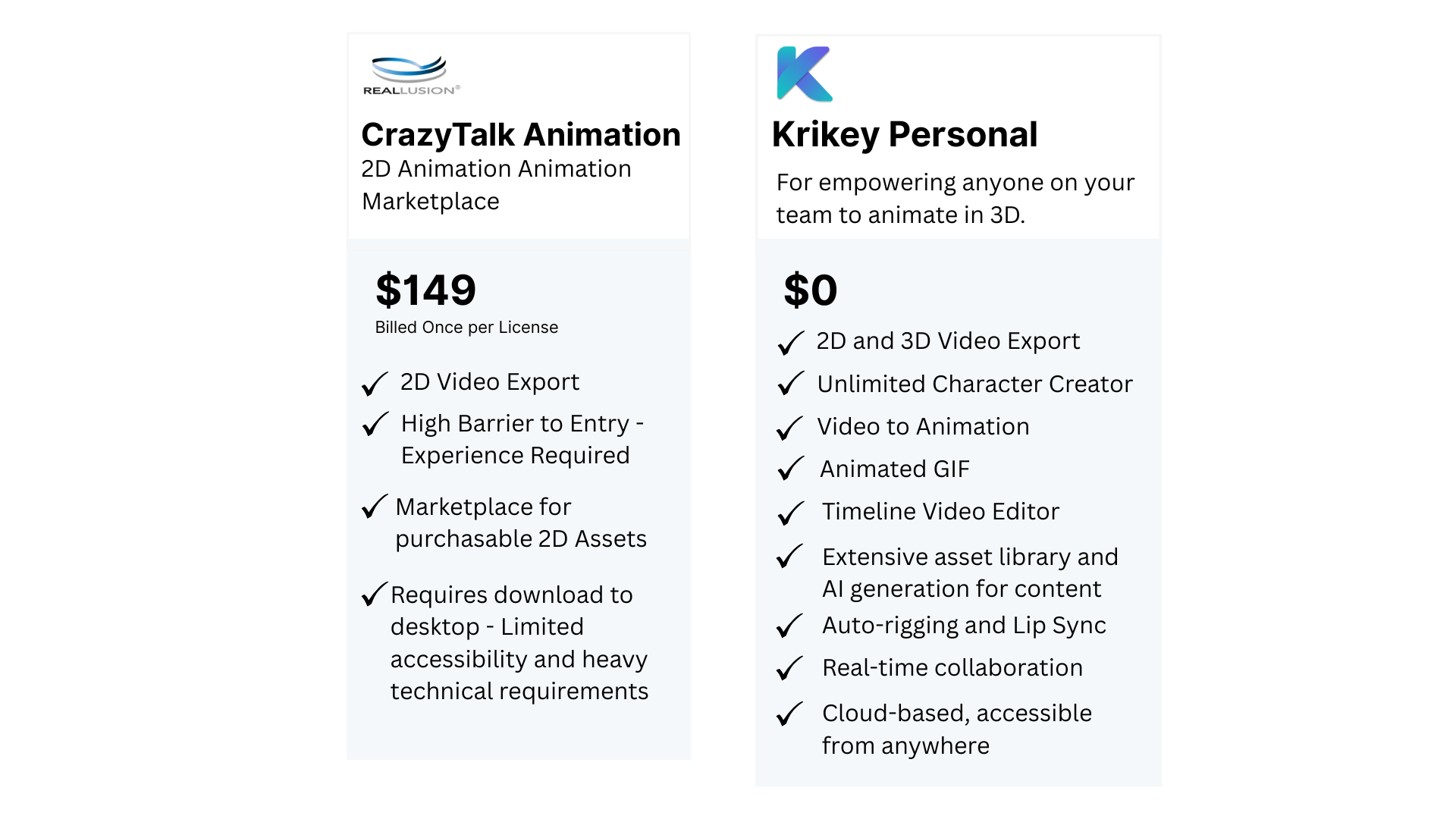
If you're wondering "What is CrazyTalk Animator" and "what CrazyTalk Animator Alternatives" are out there, this guide will illuminate why Krikey AI stands out as a superior, modern alternative, empowering you to create stunning animations faster and more intuitively than ever before.
Why Choose Krikey AI Over Reallusion CrazyTalk Animator?
As animators, storytellers, and content creators, you need tools that keep pace with your vision, not hold it back. While Reallusion CrazyTalk Animator has a legacy, Krikey AI represents the leap forward in animation technology, offering features and an experience tailored for the demands of modern digital creation.
Understanding the Evolution of Animation Tools and CrazyTalk Animator Alternatives
What is CrazyTalk Animator? It was originally known for its robust 2D animation capabilities, allowing users to animate static images, characters, and props with relative ease. It later evolved into Reallusion Cartoon Animator, enhancing its features for 2D character animation, facial puppet, and scene creation.
While formidable for 2D, its strengths primarily lie within that domain, and integrating 3D elements often requires external software like Reallusion Character Creator, adding layers of complexity and cost. Krikey AI simplifies this by offering a unified platform designed for both 2D and 3D animation, powered by cutting-edge artificial intelligence.

Seamless Creation: Ease of Use & Learning Curve
One of the most significant advantages of Krikey AI as an alternative to Reallusion Cartoon Animator is its remarkably intuitive interface. While Reallusion CrazyTalk Animator can have a steeper learning curve, requiring users to grasp intricate timelines and layered controls, Krikey AI is designed for immediate accessibility.
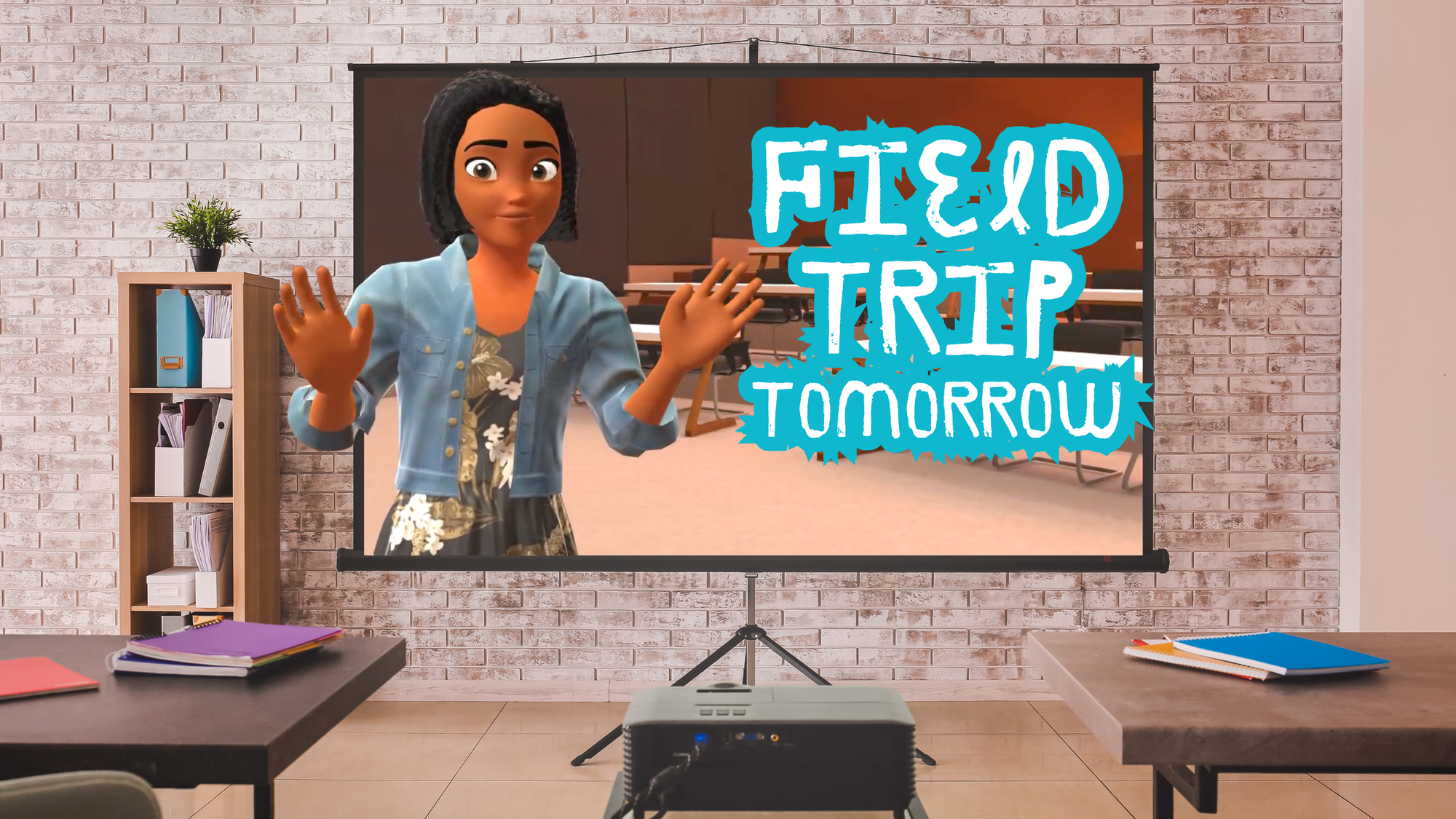
You can generate complex animations with simple text prompts or a few clicks, drastically cutting down on training time. This means you spend less time learning the software and more time bringing your stories to life, effortlessly transforming ideas into engaging visuals. See how this teacher used Krikey AI tools to animate her lesson plans and quick translate animated videos for her Spanish speaking students.
Beyond 2D: The Power of 2D to 3D & AI Versatility
While Reallusion Cartoon Animator excels at 2D, the digital world increasingly demands versatility. Krikey AI provides a powerful bridge, allowing you to easily work with both 2D and 3D characters and environments within the same intuitive editor.
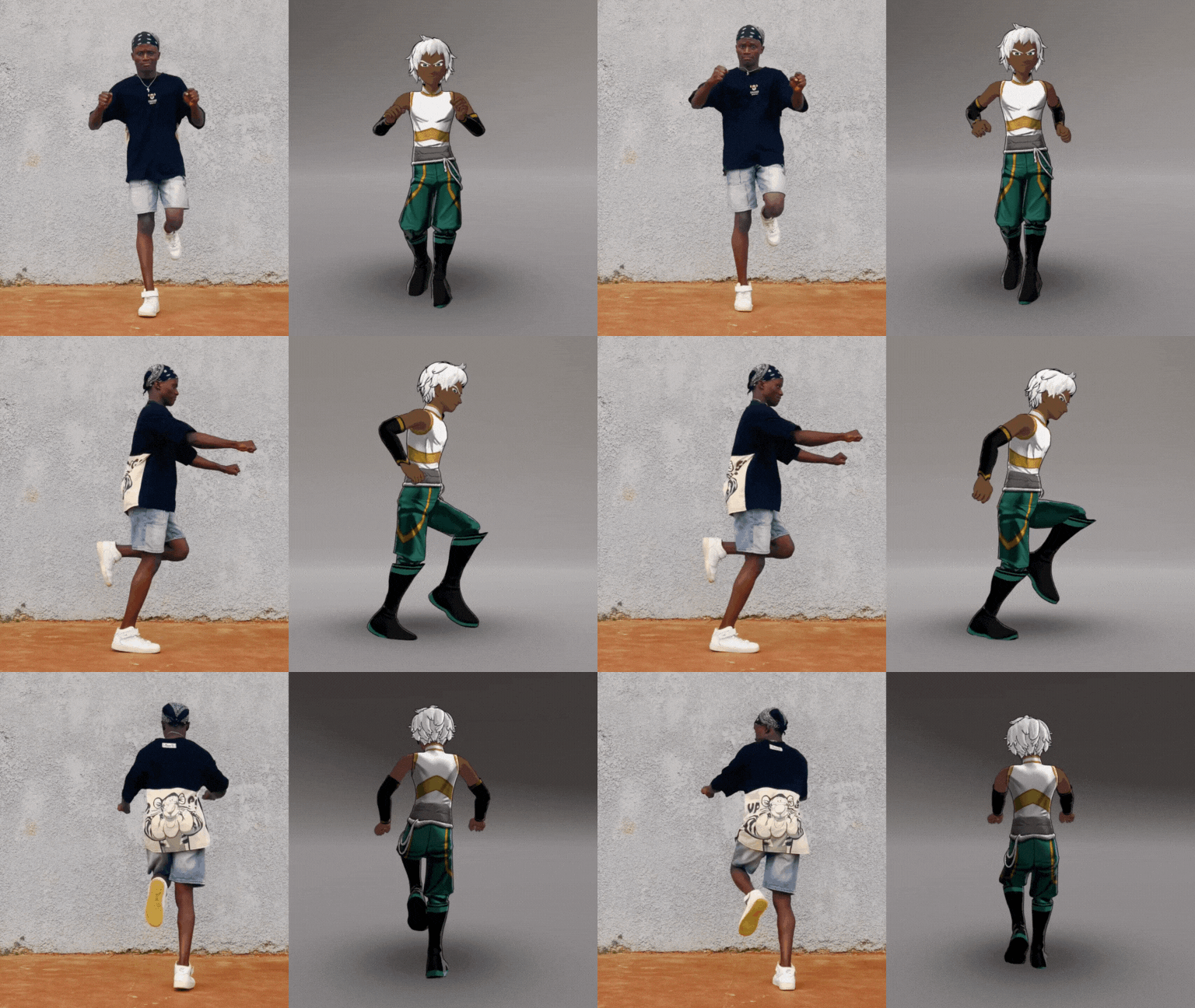
Krikey AI brings advanced capabilities like AI text-to-speech for realistic voiceovers, AI auto-rigging for quickly preparing characters for animation, and AI motion capture that lets you use simple video input to animate your characters. Krikey AI's comprehensive suite of tools is the best way to save time and money while creating animations for your project or business. See how this small business used Krikey AI to create an animated brand mascot for their YouTube marketing videos.
Cost-Effectiveness: Value That Moves with You
Investing in animation software can be a significant commitment. While Reallusion Cartoon Animator typically requires a one-time purchase for its full version, Krikey AI offers a highly competitive and flexible model.
Krikey AI provides a generous free tier, allowing you to start creating dynamic animations without any upfront investment. This means you don't need to hunt for a Reallusion coupon code to begin your animation journey; Krikey AI empowers you to dive in immediately, proving its value before any financial commitment. Our tiered subscription options are designed to scale with your needs, ensuring you only pay for the features you truly use. See how this entrepreneur used Krikey AI to make an animated pitch video for her business.
AI-Powered Innovation: Intelligent Features for Every Creator
Krikey AI isn't just an animation tool; it's an AI animation powerhouse. Unlike traditional software that relies heavily on manual keyframing and complex adjustments, Krikey AI leverages artificial intelligence to streamline the entire animation pipeline.
From automatically generating realistic facial expressions based on your dialogue to providing a vast library of AI-powered movements and cinematic camera angles, our platform ensures your animations are not only visually stunning but also incredibly efficient to produce. This means faster turnaround times and more creative output for every project.
Accessible Anywhere: Browser-Based & Collaborative
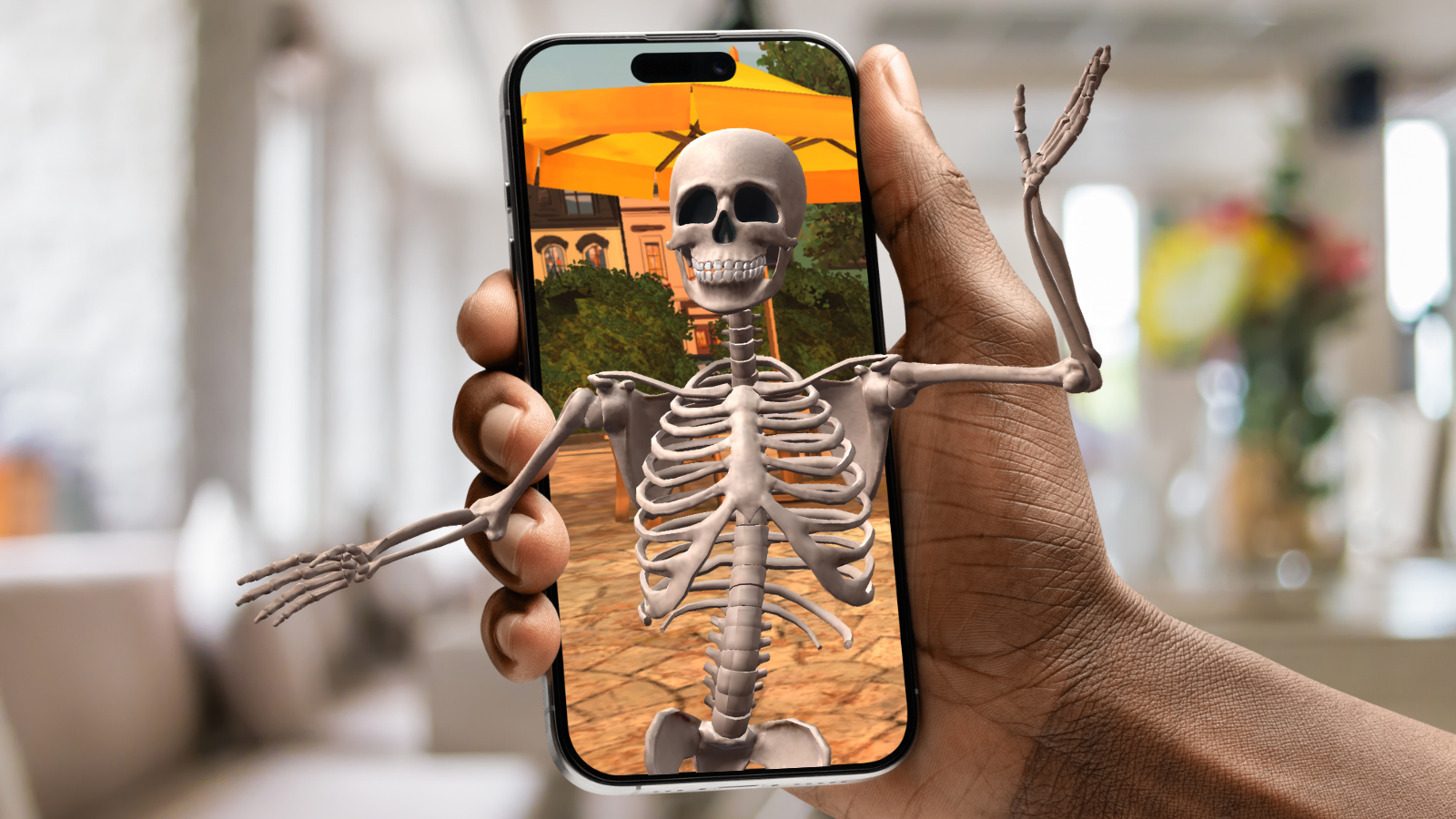
Modern creators need tools that offer flexibility and collaboration. Krikey AI is a fully browser-based platform, meaning you can access your projects and create animations from any device with an internet connection, without worrying about software installations or system compatibility.
This seamless accessibility contrasts with desktop-bound solutions like Reallusion CrazyTalk Animator. Furthermore, Krikey AI facilitates collaborative workflows, allowing teams to work together on projects in real-time, making it ideal for distributed teams and dynamic production environments.
How to Get Started with CrazyTalk Animator Alternative, Krikey AI
Ready to experience the future of animation? Getting started with Krikey AI is incredibly easy:
- Visit Krikey AI: Head over to Krikey.ai and sign up for your free account.
- Type in a text prompt: Our Quick Animate tool will create a video in minutes.
- Customize & Export: Customize your character, add video backgrounds, and export your masterpiece in various formats compatible with your favorite platforms, including transparent GIF.
Final Thoughts on Choosing Krikey AI as a CrazyTalk Animator Alternative
While Reallusion CrazyTalk Animator and its successor, Reallusion Cartoon Animator, have served 2D animators well, the demands of today's content creation landscape call for more versatile, intuitive, and AI-powered solutions. Krikey AI offers a compelling alternative, providing a seamless blend of 2D and 3D animation capabilities, cutting-edge AI features, and unparalleled ease of use.
Whether you're a seasoned animator or just beginning your creative journey, Krikey AI empowers you to tell your stories faster, more efficiently, and with greater creative freedom than ever before. Step into the future of animation with Krikey AI.
Frequently Asked Questions (FAQs) about CrazyTalk Animator Alternatives
What is CrazyTalk Animator?
CrazyTalk Animator (now known as Reallusion Cartoon Animator) is a 2D animation software designed to turn static images into animated characters. It specializes in facial puppetry, lip-syncing, and bone-rigging for 2D sprites, primarily used for cartoons and YouTube content.
How to use CrazyTalk Animator?
To use it, you import a character image, use the rigging tools to define joints and bones, and then apply pre-set motions or use facial puppetry (moving your mouse to control expressions). While powerful, it involves a manual learning curve for managing timelines and layers compared to modern AI tools.
How to make a talking avatar?
With Krikey AI, making a talking avatar is instant:
- Select or Create: Choose a 3D character or create one in the editor.
- Add Dialogue: Type your script into the AI Text-to-Speech tool.
- Animate: The AI automatically generates lip-syncing and facial expressions to match the audio.
- Export: Download your video as an MP4, FBX or transparent GIF.
What is XR Animator?
XR Animator is an open-source application used for real-time motion capture. It tracks body, face, and hand movements through a standard webcam (without specialized suits) and retargets that motion onto 3D avatars. It is often used by VTubers or creators looking for a budget-friendly way to perform as a digital character.