Best Powtoon Alternative for Professional Animation (Lower Cost, Better Output)
Best Powtoon Alternative when considering Powtoon pricing is Krikey AI Animation. Comparing Powtoon video features, Powtoon characters and Powtoon presentation features to understand why to choose Krikey AI.
Key Takeaways about Powtoon Alternative, Krikey AI
- Advanced 3D Animation vs. Basic 2D Slides
While Powtoon is primarily focused on 2D, slide-based presentations, Krikey offers a leap into 3D animated storytelling. Users can create cinematic videos with depth, custom camera angles, and detailed character movements (including facial expressions and hand gestures) that go far beyond static templates.
- Powerful "Motion Capture" AI Tools
Krikey differentiates itself through high-end AI features that Powtoon lacks, most notably AI Video-to-Animation. This allows users to upload a video of themselves moving or dancing and automatically rig those movements onto a 3D avatar—essentially providing professional motion capture results without expensive equipment.
- Lower Barrier to Entry (Cost and Skill)
Krikey is designed to be "lightning-fast" with zero design learning curve. Key advantages include a robust free plan, text-to-animation, Voice AI and quick translations into 20+ languages.
What Is Powtoon Alternative, Krikey AI?
If you’ve ever searched for tools to create engaging animated videos, there’s no doubt you’ve come across Powtoon. But what if there was a faster, easier, and more powerful solution?
That’s where Krikey AI steps in. As the best Powtoon alternative, Krikey offers next-gen AI animation tools that redefine how creators, educators, and marketers build compelling videos - minus the hassle.
Why Choose Krikey as a Powtoon Alternative?
Let’s be real - Powtoon pricing adds up fast. While it does offer essential animation tools, Krikey goes further by combining AI video editing, character animation, and voice dubbing—all in one platform. And best of all? You don’t need design or animation experience to get started. Whether you’re building a marketing video, school project, or brand explainer, Krikey makes the process fun and lightning-fast.
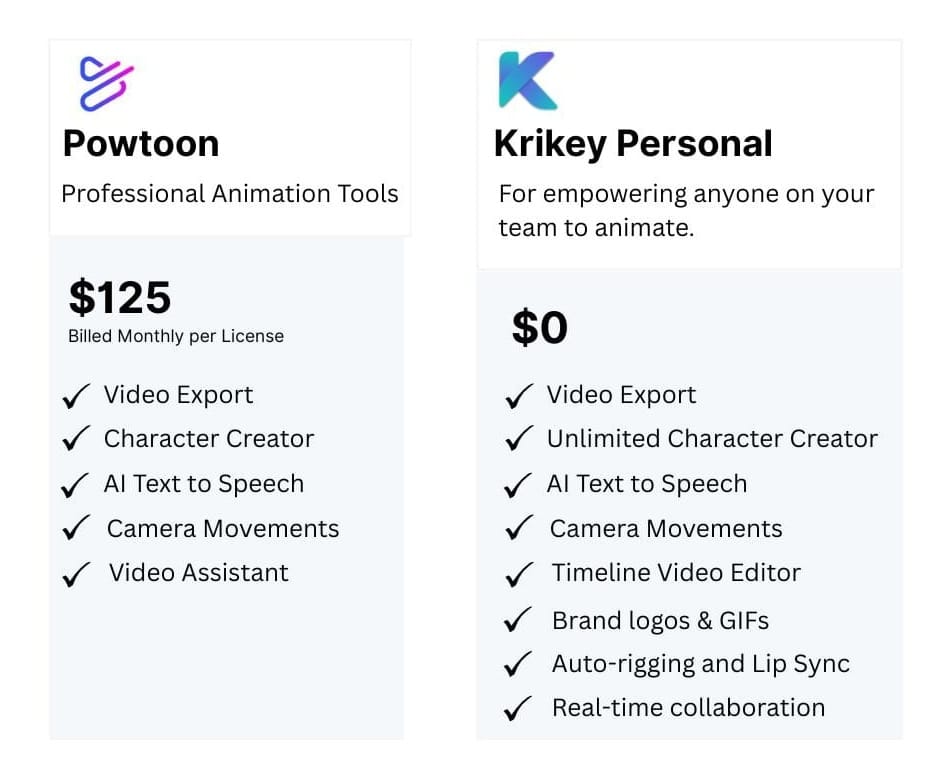
Powtoon Pricing vs. Krikey Free Plan
Powtoon offers limited free options. To unlock most features, you’re looking at monthly fees that stack up quickly. Krikey flips that script. Our free animation maker includes access to AI tools for character creation, voice syncing in 20+ languages, and pre-built animations. Whether you're animating one video or 100, Krikey scales with your needs.
Comparing Powtoon Animation Software with Krikey Animation Tools
So how do Powtoon animation features stack up against Krikey? Powtoon sticks to basic 2D scenes. Krikey, on the other hand, lets you build full 3D animated videos with custom characters and AI tools that turn ideas into animation in minutes. With Krikey, you’re not just creating slides—you’re producing cinematic storytelling with depth, movement, and voice.
Powtoon Alternative Comparison: Features & Video Creation Capabilities
Powtoon videos are limited to preset templates and rigid scenes. Krikey gives you full control: create 3D characters, choreograph movements with camera angles, and add emotion with facial expressions and hand gestures. Want to dub your character's voice in Japanese or Spanish? With Krikey AI, it’s done in seconds.
Powtoon Characters vs. Krikey Custom Characters
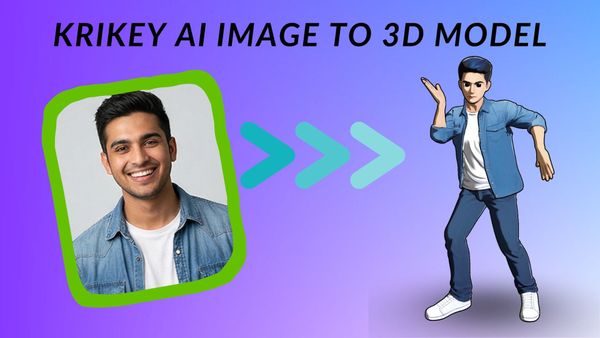
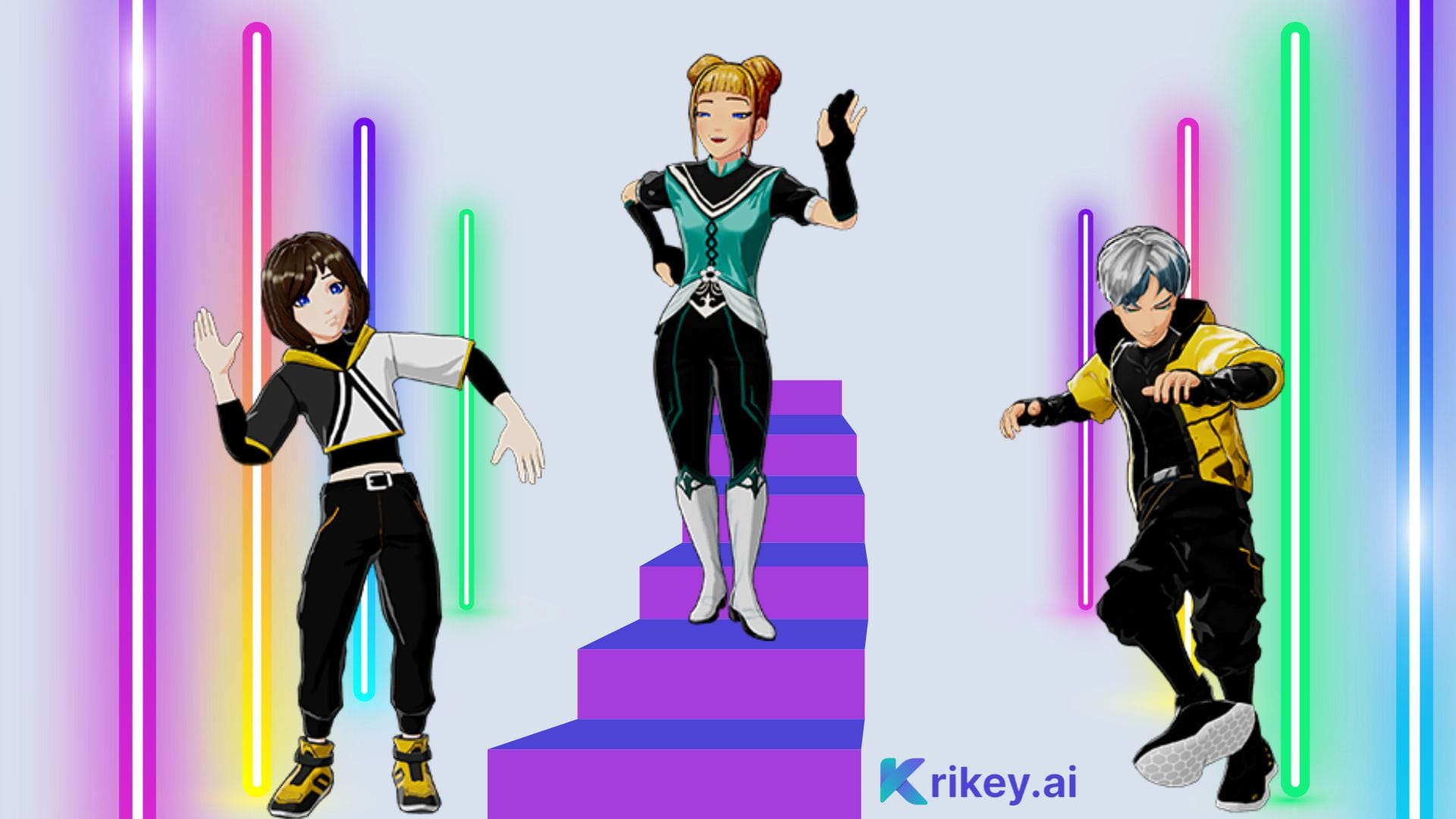
Powtoon offers static character options. Krikey’s AI character generator lets you create avatars from scratch or customize ready-made characters with detailed features. Whether it’s a hero for your brand story or a cartoon version of yourself, Krikey characters are designed to move, speak, and captivate.
Powtoon AI Features vs. Krikey AI Tools
While Powtoon AI is limited to auto-script generation and basic design suggestions, Krikey brings full AI animation to life. Upload a video of yourself dancing, speaking, or walking - Krikey’s AI Video to Animation feature will auto-rig your movements to a 3D avatar. It’s like motion capture, minus the expensive gear.
How to Use Powtoon Alternative, Krikey AI
Powtoon typically involves choosing a template, editing slides, and exporting. Krikey is even simpler:
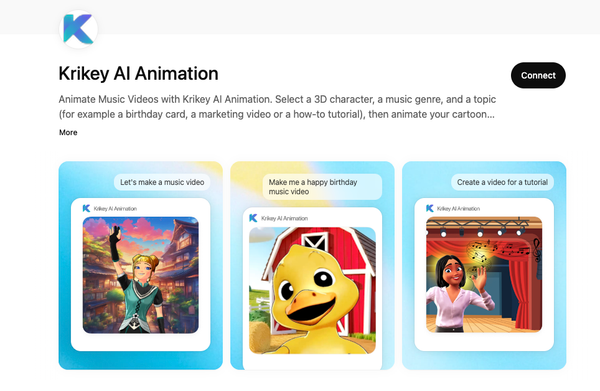
- Open the Krikey video editor.
- Type in a text prompt describing what you'd like your video to be about.
- Pick a character from the Character Store, or create your character.
- Go to "Edit Script" to add dialogue, Voice AI, and translate into multiple languages.
- In just minutes, you’ll have a high-quality animation video ready to share on YouTube, Instagram, or your next presentation.
Krikey for Powtoon Presentations and Explainer Videos
If you’re using Powtoon for presentations, Krikey will blow you away. Create animated explainer videos with real dialogue, movement, and storytelling—without spending hours designing slides. With Krikey, your presentations look less like static lectures and more like engaging digital shows.
Final thoughts on Powtoon Alternative
Choosing a Powtoon alternative doesn’t have to be hard. Krikey delivers everything Powtoon offers—and so much more—with better pricing, AI-powered tools, and zero design learning curve.
Whether you’re a first-time creator or a seasoned pro, Krikey helps you animate faster, smarter, and for free. Ready to level up your content? Try Krikey today and see what makes it the best Powtoon alternative on the market.
Frequently Asked Questions (FAQs) about Powtoon Alternatives
These are frequently asked questions about Powtoon alternatives.
What is Powtoon?
Powtoon is a web-based platform used to create animated presentations and short explainer videos. It is popular for its "drag-and-drop" interface that uses 2D characters, props, and templates to make information more engaging than a standard slideshow.
Is Powtoon free?
Powtoon does offer a free version, but it is quite limited. Free users often deal with Powtoon branding (watermarks) on their videos, limited access to premium assets, and restrictions on video length and export quality.
How to use Powtoon?
To use Powtoon, choose a template and populate your scenes with 2D characters and props using the drag-and-drop editor. Finally, sync your elements on the bottom timeline, add a voiceover or music, and export your video as an MP4.
How much does Powtoon cost?
As of 2026, Powtoon's pricing typically follows a tiered monthly or annual subscription model. Plans often range from approximately $15/month for basic "Lite" features to over $120/month for full business capabilities. These costs can add up quickly if you need premium characters or high-resolution exports.
What is a "Powtoon"?
A "Powtoon" is a term often used to describe the specific type of animated video or presentation created on the Powtoon platform. They are characterized by a "hand-drawn" or "cartoonish" 2D aesthetic, often featuring characters that hold signs or move across the screen to explain concepts.