The Best DeepMotion AI Alternative for 3D Animation & Motion Capture
Best DeepMotion AI Alternative when looking at DeepMotion AI pricing. Why to choose Krikey AI as DeepMotion AI alternative when it comes to markerless motion capture and animation.
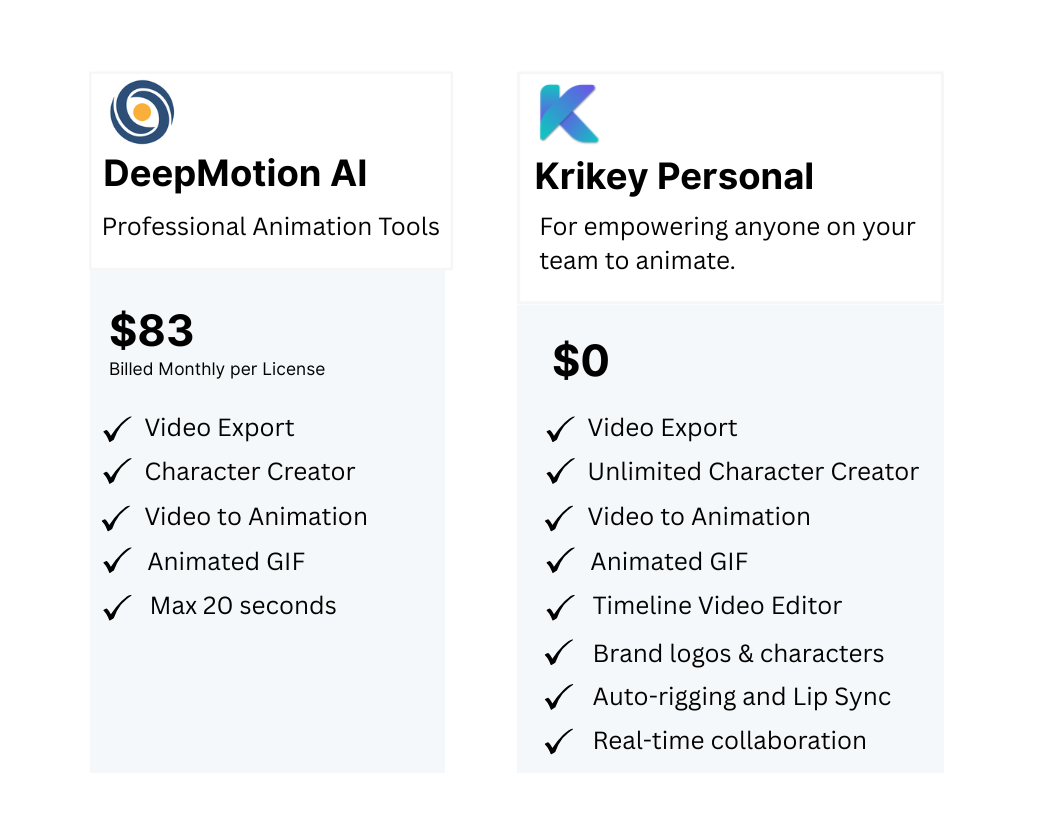
If you're searching for a powerful, user-friendly, and cost-effective alternative to DeepMotion AI, look no further than Krikey AI. Designed to meet the needs of creators, educators, and developers, Krikey AI offers a comprehensive suite of tools for 3D animation and motion capture, all accessible directly from your browser. No prior experience required.
Key Takeaways about DeepMotion AI Alternatives
- DeepMotion AI (including DeepMotion Animate 3D) is best known for AI motion capture from video, but many creators look for alternatives when they want more control over characters, scenes, voices, and storytelling in one place.
- DeepMotion Animate 3D pricing and export limitations can be a barrier for teams that need frequent iterations, social-ready formats, or multi-language content.
- A strong DeepMotion AI alternative combines motion capture with full 3D character creation, environments, animation templates, and voice AI — so you can go from idea to finished video in one workflow.
- Tools like Krikey AI go beyond basic motion capture by letting creators generate animated scenes, customize avatars, add voice, and export content for games, social media, education, and marketing.
- If you want faster production without complex rigging or mocap suits, choosing a DeepMotion alternative with browser-based 3D animation and AI-powered workflows can dramatically speed up content creation.
What is DeepMotion AI?
DeepMotion AI is an AI-powered motion capture and 3D animation platform that helps creators animate 3D characters using video-based input. Its best-known feature, DeepMotion Animate 3D, converts real human movement into animated 3D character motion without requiring motion capture suits or complex animation software.
DeepMotion AI is commonly used for:
- Converting real-world motion into 3D animations
- Game prototyping and virtual characters
- Avatar animation for metaverse-style experiences
- Short-form animated content for social platforms
While DeepMotion Animate 3D makes motion capture more accessible, many creators eventually look for tools that offer more than just motion-to-animation — such as full scene creation, character design, voice integration, and storytelling tools in one place. This is where platforms like Krikey AI expand beyond motion capture by letting you create complete animated videos directly in your browser.
What is a DeepMotion AI Alternative?
A DeepMotion AI alternative is a platform that offers AI-powered 3D animation and character motion — often with additional tools that go beyond motion capture alone. Instead of focusing only on video-to-motion workflows like DeepMotion Animate 3D, alternatives typically include full character creation, environments, voice AI, templates, and export options for social media, games, and presentations.
Creators often seek a DeepMotion alternative when they want:
- More creative control than DeepMotion Animate 3D
- Simpler workflows than traditional mocap pipelines
- More flexibility than DeepMotion Animate 3D pricing tiers
- Tools for storytelling, education, and marketing — not just raw motion capture
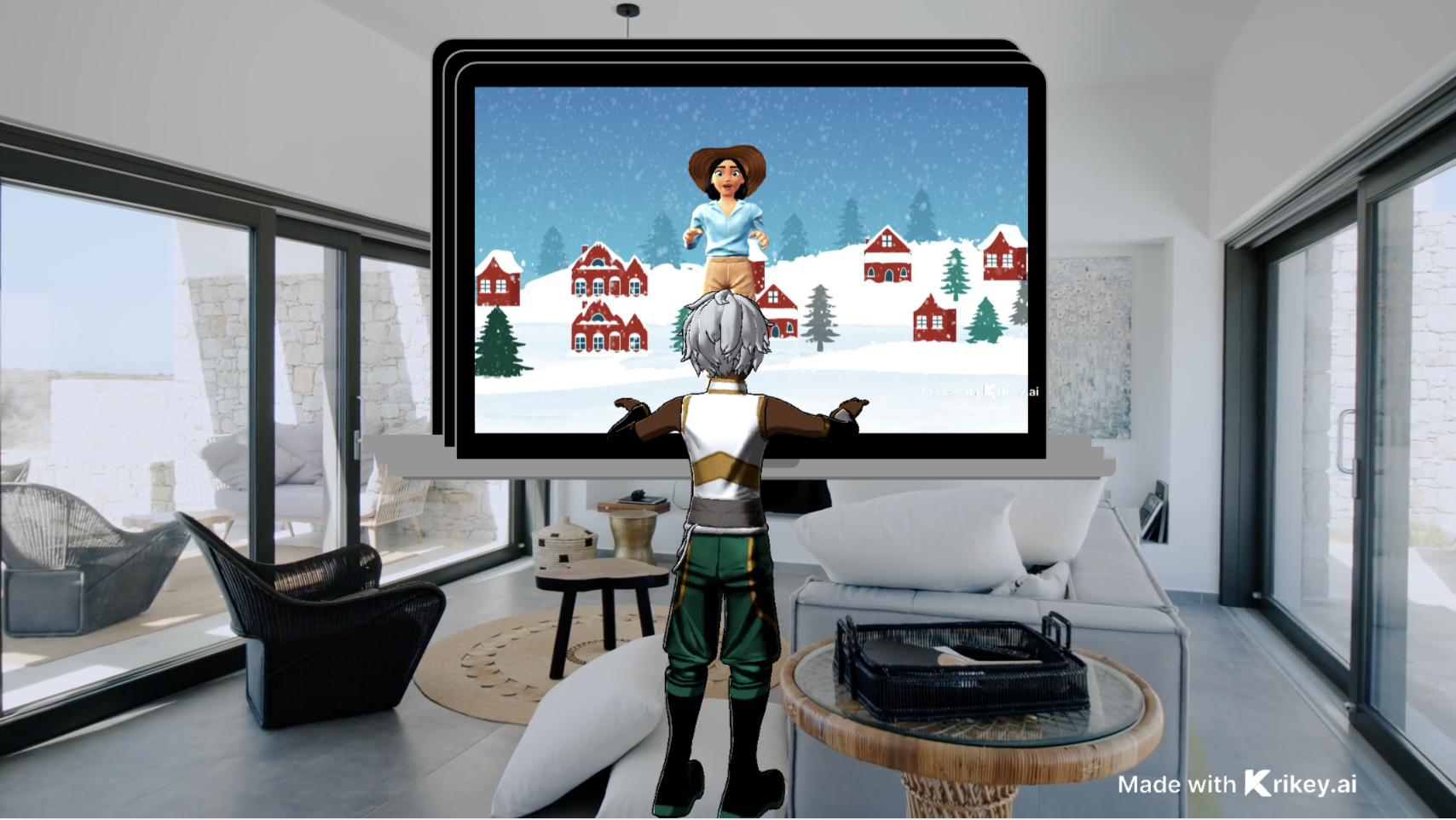
Platforms like Krikey AI position themselves as DeepMotion AI alternatives by combining AI motion, 3D avatars, scene design, voice AI, and video export into one browser-based workflow. This makes it easier to go from script → animated character → finished video without juggling multiple tools.
How to Use DeepMotion AI with Krikey AI Animation
Many creators exploring DeepMotion AI alternatives still want to understand how DeepMotion Animate 3D fits into a broader animation workflow. While DeepMotion AI focuses on generating motion capture data from video, Krikey AI is designed to turn animation ideas into finished 3D content.
Depending on your workflow, you may choose to use DeepMotion Animate 3D alongside Krikey AI — or replace motion capture entirely.
Option 1: Use DeepMotion Animate 3D for Motion, Then Finish in Krikey AI
Some creators start by using DeepMotion Animate 3D to convert video into motion data, then import or recreate those motions inside Krikey AI. This approach can work if you already rely on motion capture footage and want more creative control over characters, scenes, and presentation.
Step-by-step workflow:
- Capture or upload video to DeepMotion AI
- Generate motion using DeepMotion Animate 3D
- Recreate or adapt motion inside Krikey AI
- Customize characters, scenes, and camera angles
- Export a finished 3D animation
When this makes sense:
- You already have motion capture footage
- You’re comfortable with multi-step workflows
- Motion realism is your top priority
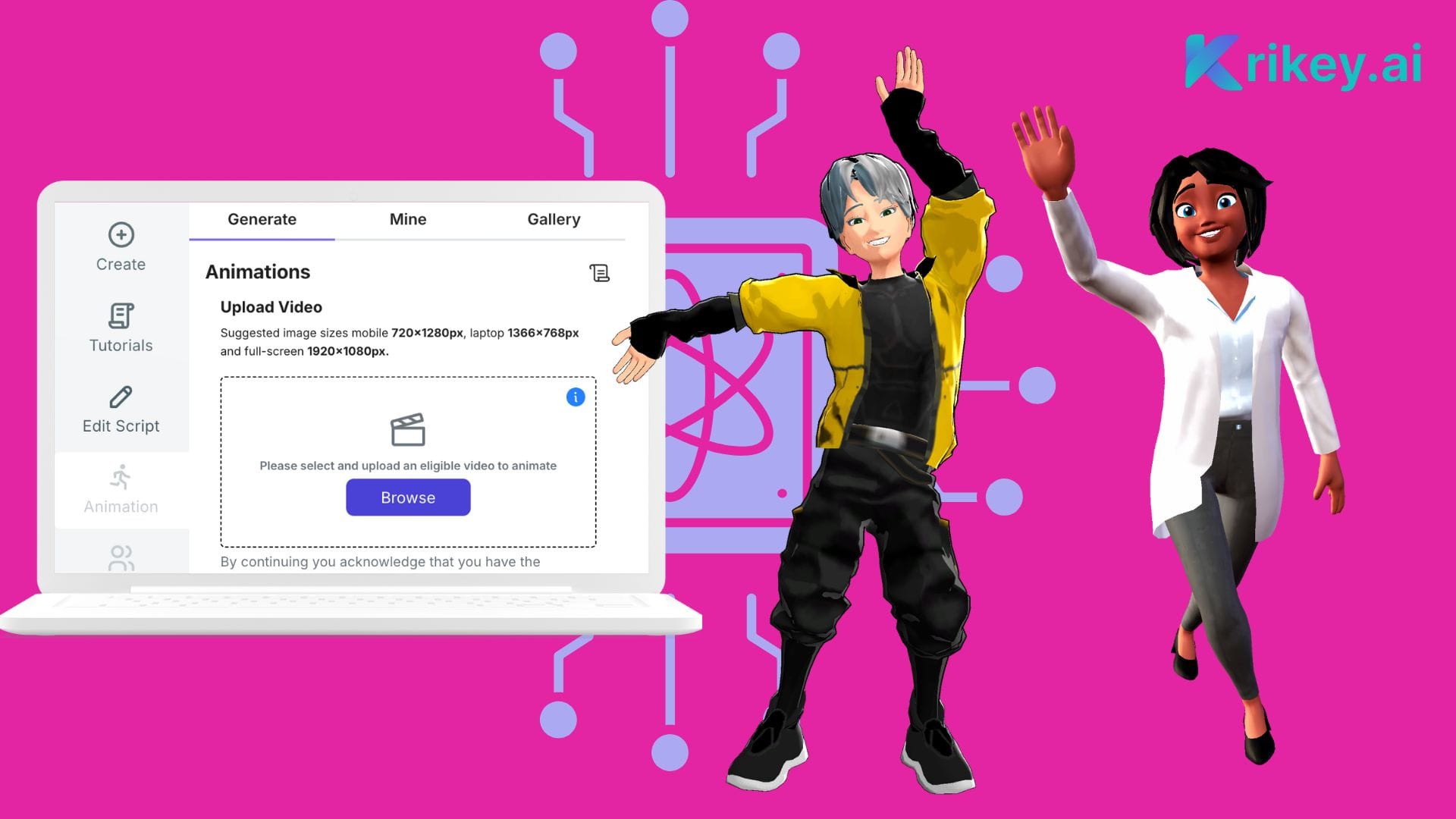
Option 2: Skip Motion Capture and Animate Directly in Krikey AI
For many creators, motion capture isn’t required at all. Krikey AI includes built-in animation tools and motion presets that allow you to animate 3D characters directly — without relying on DeepMotion AI or external mocap data.
This approach works well if you want to:
- Create animations faster
- Avoid technical setup and retargeting
- Focus on storytelling, style, and visual polish
- Reduce dependence on DeepMotion Animate 3D pricing tiers
Which Approach Is Right for You?
If your workflow centers on raw motion capture data, DeepMotion AI can play a supporting role. But if your goal is to create complete animated videos — from character to scene to final export — Krikey AI offers a simpler, more flexible path.
Why Creators Choose Krikey AI Over DeepMotion AI
While DeepMotion AI is built primarily for motion capture, many creators need a faster way to produce complete 3D animated content. Krikey AI focuses on accessibility, creative flexibility, and end-to-end animation workflows — without complex setup.
Key differences:
- Easier to use: Krikey AI’s browser-based interface makes 3D animation accessible without technical expertise, while DeepMotion AI is optimized for more advanced motion capture workflows.
- All-in-one animation tools: Animate characters, add facial expressions, lip sync, scenes, and camera angles in one place — not just motion data.
- Built-in characters: Access a 3D cartoon character library with automatic rigging for body animation and lip sync.
- Talking avatars: Create animated characters with voice and expressions, including multilingual voiceovers.
- Flexible exports: Export animations as MP4, GIF, PNG, or FBX for use in game engines, social media, and video platforms.
Frequently Asked Questions (FAQs) About DeepMotion AI Alternatives
These are frequently asked questions about DeepMotion AI Alternatives.
What is DeepMotion?
DeepMotion is an AI-powered animation platform focused on motion capture. Its primary product, DeepMotion Animate 3D, converts 2D video into 3D motion data that can be applied to digital characters. DeepMotion AI is commonly used by game developers, animators, and technical creators who need motion capture without traditional mocap hardware.
How do you use DeepMotion Animate 3D?
To use DeepMotion Animate 3D, creators typically upload a video of a person performing an action. DeepMotion AI analyzes the footage and generates motion capture data, which can then be exported and applied to 3D characters in compatible animation tools. The workflow often includes additional steps for retargeting, scene setup, and final animation editing.
Can you use DeepMotion AI with Krikey AI?
Yes. Some creators use DeepMotion AI to generate motion data and then recreate or adapt those movements inside Krikey AI. Others choose to skip motion capture entirely and animate directly in Krikey AI using built-in animation tools and character presets.
Do you need motion capture to create 3D animations?
No. While motion capture can be useful for realism, many 3D animations are created without mocap. Platforms like Krikey AI allow creators to animate characters, customize scenes, and produce finished videos without relying on tools like DeepMotion Animate 3D.
How does Krikey AI compare to DeepMotion Animate 3D pricing?
DeepMotion Animate 3D pricing is typically based on usage tiers and export limits. Krikey AI offers flexible plans designed for creators who want to produce complete animated content without managing separate motion capture tools. Pricing differences often depend on whether motion capture is essential to your workflow.