Autodesk Maya Alternative: Krikey vs Maya Animation
If you're an autodesk maya student but worried about the high prices – try exploring alternatives like Krikey. Save time and money. Stop searching autodesk maya vs blender or maya autodesk student version.
Key Takeaways about Autodesk Maya Alternatives
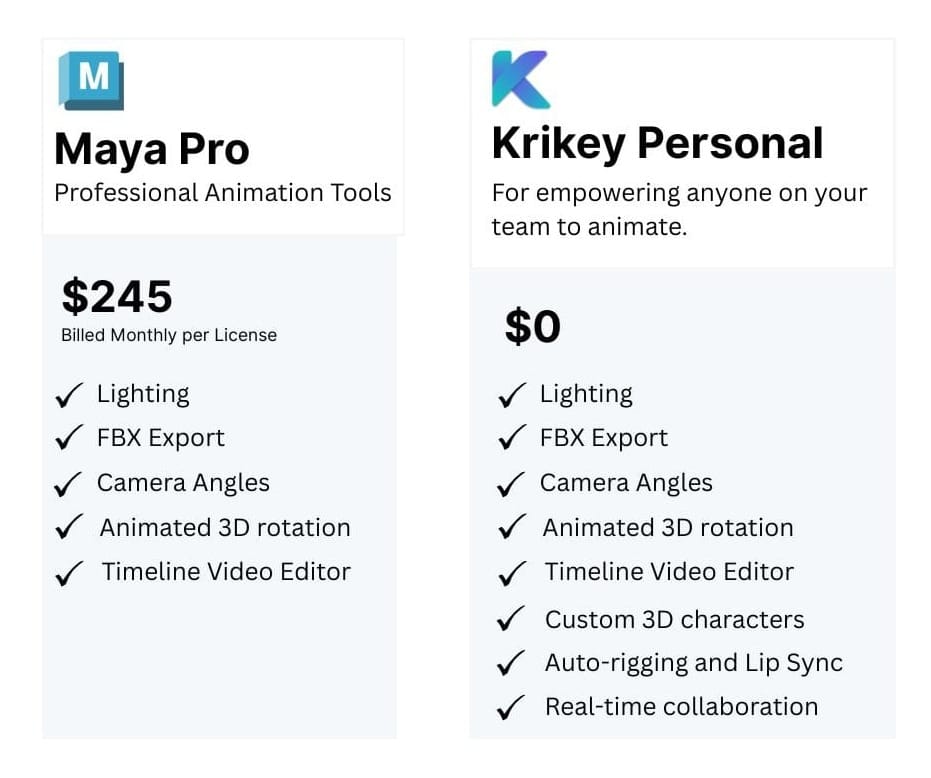
- Maya is expensive, AI Animation tools offer quality and affordability - $1,875/year subscription plus workstation costs make it prohibitive for students, indie creators, and small teams
- Steep learning curve - Takes 6-12 months to become productive, years to master Maya's complex interface
- Overkill for most creators - Most users only need 10-30% of Maya's enterprise-level features for character animation
Autodesk Maya Alternative: AI-Powered Animation Without the Cost
If you're an Autodesk Maya student but worried about the high prices and the amount of time it would take to learn how to use Maya – try exploring alternatives like Krikey Animation. For any Autodesk Maya student, there is always the appeal of learning the software and art tools recommended by mentors and professors – but there are many new Autodesk Maya alternatives to explore.
Save time and money with a new animation tool. Stop searching Autodesk Maya vs Blender or Maya Autodesk student version. We always hope there is a free version or a student discount but there are better animation solutions available today.
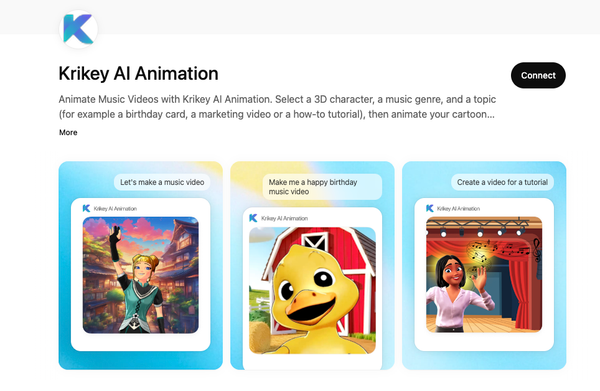
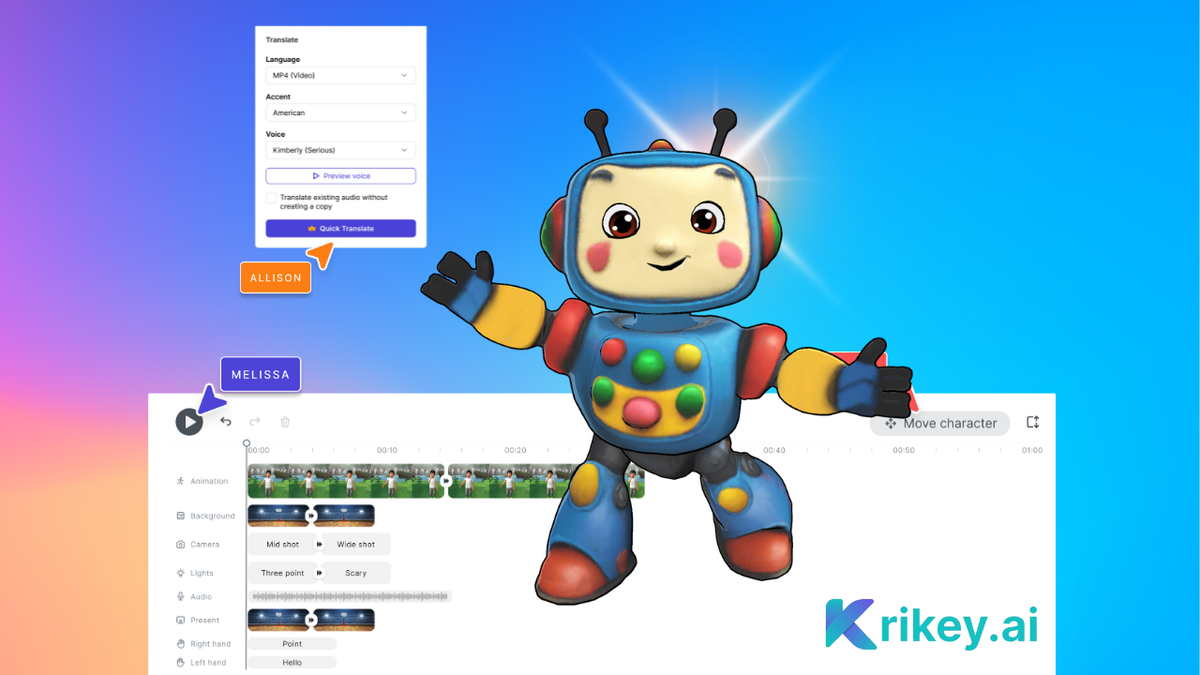
With Krikey AI Animation tools you can customize your characters, animate them, use text to speech, character rigging, change 3D backgrounds, camera angles, lighting and more. And it's free to get started.
And yes, this Autodesk Maya Alternative Animates Your Custom Characters
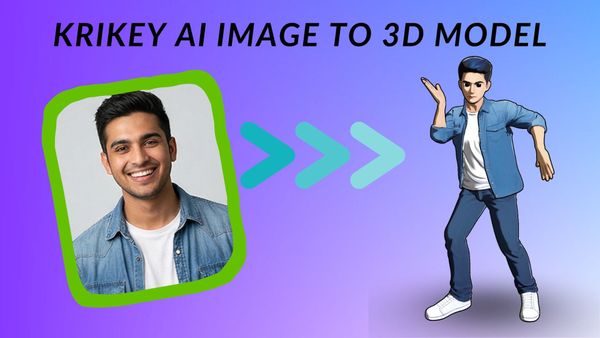
Upload your brand mascot or custom character - automatically rigged and ready to animate. No manual rigging required. Unlike Maya's complex character setup, Krikey AI handles it instantly.
Impress your manager with mascot moves that you create using Krikey AI Video to Animation tools. Upload any video and convert it to 3D character animation in minutes. You can design your own animations for a custom character to showcase your brand in a unique and memorable way.
Autodesk Maya Alternative with Quick Export to All Major Formats
No complex render settings or overnight processing. Export finished animations such as video (MP4), GIF, 3D files (FBX), or transparent PNGs, instantly. Unlike Maya's lengthy rendering pipeline, Krikey AI delivers production-ready files in minutes.
With Krikey AI, you can start on the free plan so you can start animating right away without having to pay. When you are ready to export you can choose to export an MP4, GIF, FBX or even images with or without transparent backgrounds.
Autodesk Maya Alternative Built for Collaborative Teams
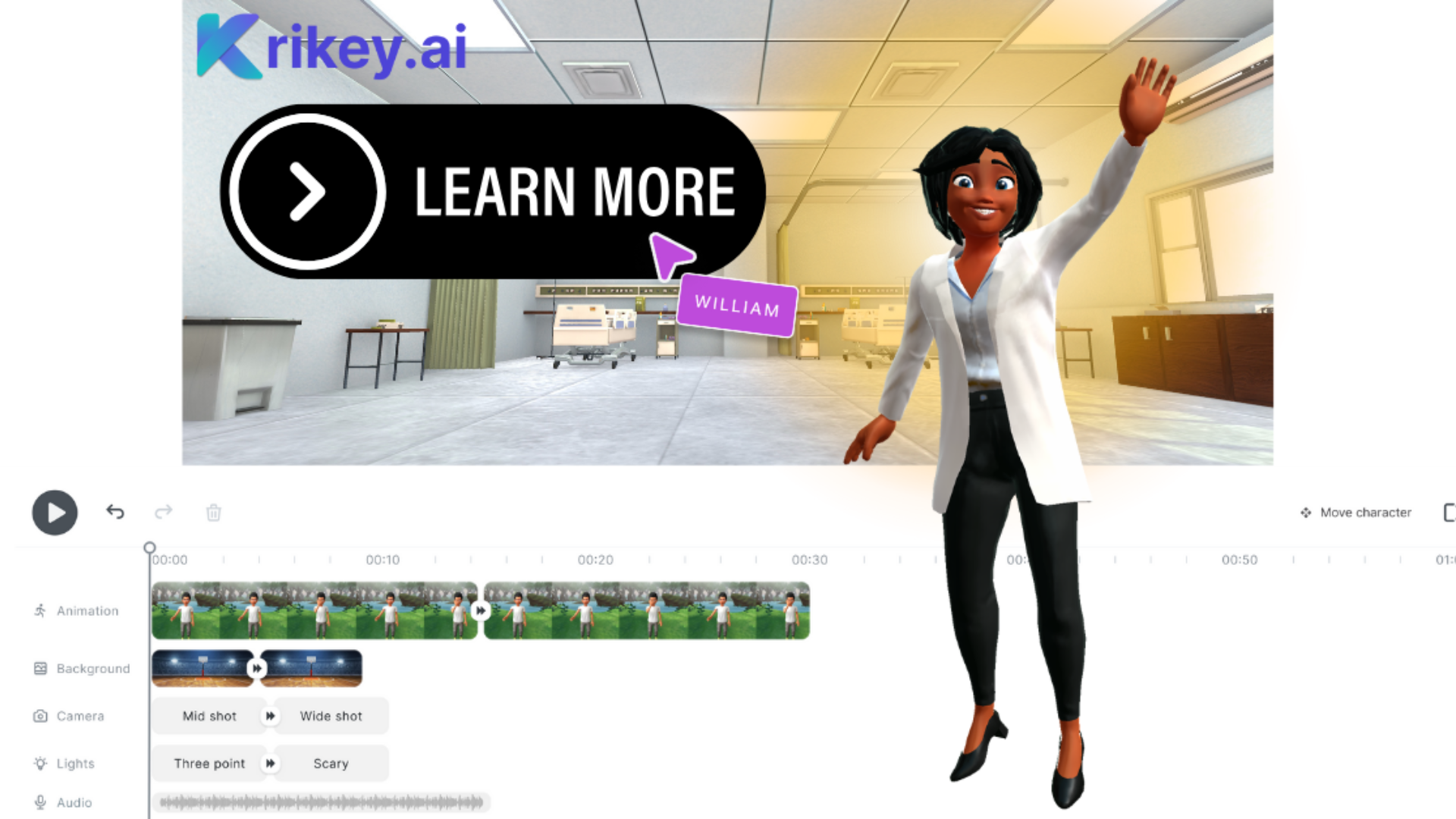
Krikey's collaboration feature is Collaborative Video Editing made easy. Now you can share your video editor project in progress with friends and co-workers in seconds. Edit together on the same timeline and export when you are ready - as simple as a Google doc. No more bulky hard drives and large files to transfer via dropbox or drive folders. Krikey Animation tools are simple, easy and quick so you can focus on creativity and animation.
Forget the long Autodesk Maya course or trying to get everyone on your team an Autodesk Maya certification - get started in minutes with Krikey AI and create your first free animations today!
How to Use Autodesk Maya Alternative: Krikey AI Animation
3-Step Quick Start Guide:
Step One: Type in a text prompt for what you want your video to be: "A video explaining the Pythagorean Theorem for an 8th grade math lesson."
Step Two: Make it your own by casting your main character from the 3D character library, swapping out backgrounds, adding dialogue, adjusting camera angles, and adding emotional depth with facial expressions.
Step Three: Once you're satisfied with your video, it's time to share your story. Download and export your project as an MP4 video, a quick GIF, FBX file (for game engines), or a transparent PNG image.
Frequently Asked Questions (FAQs) about Autodesk Maya Alternatives
What is Autodesk Maya?
Autodesk Maya is a professional 3D computer graphics software used for creating interactive 3D applications, including video games, animated films, TV series, and visual effects. First released in 1998, Maya has become an industry-standard tool in major animation studios, game development companies, and VFX houses worldwide.
How much is Autodesk Maya?
Autodesk Maya is expensive, with pricing structured for professional studios and enterprises rather than individual creators or small teams.
What is Autodesk Maya used for?
Autodesk Maya is a comprehensive 3D creation suite used across multiple industries for creating sophisticated 3D content. Here's what professionals use Maya for animated films, video game development, VFX, product design, and education.
Bottom Line: Maya vs. Krikey AI
Autodesk Maya is a professional-grade, enterprise-level 3D suite used for:
- Animated films and TV shows at major studios
- AAA game development
- Hollywood VFX
- High-end motion graphics and product visualization
But Maya is:
- Expensive ($1,875+/year plus hardware/training)
- Complex (months to years to master)
- Overkill for most character animation needs
- Built for enterprise pipelines, not individual creators
Krikey AI is a modern Maya alternative focused specifically on character animation, offering:
- AI-powered speed (create in minutes what takes hours in Maya)
- Affordable pricing (fraction of Maya's cost)
- Intuitive interface (no steep learning curve)
- Purpose-built for content creators, educators, marketers, and indie developers
The choice is clear: If you're a major studio working on the next Pixar film, use Maya. If you're a creator who needs professional character animation without the enterprise price tag and complexity, Krikey AI is the smarter choice.
Ready to try the Maya alternative built for modern creators?
No subscription required to start. No expensive hardware needed. No months-long learning curve.
Just AI-powered character animation that works the way you think—fast, intuitive, and affordable.
Learn more about us at our homepage www.krikey.ai - Happy Animating!